
Dear Visitor! We are carrying out maintenance this weekend, so our website may be slow or briefly unavailable at times. Thank you for your patience!
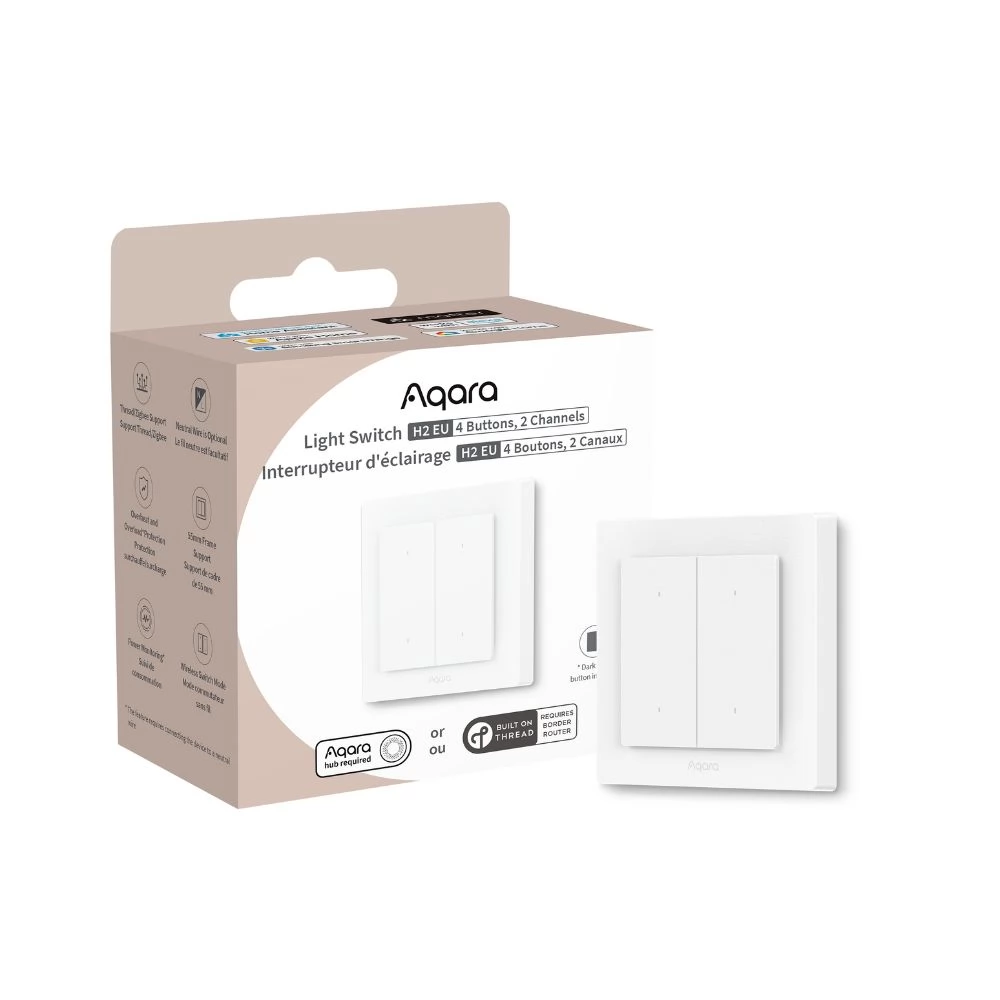
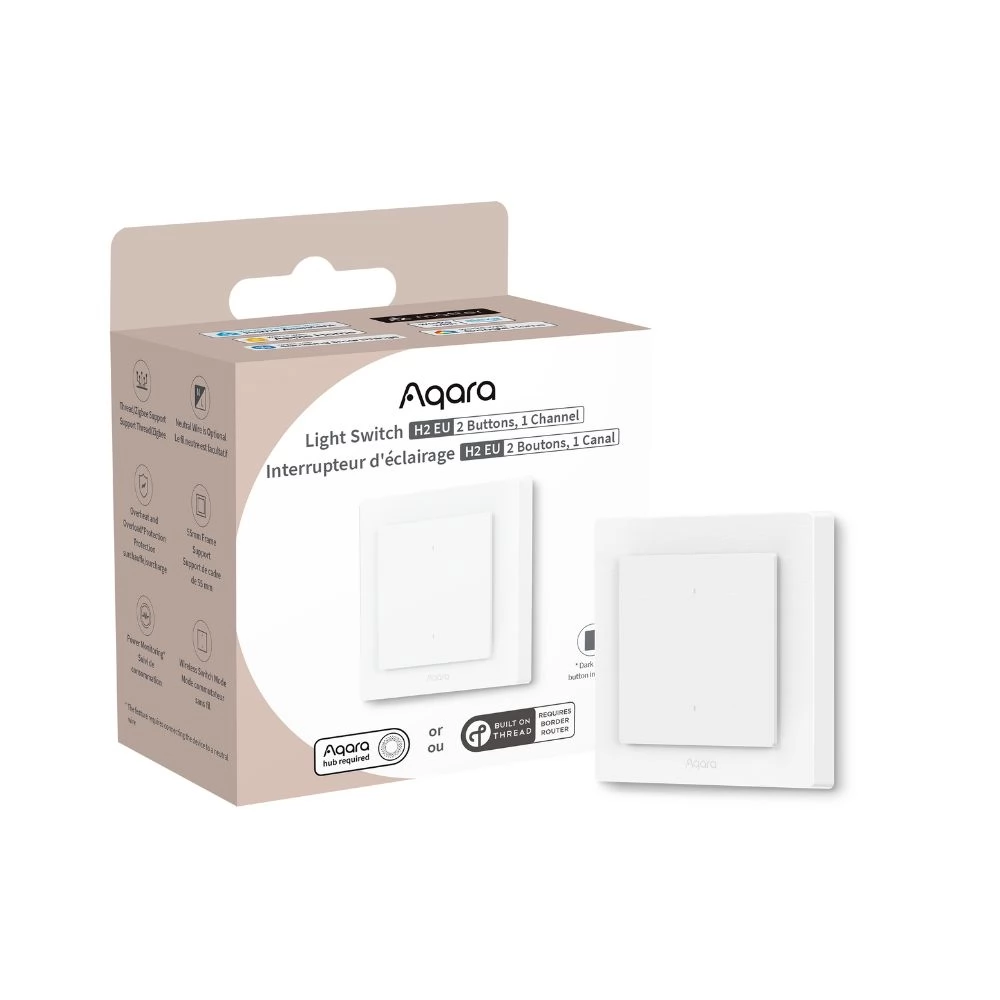
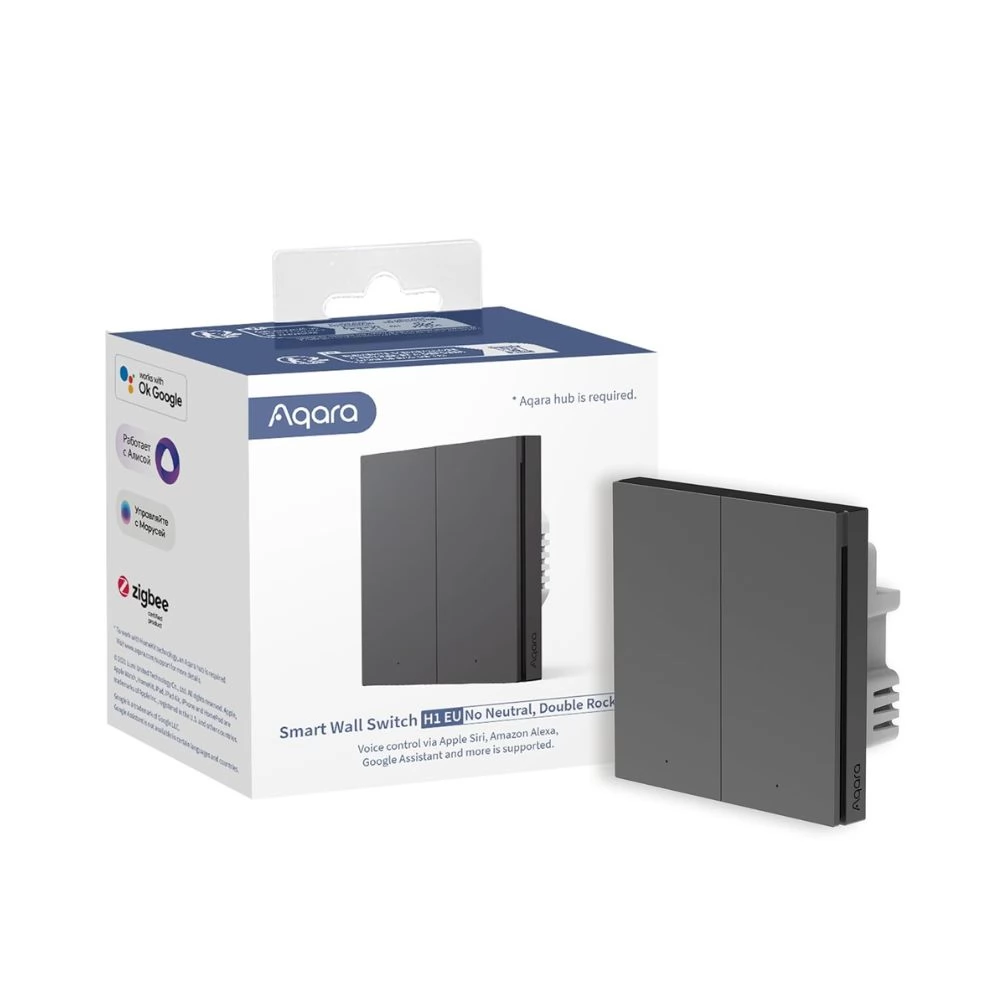
SMARTWISE SMW-KAP-T62-WIFIBT-NFP T62 UNI Wi-Fi + eWeLink-Remote 2 áramkörös clever érintőkapcsoló front panel without
Substitute products
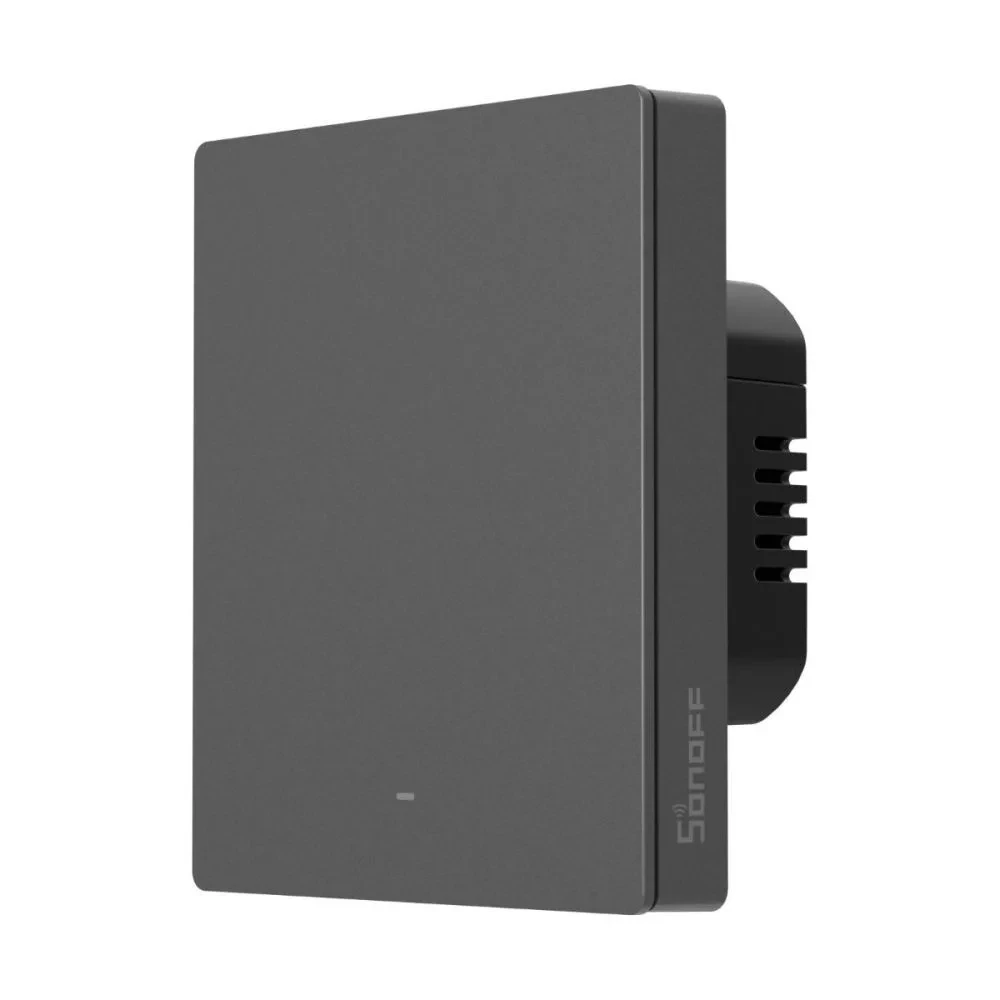
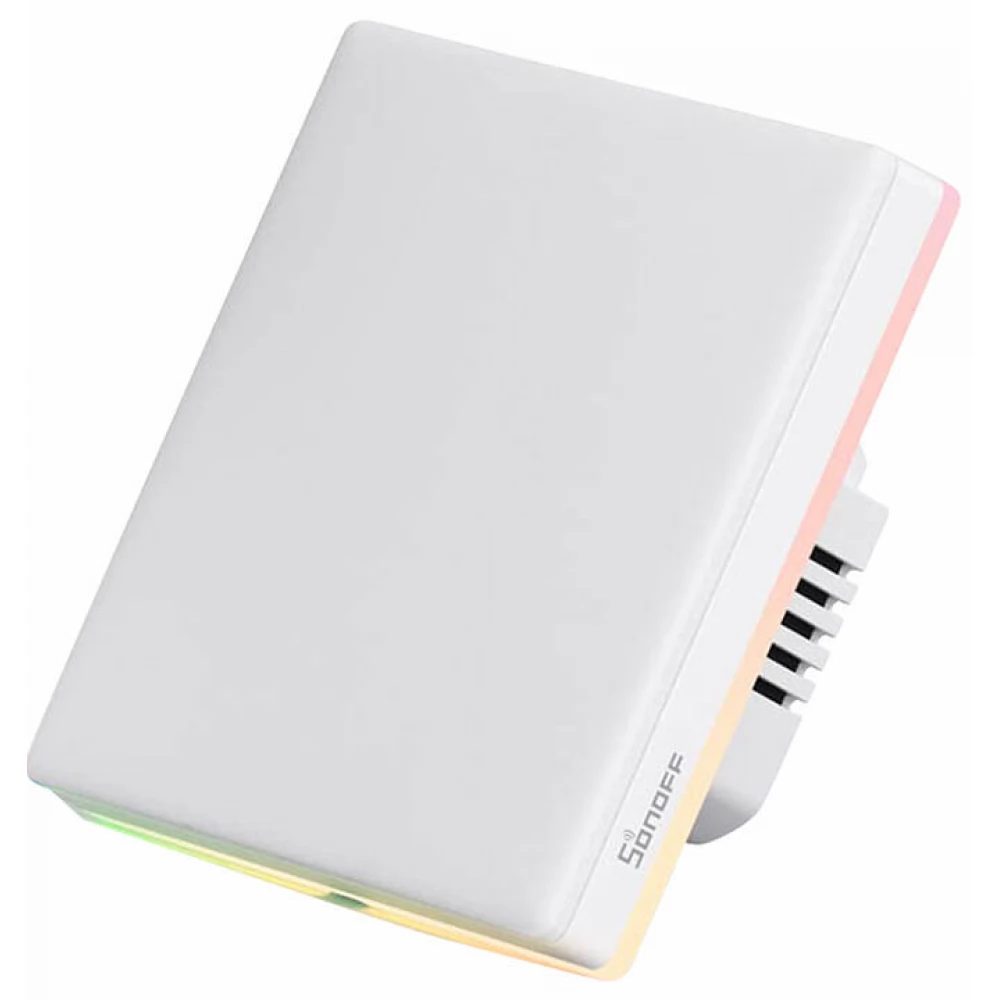
Product description
The SmartWise T6 UNI Wi-Fi touch smart switch family is the manufacturer's 2024 development, which (instead of the previously typical Wi-Fi + RF 433MHz) already has a chip supporting WiFi+Bluetooth connections. The smart light switch is connected directly to the Wi-Fi router using the eWeLink app running on the smartphone, through which it is connected to the eWeLink smart home platform, it also works without a local central unit. On the one hand, the Bluetooth module enables quick and easy pairing, and wireless SmartWise Bluetooth switches and remote controls can be paired with the eWeLink-Remote (Bluetooth) protocol receiver, thus creating a wireless alternative connection.
The SmartWise T6 smart light switch is also available in 1, 2, and 3 circuit (button) versions. Available in white and black glass front, touch version as well.
Wiring
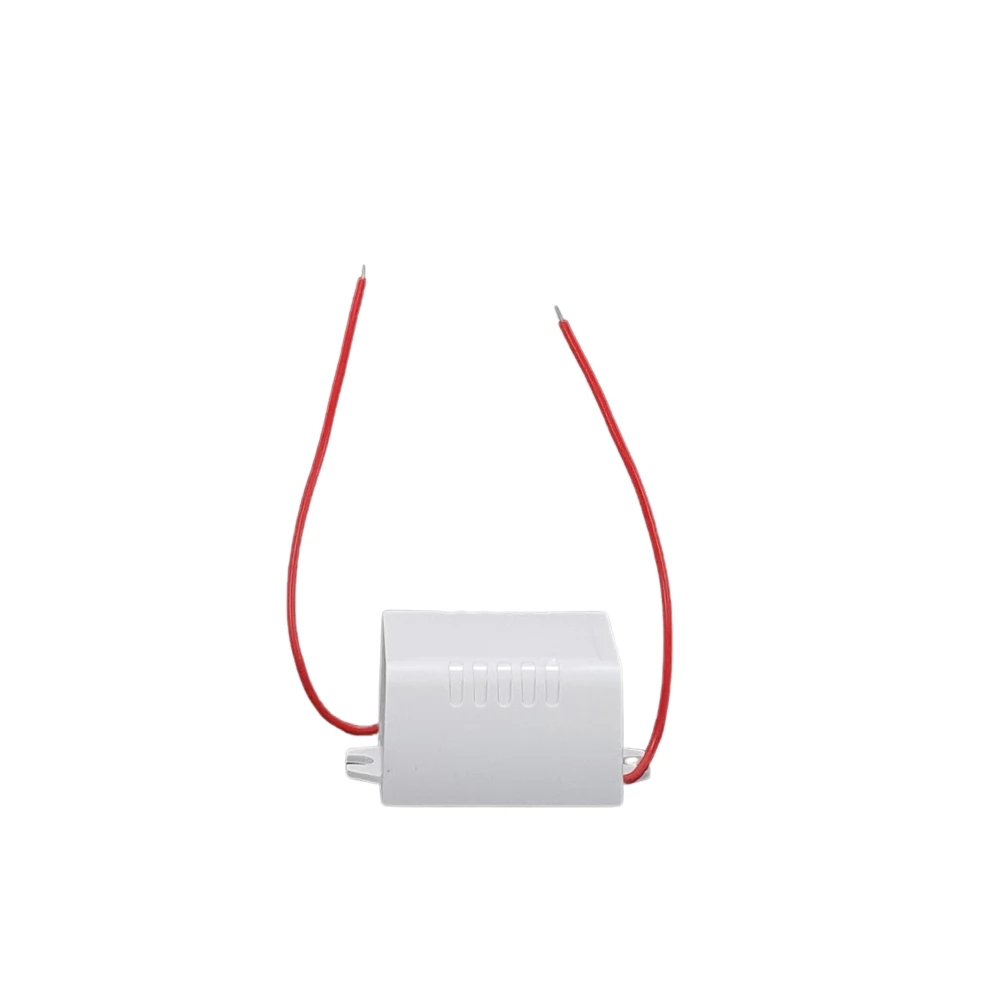
The UNI version of SmartWise's smart light switch supports universal connection: it is recommended to connect with a phase + neutral wire, but it is also suitable for connection without a neutral wire, only with a phase wire, so it can be connected in place of all traditional switches. In the case of zero-wire connection, it is only recommended for switching lamps, compatible with: Tungsten torch, LED and compact fluorescent lamp (CFL). Only in the case of connection with a phase wire, it is necessary to connect a small flash adapter module (included with the product) to the lamp.
Smart home platform
Just like Sonoff's smart switches, it also uses the cloud-based eWeLink app and platform, so it can be well combined with other brands of the eWeLink app, such as Sonoff, SmartWise, KingArt, WDYK and Woolley.
The entry-level solution with high-quality hardware does not require a local central unit to operate, as all devices connect directly to the Wi-Fi router and access the factory eWeLink cloud.
Local switching
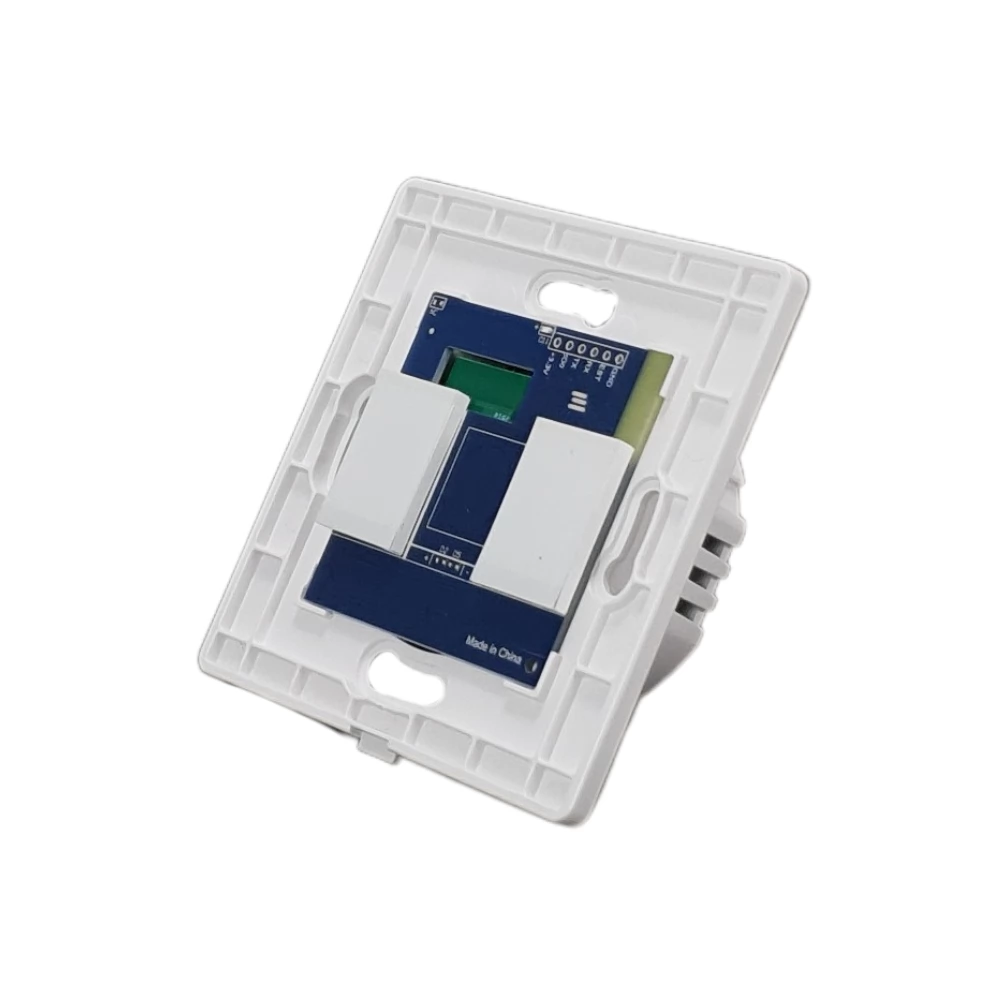
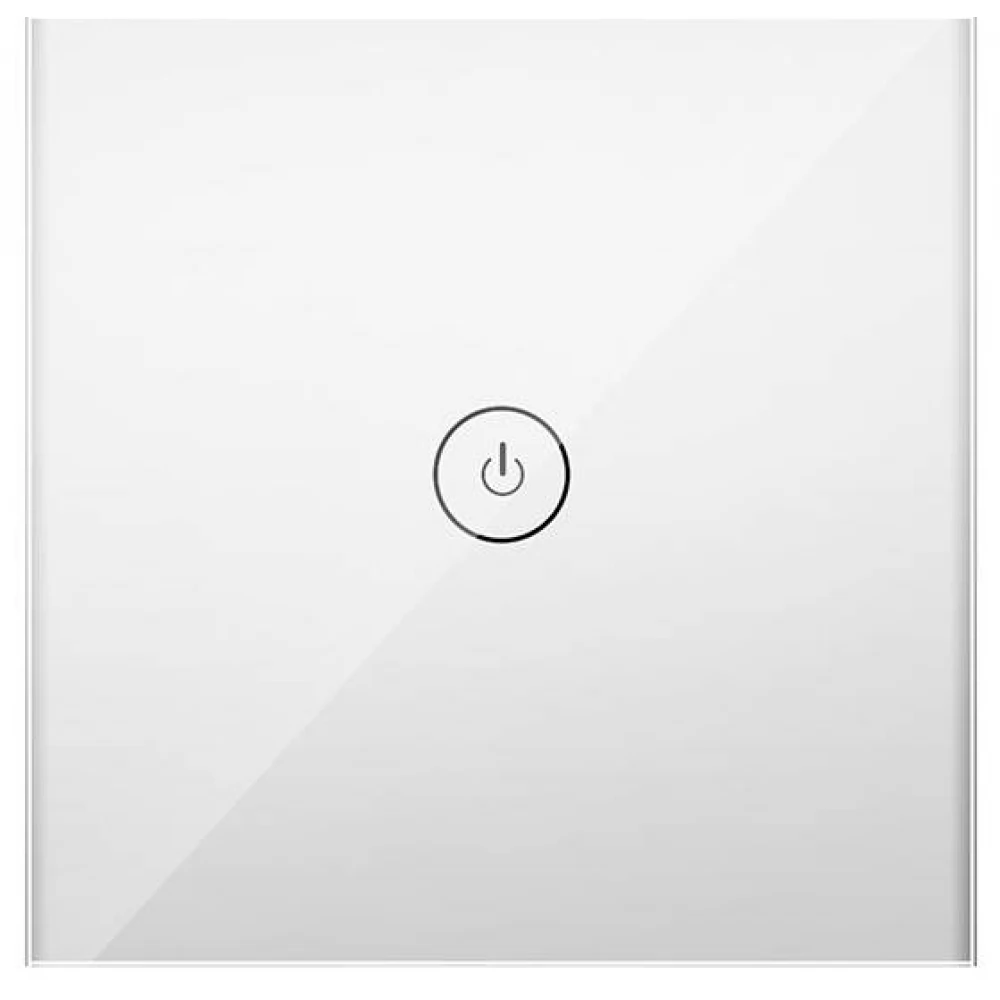
It is equipped with an elegant glass front panel and a highly sensitive touch switch, with the help of the touch switch you can of course turn on the lighting on the wall, just as you would with a traditional switch.
Local remote control
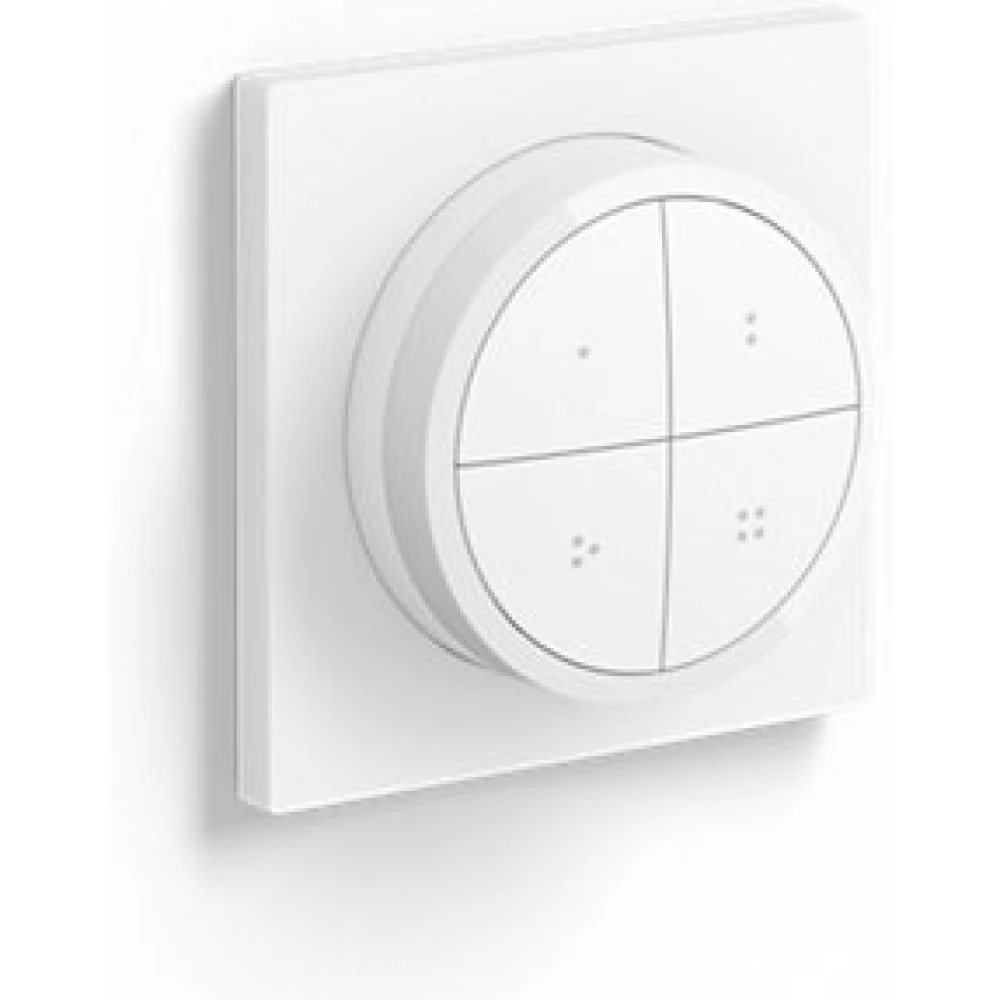
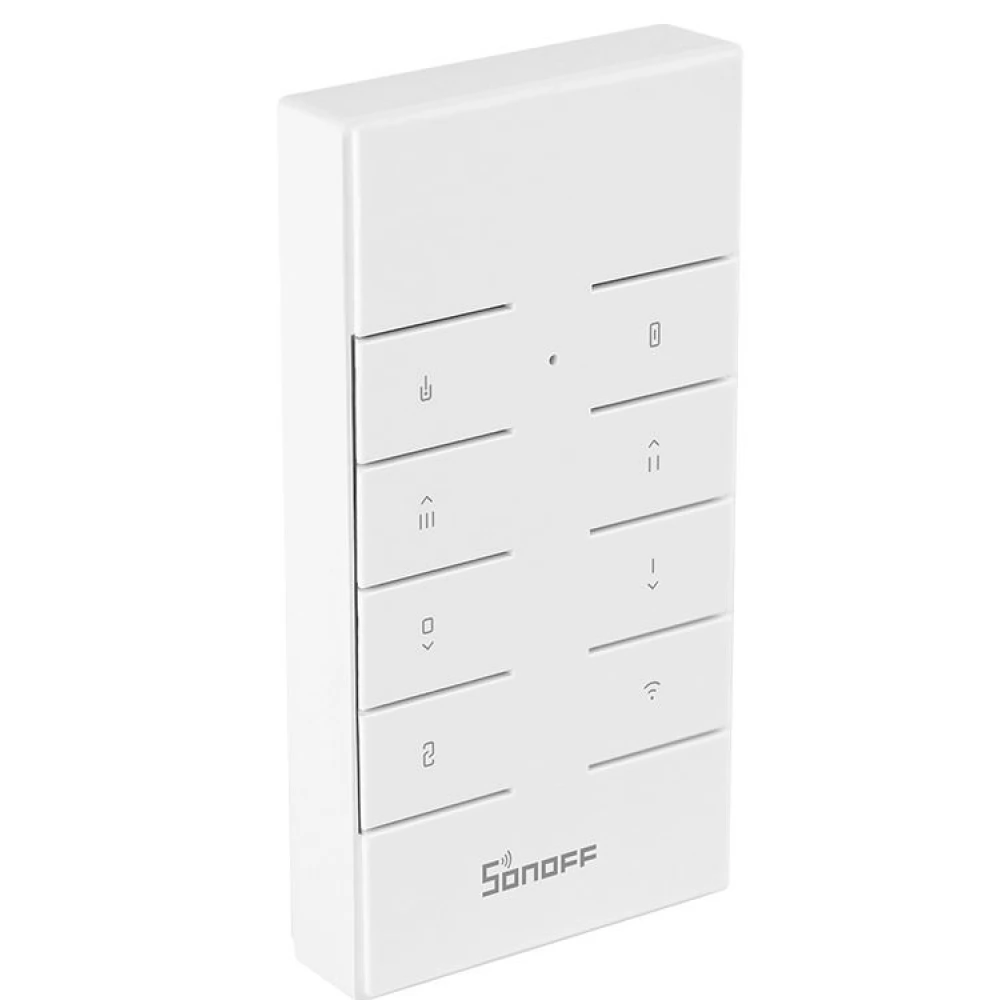
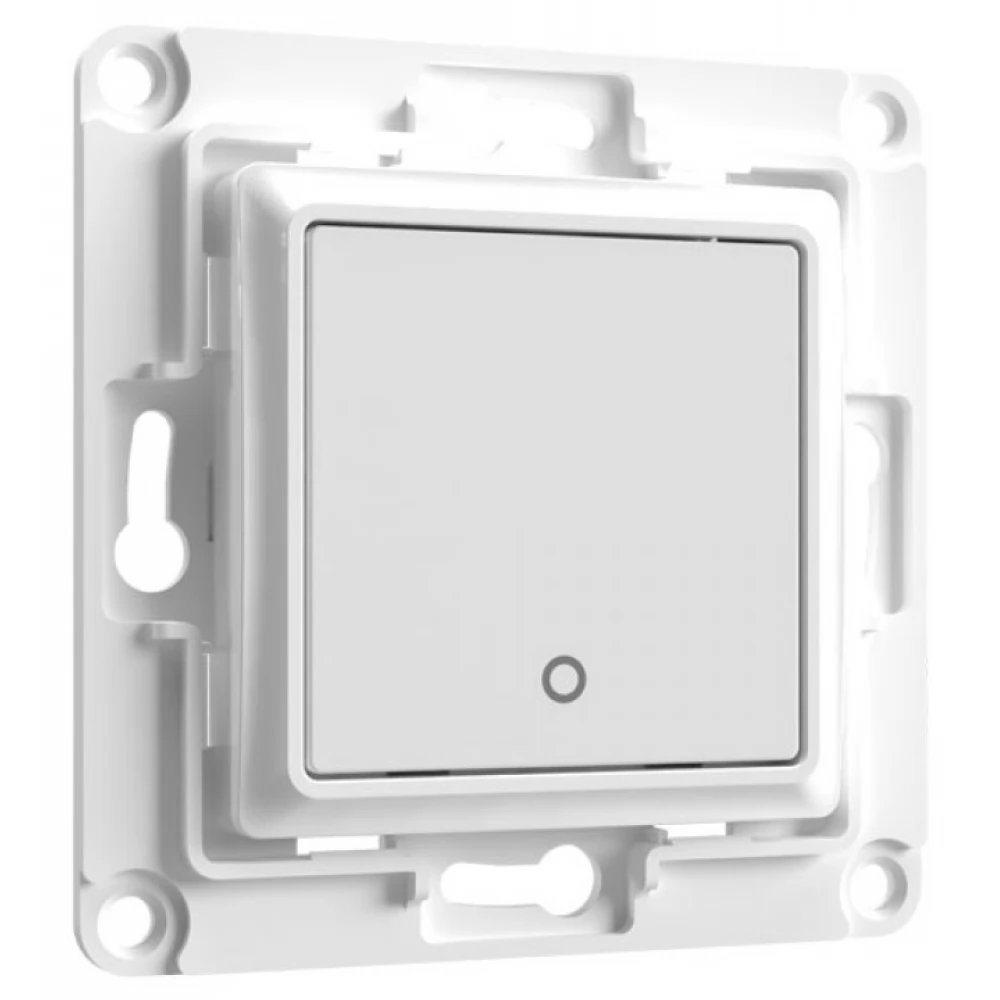
Thanks to the built-in Bluetooth chip, SmartWise can be remotely controlled with wireless wall eWeLink-Remote (Bluetooth) switches and remote controls. They can be used to create a wireless wall-based alternative connection to the smart switch. In the case of a multi-button switch: the individual buttons of the switch can be paired separately with the wireless SmartWise eWeLink-Remote switches and remote controls, the individual circuits / buttons can also be paired with other wireless switches in any way you like. Note: not compatible with Sonoff (R5, S-MATE (R2) etc.) eWeLink-Remote switches/modules.
Functions:
We connect the smart switch to the Wi-Fi router using an iOS (Apple) or Android mobile phone, using the eWeLink APP, and thus provide it with an Internet connection. This way, you can check the ON/OFF status of the switch on your phone at any time, remotely turn the light switch on/off, and set a timed switch on/off. The switch also has a time relay function, as in most other Sonoff and SmartWise devices, so you can set it to automatically turn off after the specified time after switching on, so that the light does not stay on unnecessarily, or it automatically switches off after the specified time in a stairwell. Remote control can be shared with others, such as family members or colleagues in an office.
The perfect solution for smart control of any lamp or lighting.
Used as a break-in prevention solution, it can be programmed with a presence simulation, i.e. a timed switch-off or switch-on, so that the outside world thinks you are at home.
And of course, we can create any other automation between our individual eWeLink devices - be they Wi-Fi, Zigbee or even RF devices - even based on sensor data or the status of other devices.
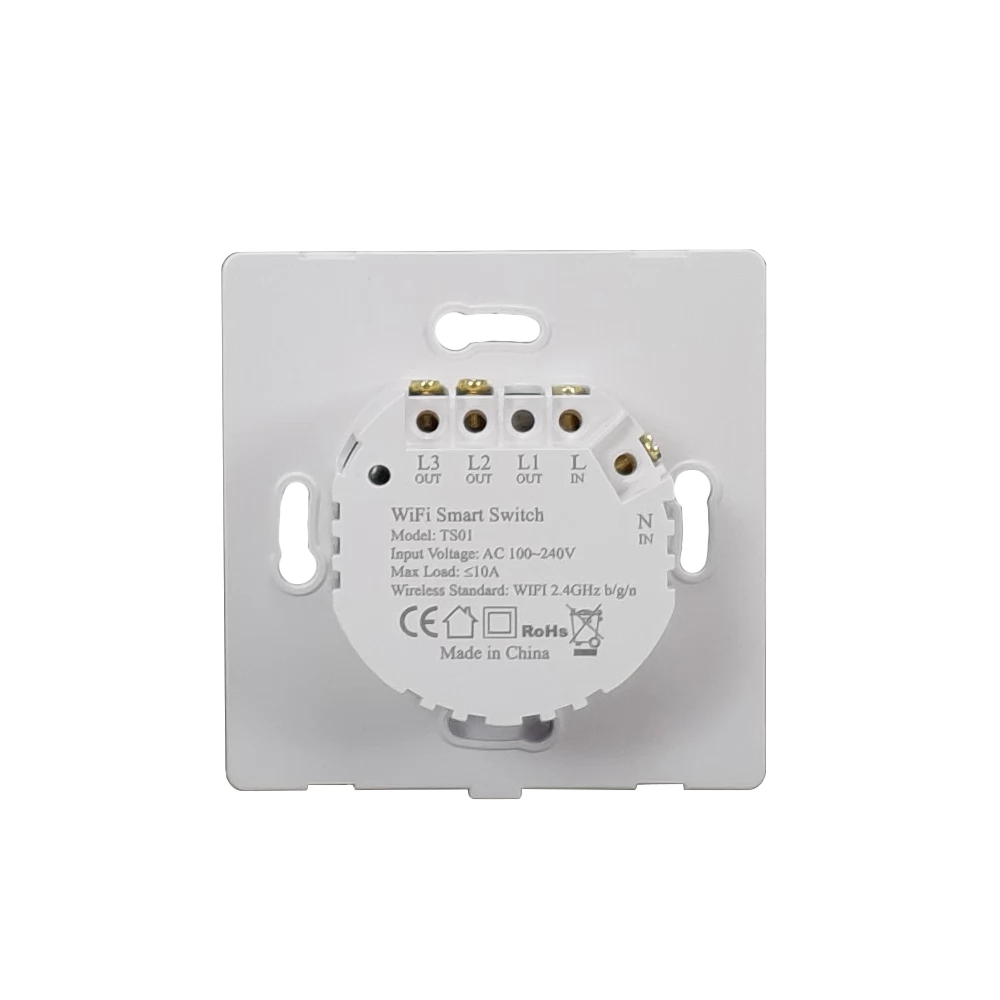
The two- and three-circuit switch versions can be set in the app to the so-called interlock (also known as locking or switching) mode, in which when one circuit is switched on, the other circuits are switched off, so e.g. these switches can also be safely used to control shutters or other motors.
Description:
- Manufacturer: SmartWise
- Product type: Smart double / chandelier switch
- Color: White and black glass front available separately
Installation / operation
- Operating power supply: 100V-240V AC
- Connection: Can be connected with AC (phase only) OR AC (phase and neutral) wire
- Fixing / installation: Can be installed in a wall socket
- Operating ambient temperature: 0°C-40°C
- Operating ambient humidity: 5%-95%
- Max. energy consumption: 0.23W
Controlled (/measured) circuit
- Switch / switch relay: Yes
- Dimming / Brightness control: No
- Consumption measurement: No
- Number of circuits: 2
- Number of switched poles: 1P
- Potential-free switching: No
- Rated voltage: 100V-240V AC
- Nominal power: With phase connection only: 3W-300W, with phase+zero connection: 0W-500W
Electrical properties
-
NOTEBOOK SEARCH

OPINIONS
0.0
