
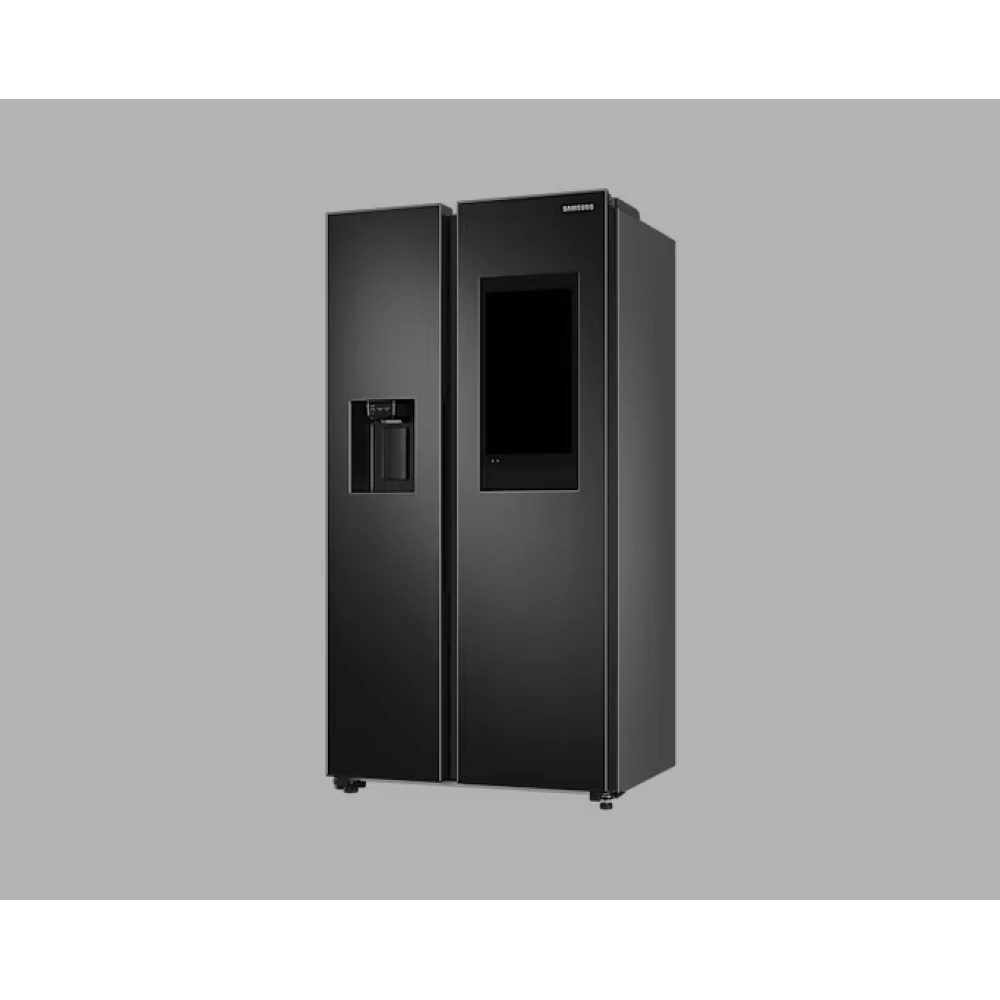
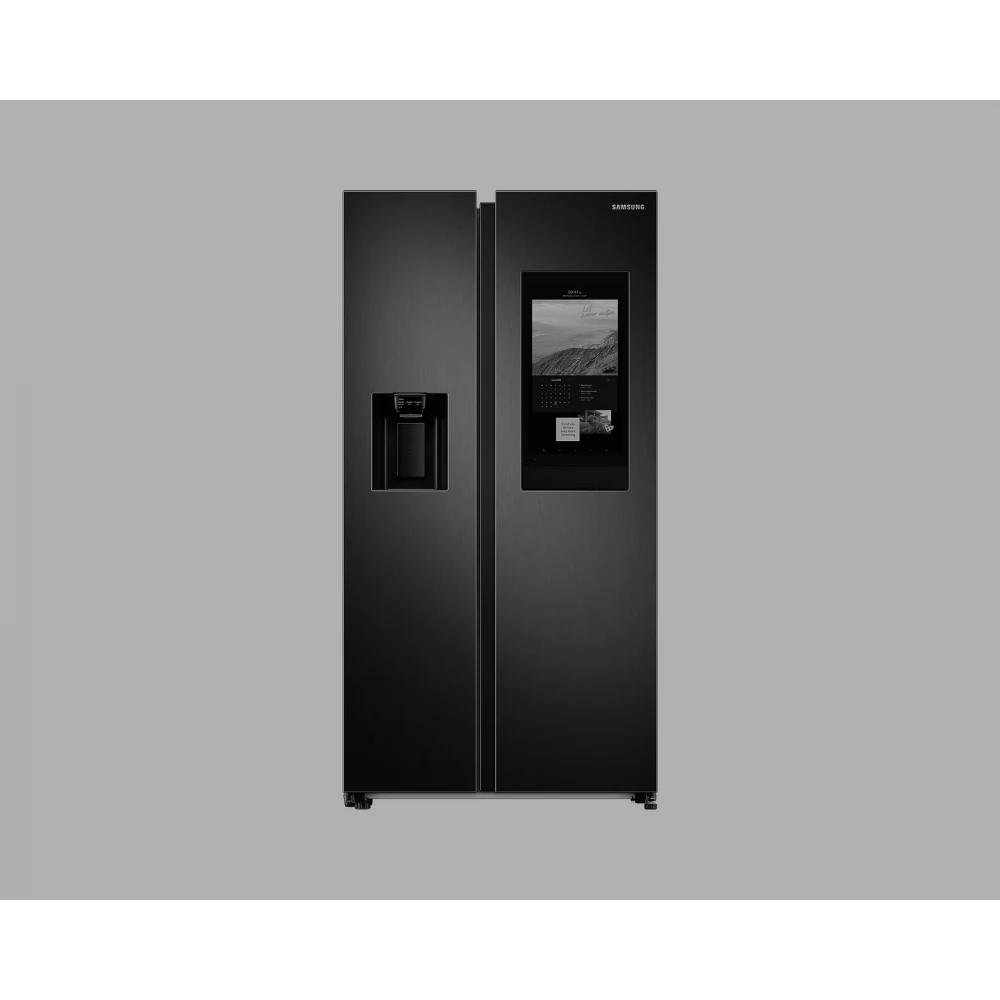
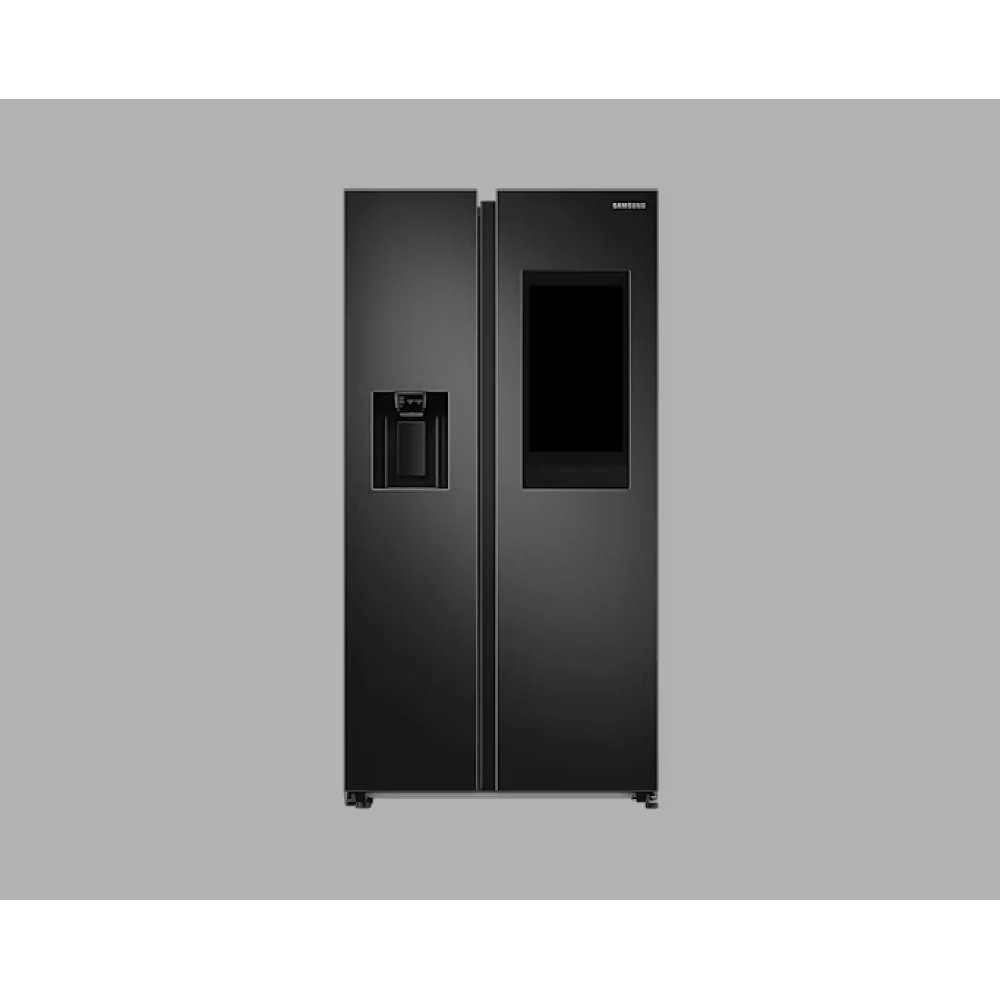
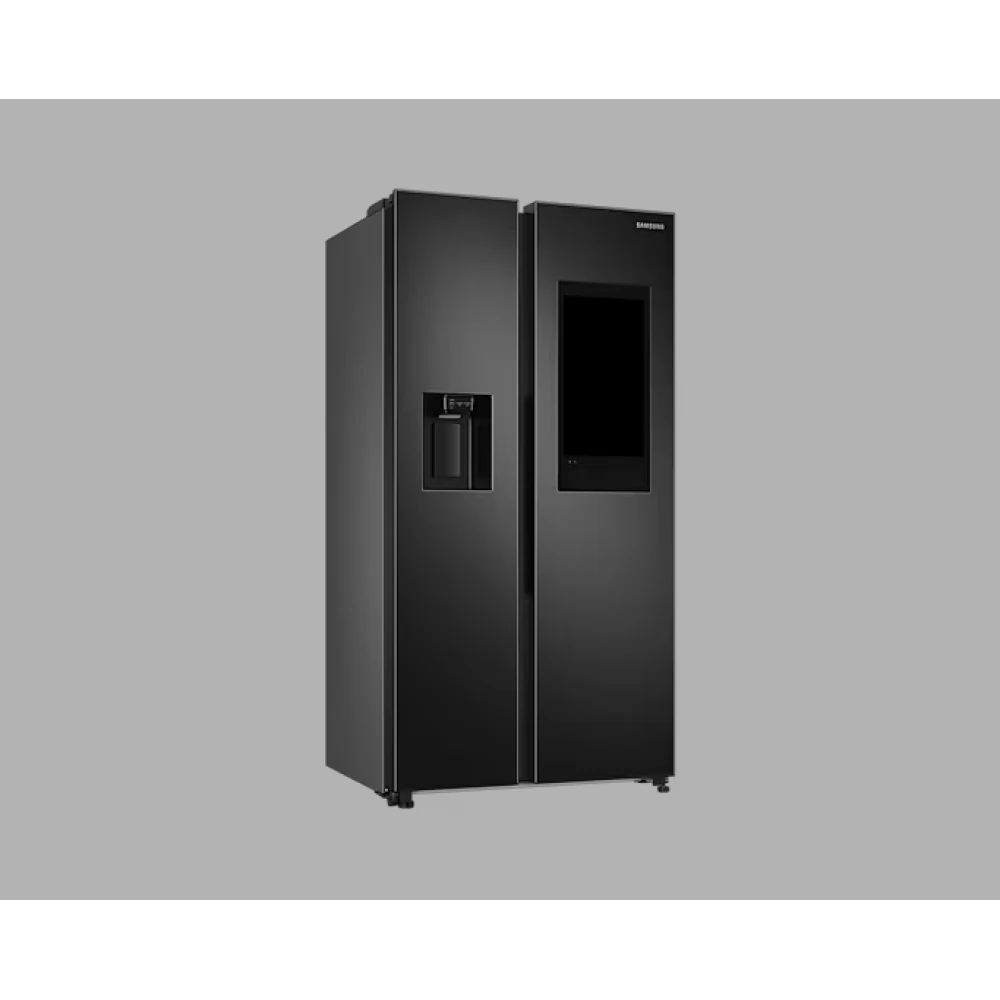
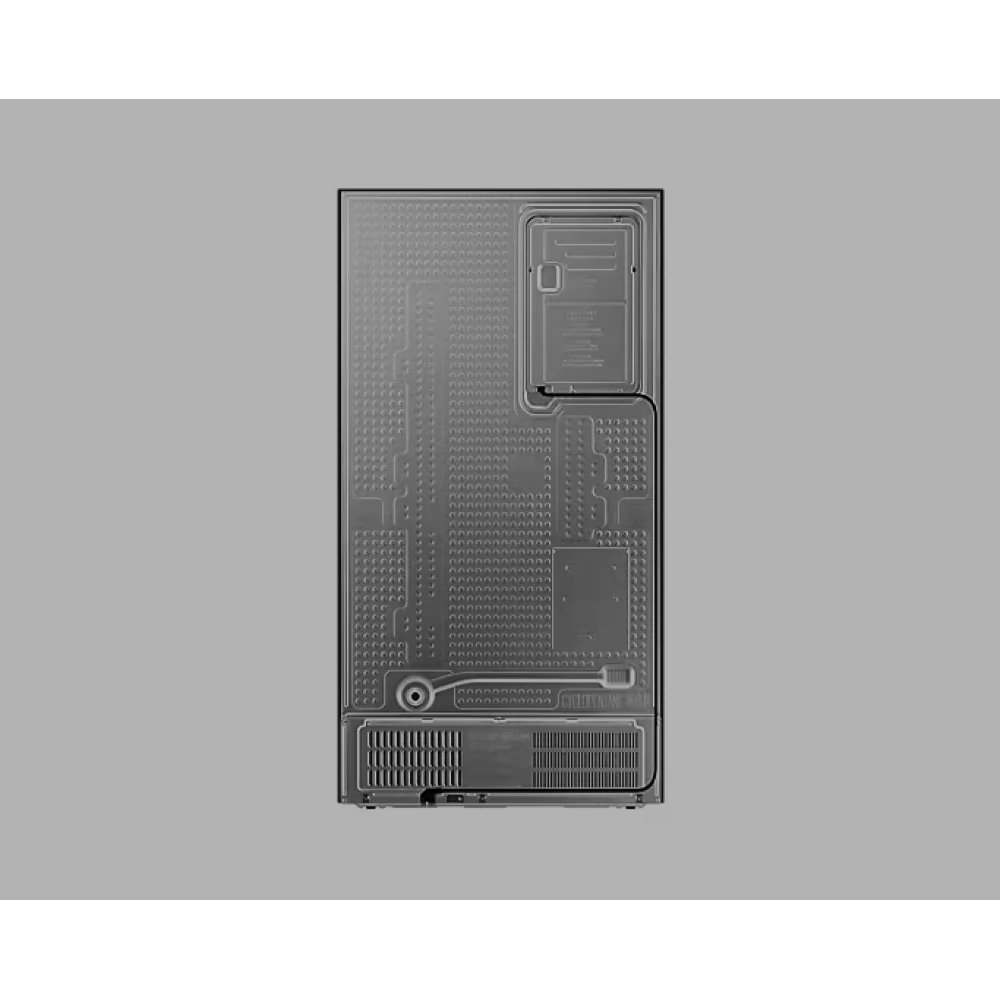
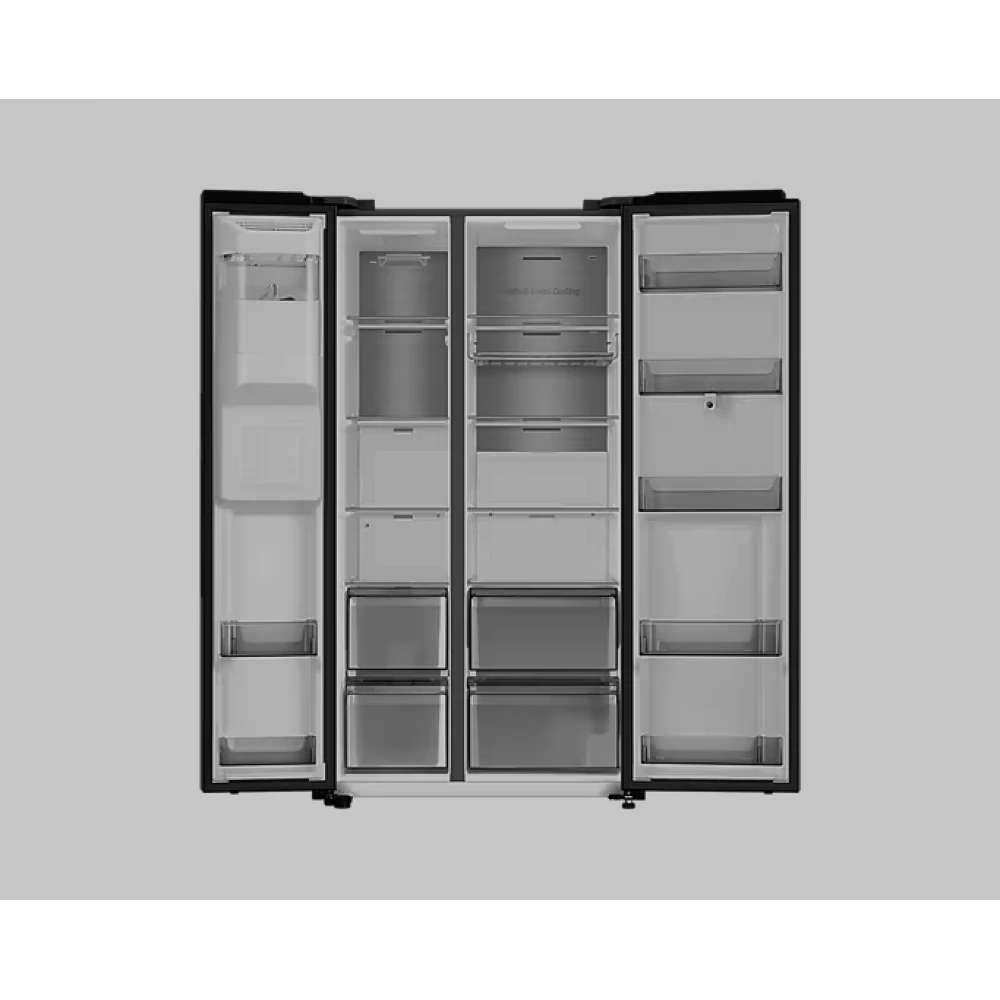


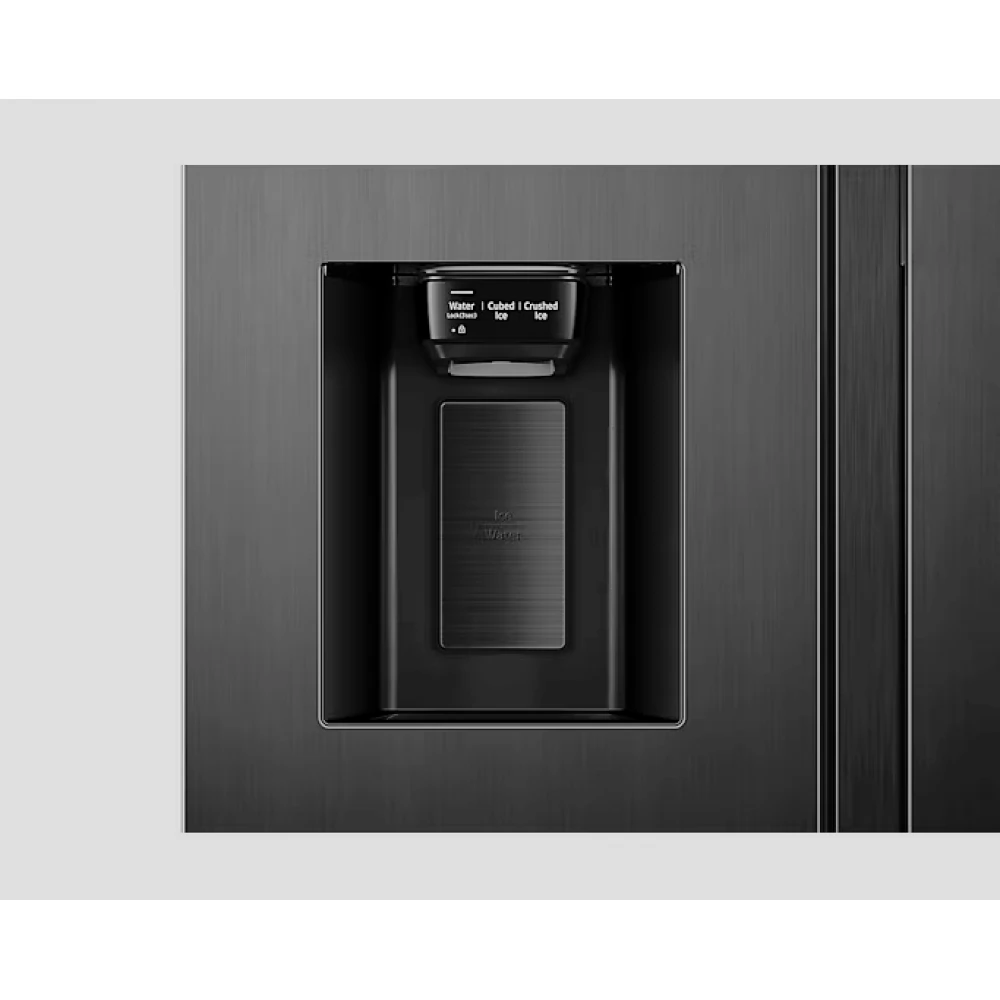
SAMSUNG RS6HA8891B1/EF Side-by-Side refrigerator Family Hub black
Substitute products
Product description
Enjoy the golden life
Family Hub
Enrich your family life with Family Hub™. It helps you to buy food as efficiently as possible and to control your smart devices from the fridge. In addition to these, you can also listen to music, watch TV*, streaming providers, mirror your phone** and use various apps on the Family HUB screen. It even offers a fun way to share family messages, pictures, videos, information and agendas.
See what's in your fridge from anywhere
Look inside
See what's in your fridge at any time, from anywhere on your smartphone or using the home screen. Look inside cameras* show what's in your fridge, without opening the fridge door or simply while shopping. You can also create shopping lists, food labels and reminders with it.
Prepare the family's favorite food easily!
Diet Planner with quick planning
Cook the meals your family likes much more simply. With artificial intelligence and food recognition, the Recipes app understands your needs and offers delicious recipes with simple instructions. The weekly Meal Planner suggests meals to prepare every day based on the foods you like and in the fridge.
Shop more efficiently
Shopping list
Plan meals and buy the groceries you need with the Shopping List app. Just add any food item or ingredient you need to your list with a touch or voice command. After that, if you synchronize the list with your phone, you can also get them in the store.
Find and easily manage the recipes you want
Smart Recipes
Prepare meals that your family is there for. The Recipes app has mouth-watering recipes that you will love, and by the way, they are easy to prepare, and you can even send the appropriate settings to the oven*. You can easily find new recipes using the various search options or simply by asking Bixby, and you can also save your favorites.
It recommends ideal Smart oven settings
From the recipe to the oven
Save time and effort when preparing food. With the From recipe to oven function, Family Hub can recommend recipes for Smart ovens* and monitor the cooking process. Under the 'Smart Recipe' tab, select a recipe and press the 'Send to oven' button, which will show the best settings for the recipe on your Smart oven.
Continuous music and entertainment at any time
TuneIn / Spotify / Amazon Music (music and radio)
Entertain yourself while cooking or your company at a party. Enjoy your favorite artists, songs and playlists thanks to Spotify. Or use TuneIn to play radio shows, entertainment content, and podcasts.
Watch your mobile or TV while you cook
SmartView (Phone/TV mirroring)
Watch TV broadcasts, online content or launch popular video players or social media apps. The SmartView app can also show what is going on on any Samsung Smart TV* and you can watch or use the million apps available on your smartphone**.
Easily share family moments and news
Family message board
Enrich your family life with the Family Message Wall, where you can easily share family messages, special moments, pictures and videos. Just use the home screen to share pictures, video clips, stickers, draw pictures, write notes with a keyboard or by hand, share agendas, tasks and links, or even play music.
A smarter way to control your home
SmartThings
Turn your home into a smarter home with SmartThings. You can control smart devices immediately with your voice or by touching the screen. You can turn them on/off, change settings, coordinate activities and limit energy consumption. You can monitor up to 6 cameras around the house on your widget.
Check what's happening in your home
SmartThings cameras
You can easily check what is happening around your home. The SmartThings camera app connects to any compatible Wi-Fi video camera*, so you can view different areas on the home screen. And if you have a 360-degree camera installed, you can adjust the angle of the camera and see the whole room.
Enjoy a smarter way of life
Bixby
Make life easier and more efficient with Bixby* on Samsung Galaxy smartphones. Simply tell it what you want it to do and it will do it, from setting alarms to recommending recipes. It even adapts to your needs by learning your routines and preferences, making it even more useful over time.
Make and receive calls with voice control
Bluetooth call
Make and receive calls while you cook, without having to hold the phone. Using the Bluetooth connection, your refrigerator can be connected without any problems
Similar products
NOTEBOOK SEARCH
OPINIONS
OPINIONS
