
Dear Visitor! We are carrying out maintenance this weekend, so our website may be slow or briefly unavailable at times. Thank you for your patience!
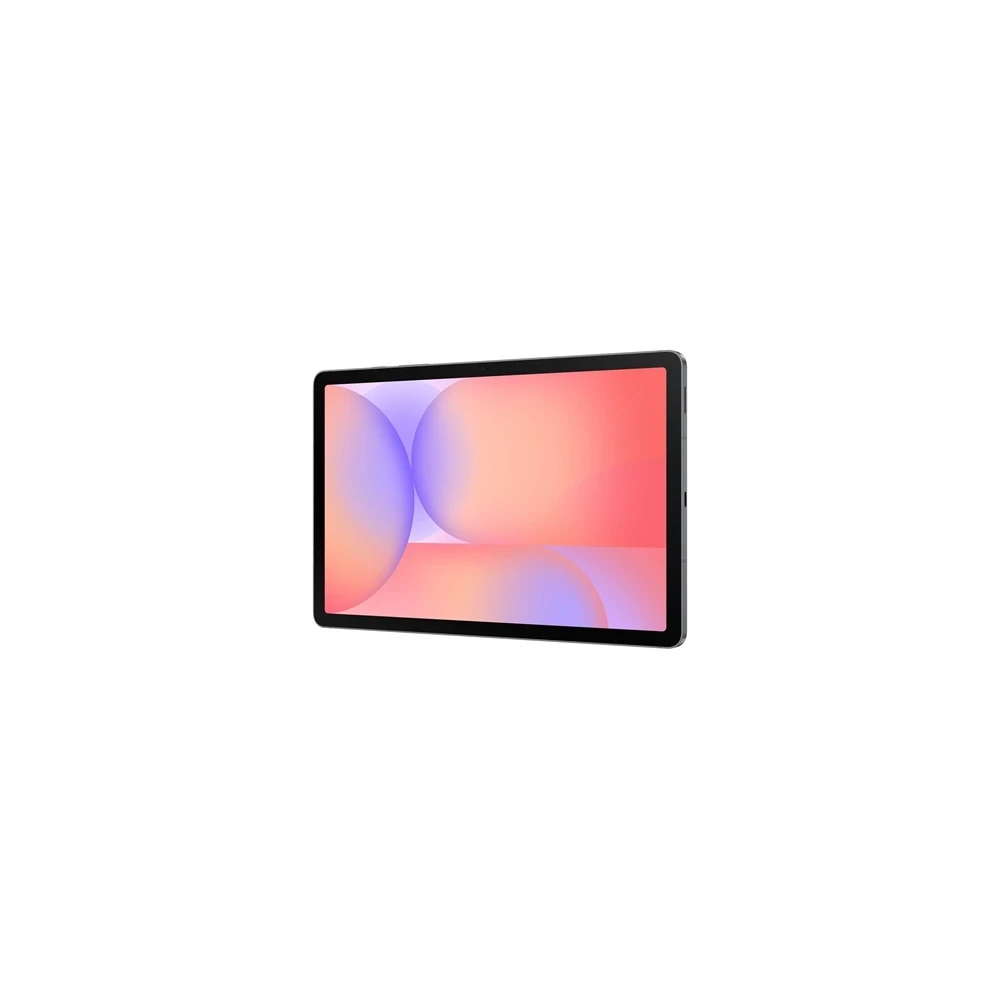
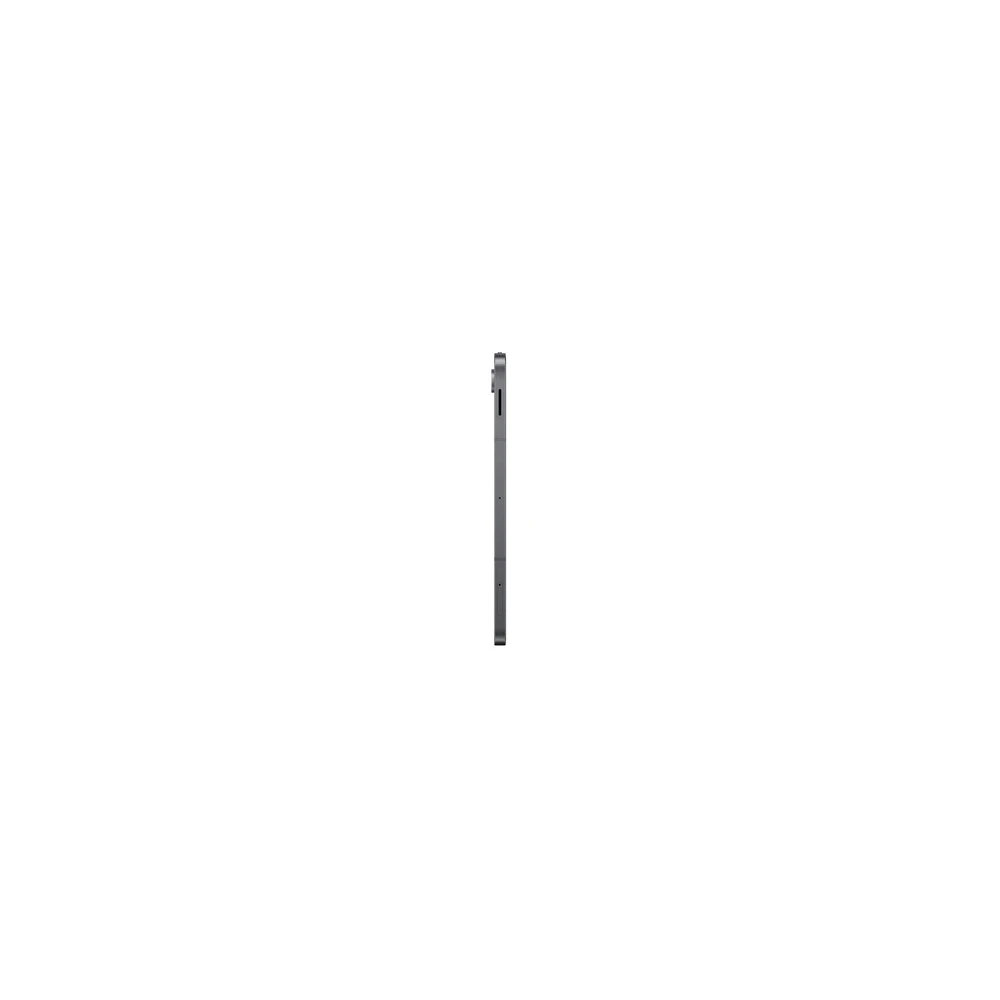
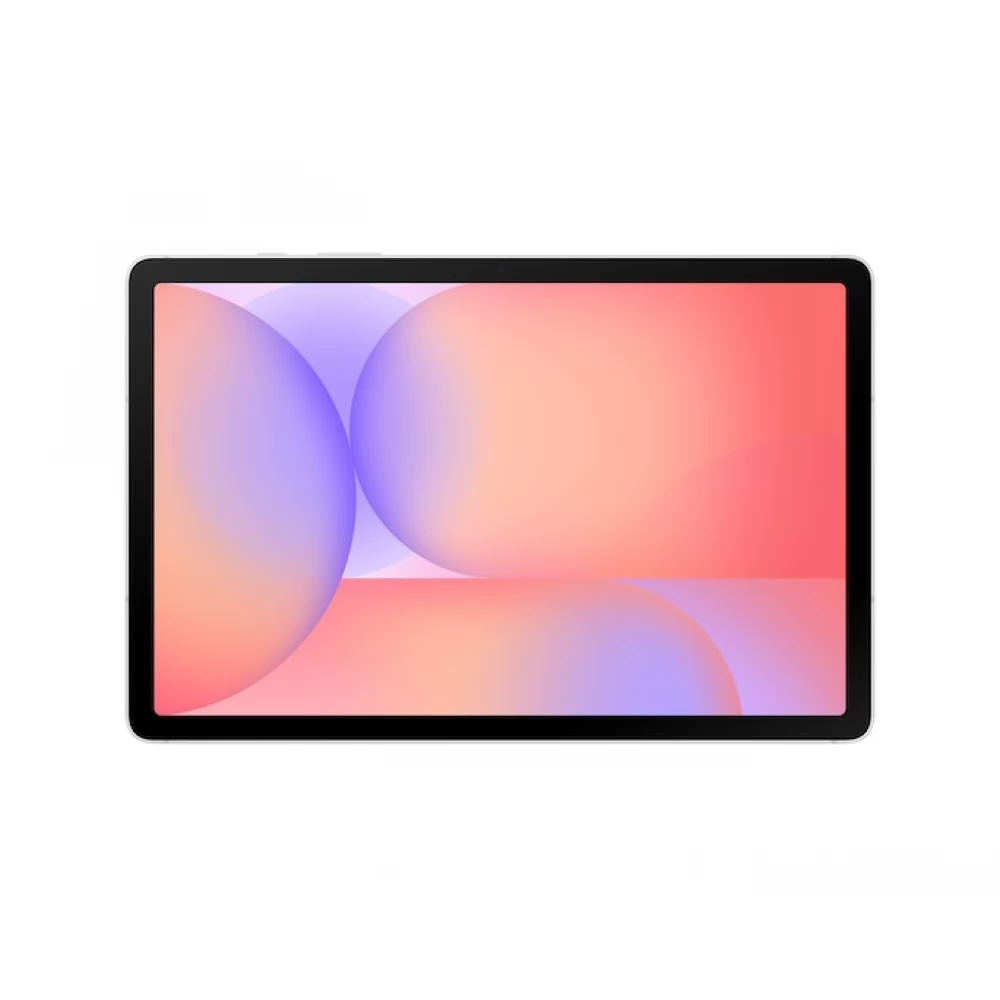
SAMSUNG Galaxy Tab S10 Lite 10.9" 128GB WiFi grey

Product description
Easy to be portable. Stylish.
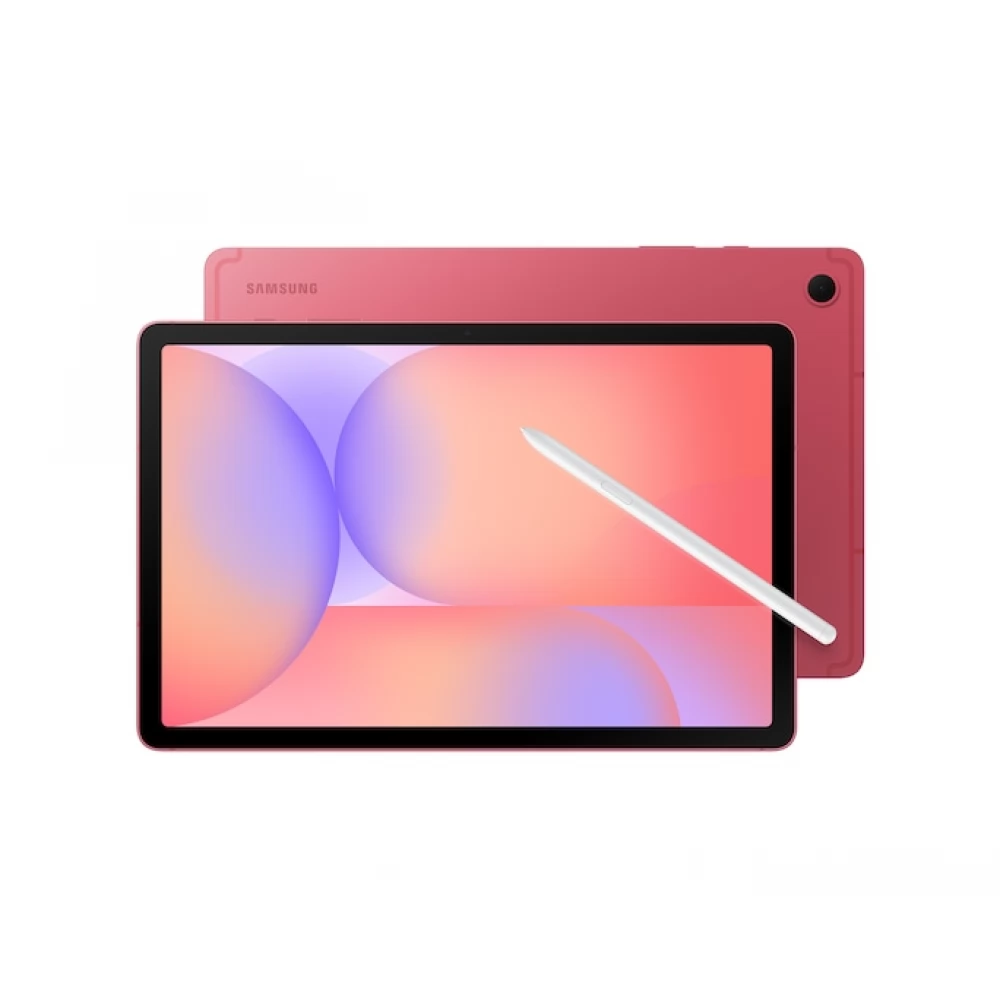
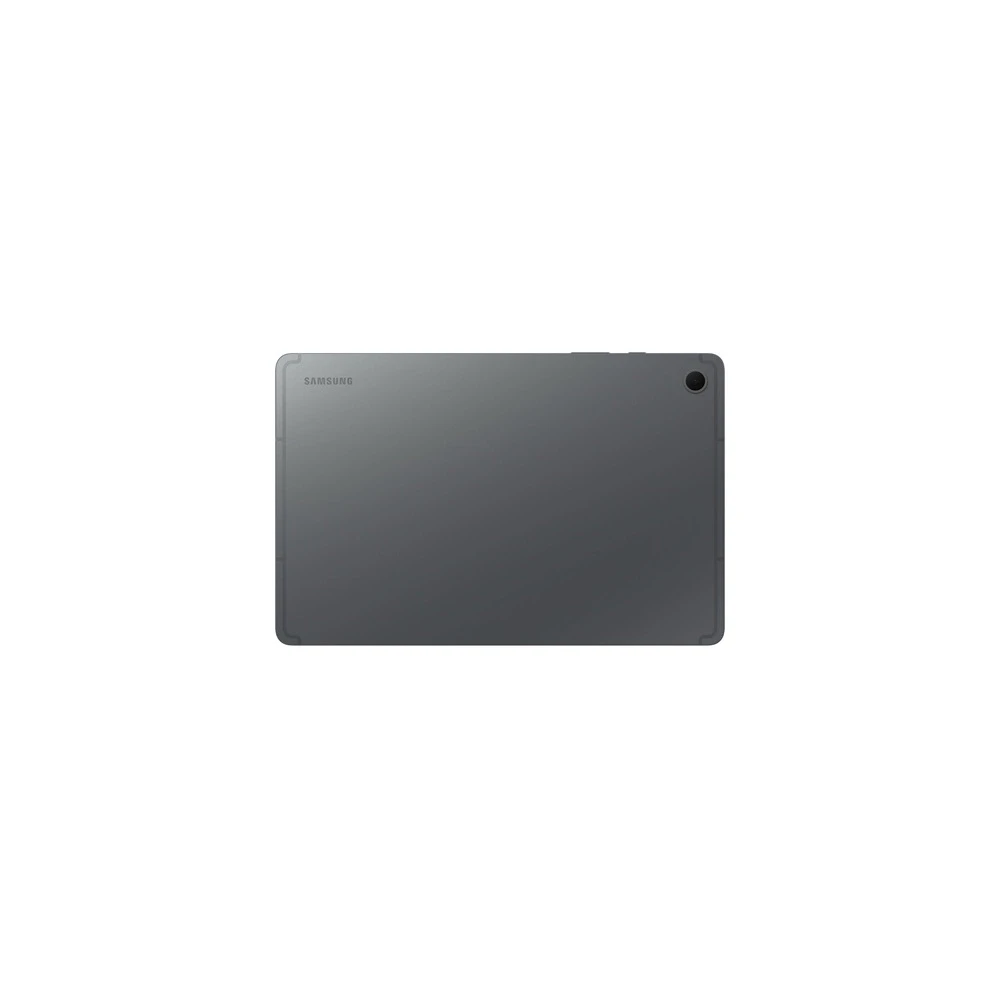
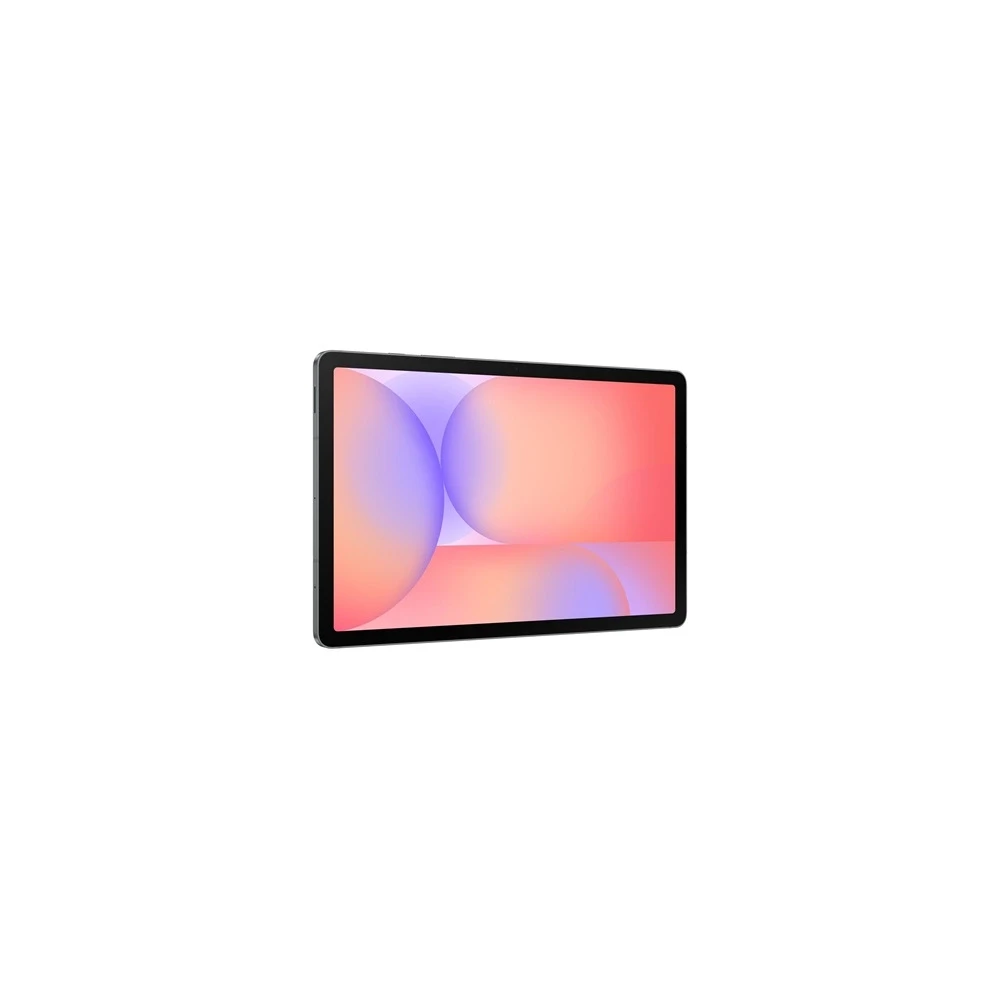
The Galaxy Tab S10 Lite is a thin tablet that is only 6.6 mm thick and light, making it easy to carry in your bag, backpack or even hand. This large screen tablet is available in three stylish colors - gray, silver and coral - so it looks as good as good to use. Whether you travel or relax at home, this light tablet is designed to fit your lifestyle with light portability.
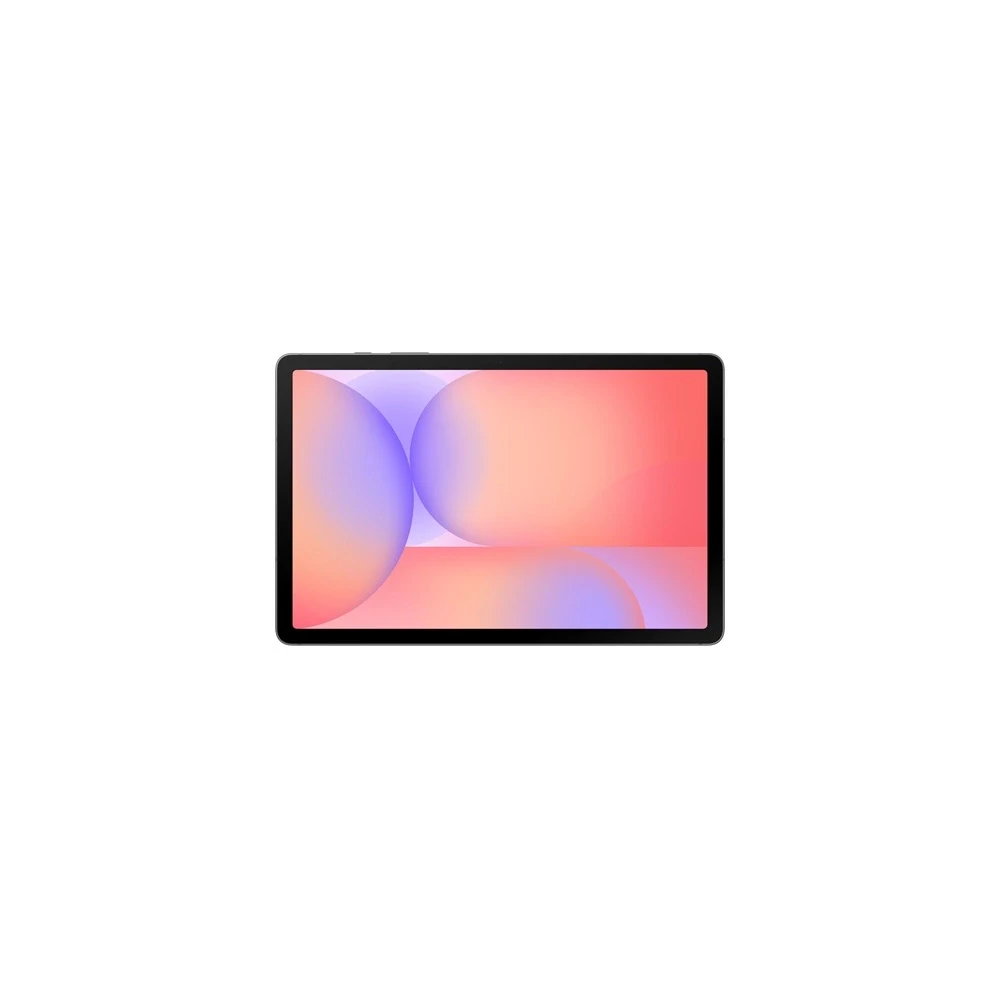
Life, like your imagination. Extensive, like your ideas.
The 10.9-inch display of the Galaxy Tab S10 Lite has a 90 Hz image refresh frequency for smooth scroll and faster reactions while watching, reading or creating something. The screen also contains SGS-certified blue light reduction, which helps to relieve the eye during prolonged screen use. From streaming your favorite contents to the projects, the screen remains lively and clean.
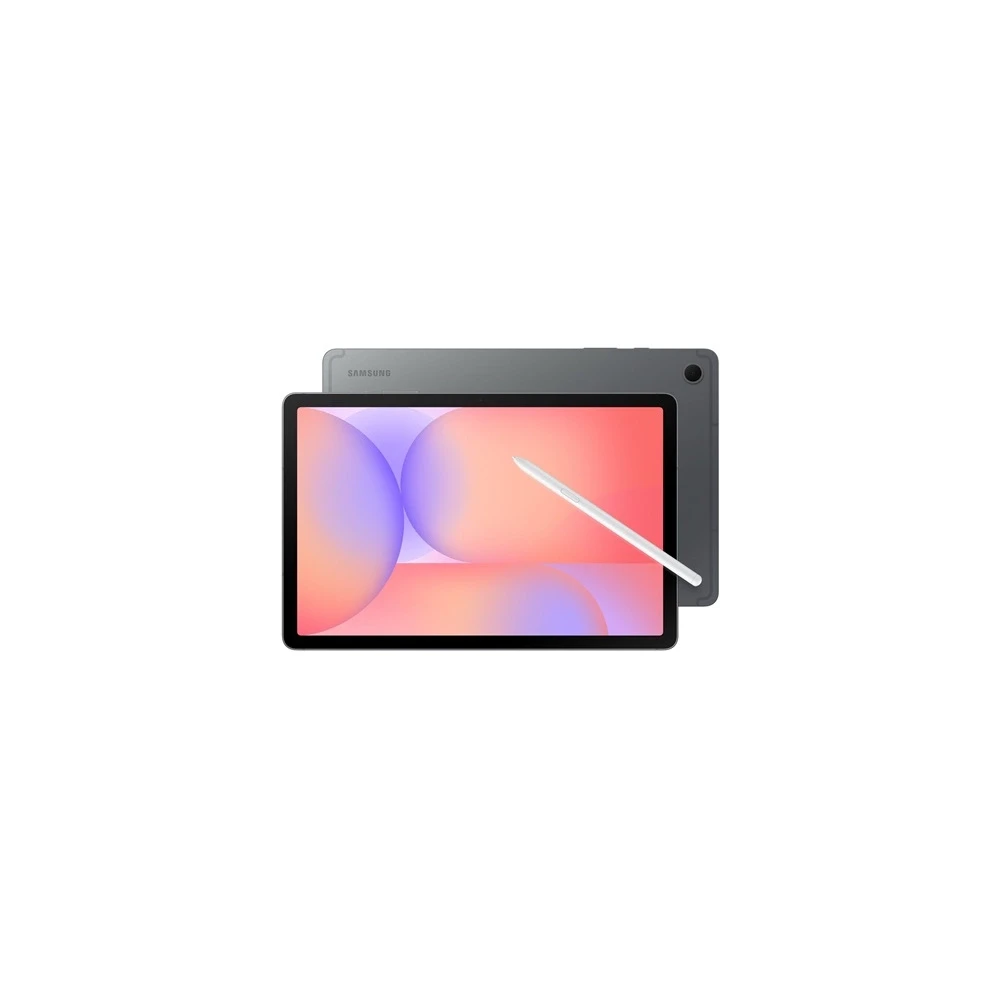
Power to bring more out of it. Storage to keep it all.
With a maximum of 8GB of memory, power remains smooth throughout, whether streaming, browsing or multi -task work. There are up to 256 GB of internal storage, which can be expanded to 2 TB with a microSD card. This s Pen -compatible tablet facilitates the recording of ideas and efficient work, providing the necessary space and speed for smooth creation.
Just write it down with a pen and the solution before you!
Is it difficult for a complex equation? Just write it down with a pen and the mathematical assistant will automatically solve it! This tablet facilitates learning by helping to quickly deal with mathematical tasks without having to jump between applications so you can focus better. Whether you work on submissions or equations, it helps to learn and develop.
Write down your own way with S Penn!
The handwriting assist allows you to repair disordered, handwritten notes to make your work transparent. In an instant, you can straighten the lines, level the distances, align the letters, and correct the fonts. Note your ideas, make notes for learning, or draw freely on your pen - the handwriting feels light!
Just a button press the key to AI
Press the Galaxy AI key to access the smart help immediately! At the touch of a button, you can start your favorite AI assistant to get quick answers, helpful tips, or real -time support while staying productive. With AI in your hand, the tasks feel simpler and faster on the Galaxy Tab S10 LITE!
Instant Edit with the Survey Remover
Remove the disturbing factors and unwanted objects from the background of the images with the removal. Simply select the part to be removed with the S PEN, which then disappears! You can create clean, professional images without separate editing applications and complex steps. From the people walking into the picture to the crowded backgrounds, the removal helps to free your pictures from disturbing factors.
NOTEBOOK SEARCH

OPINIONS
0.0
