
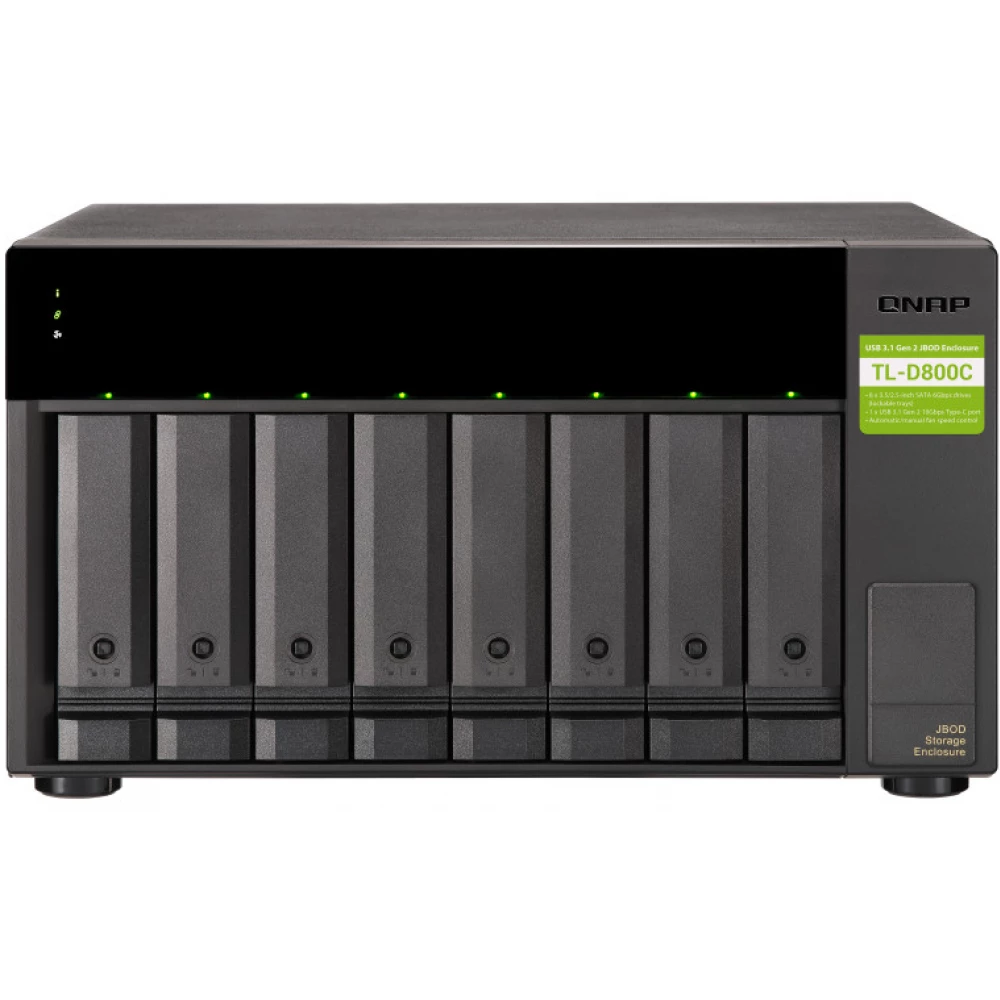
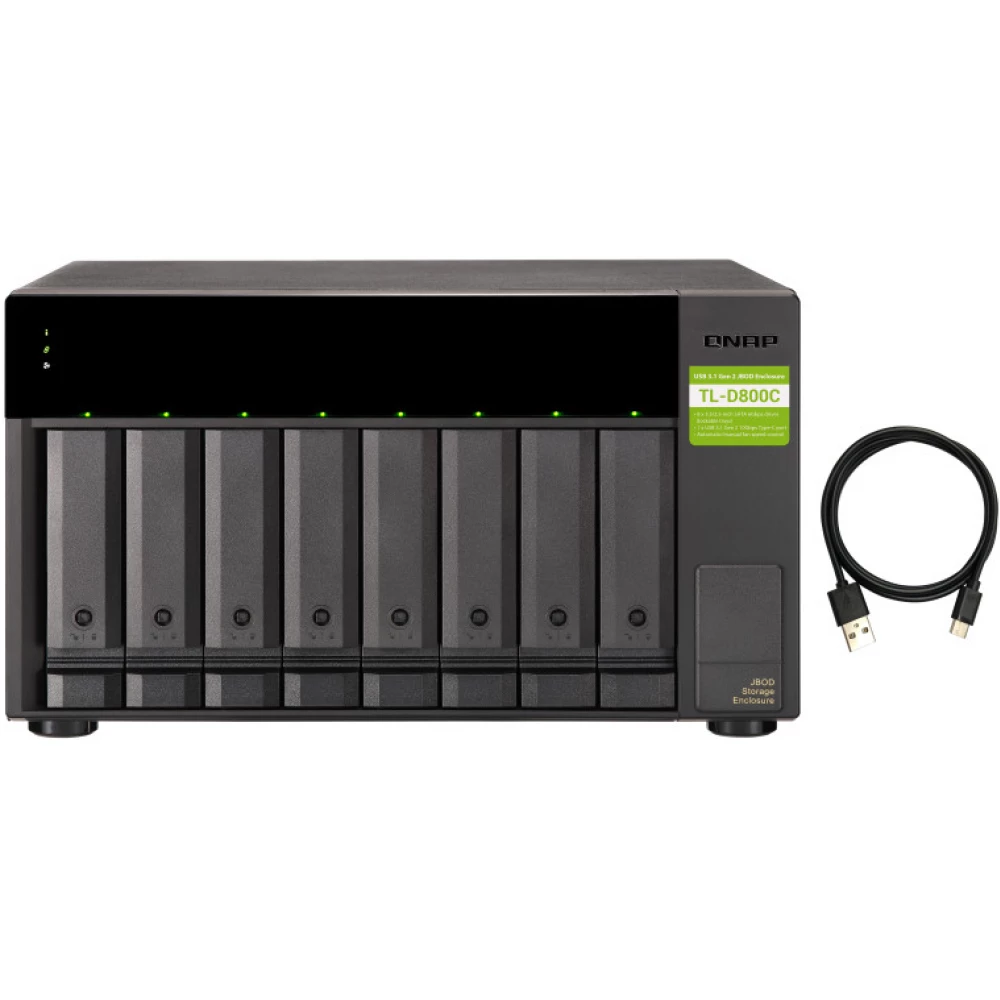
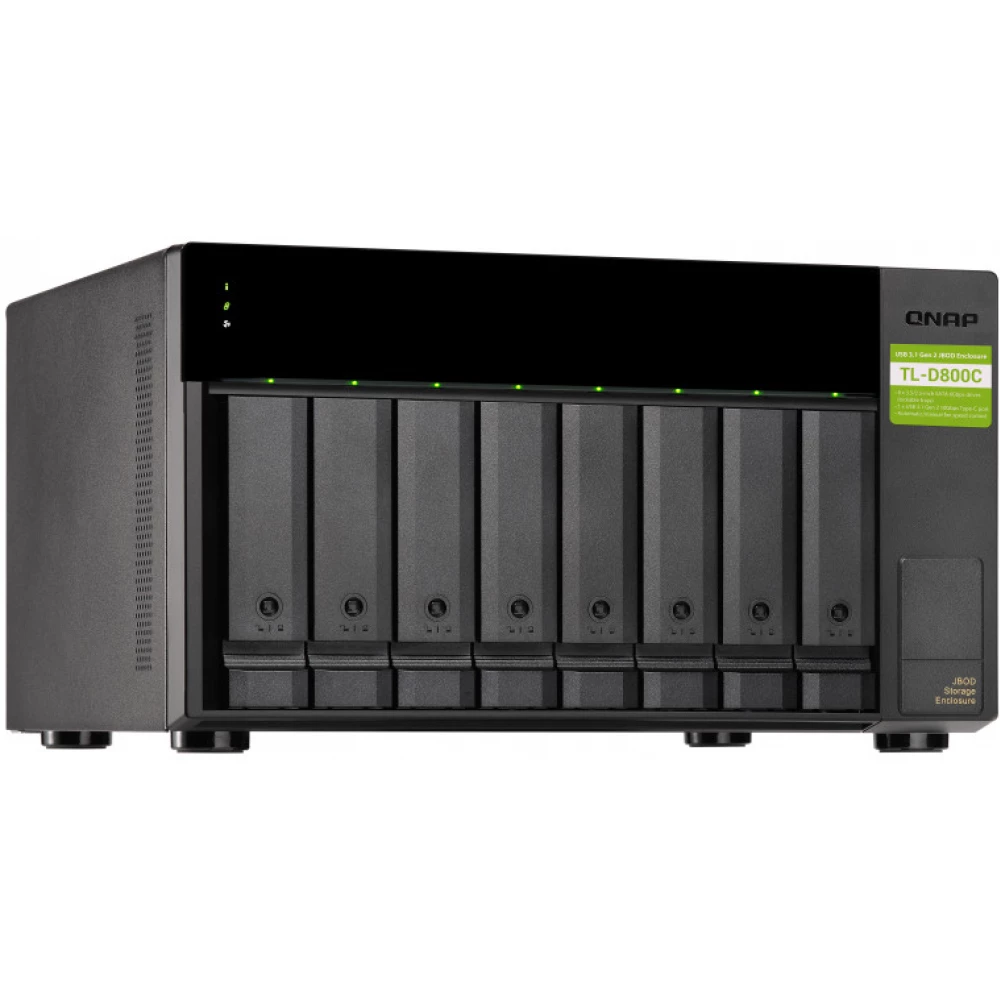
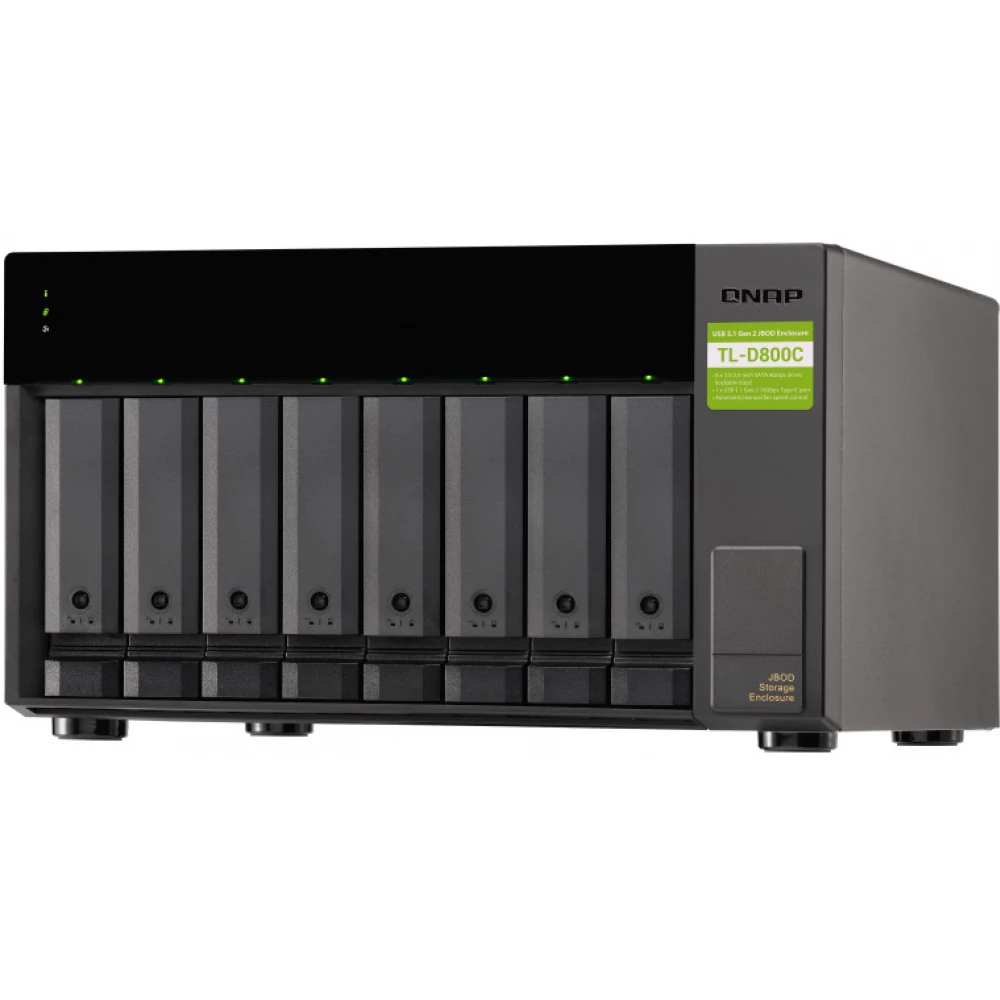
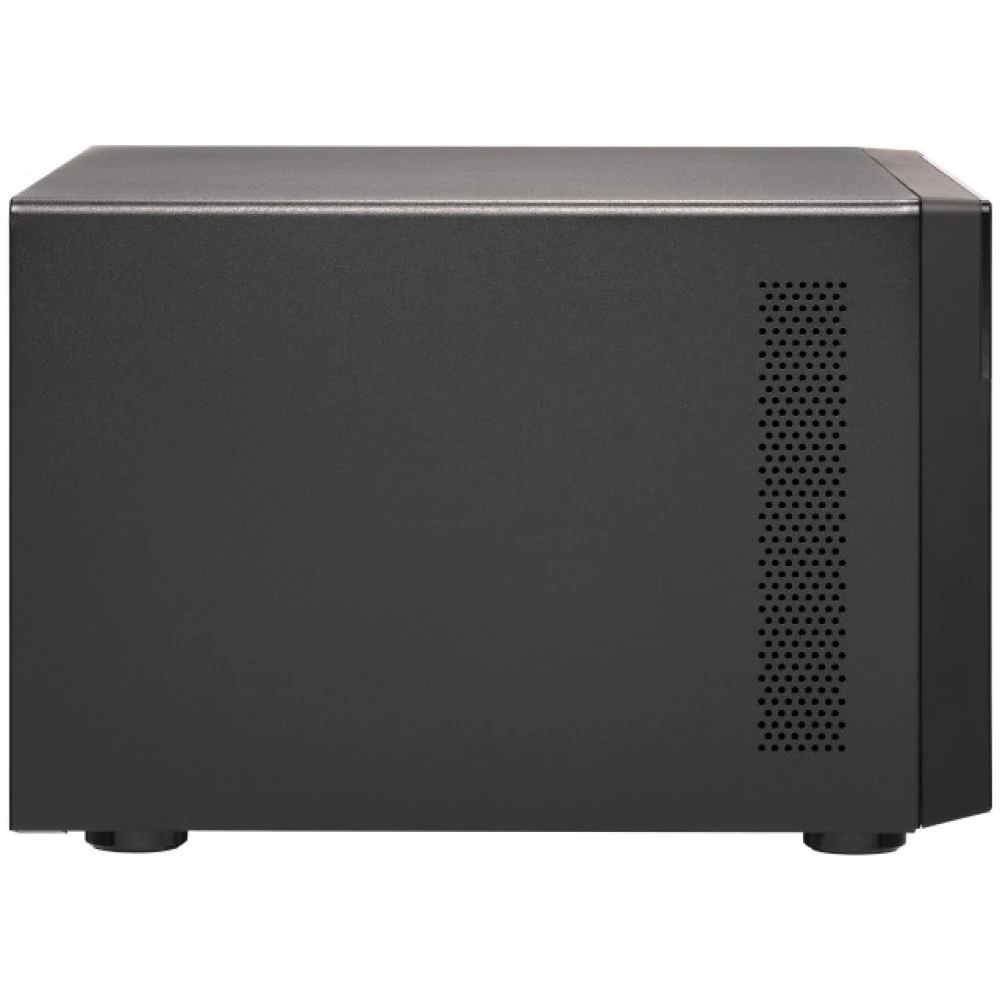
QNAP TL-D800C Nas extender
not available
Product description
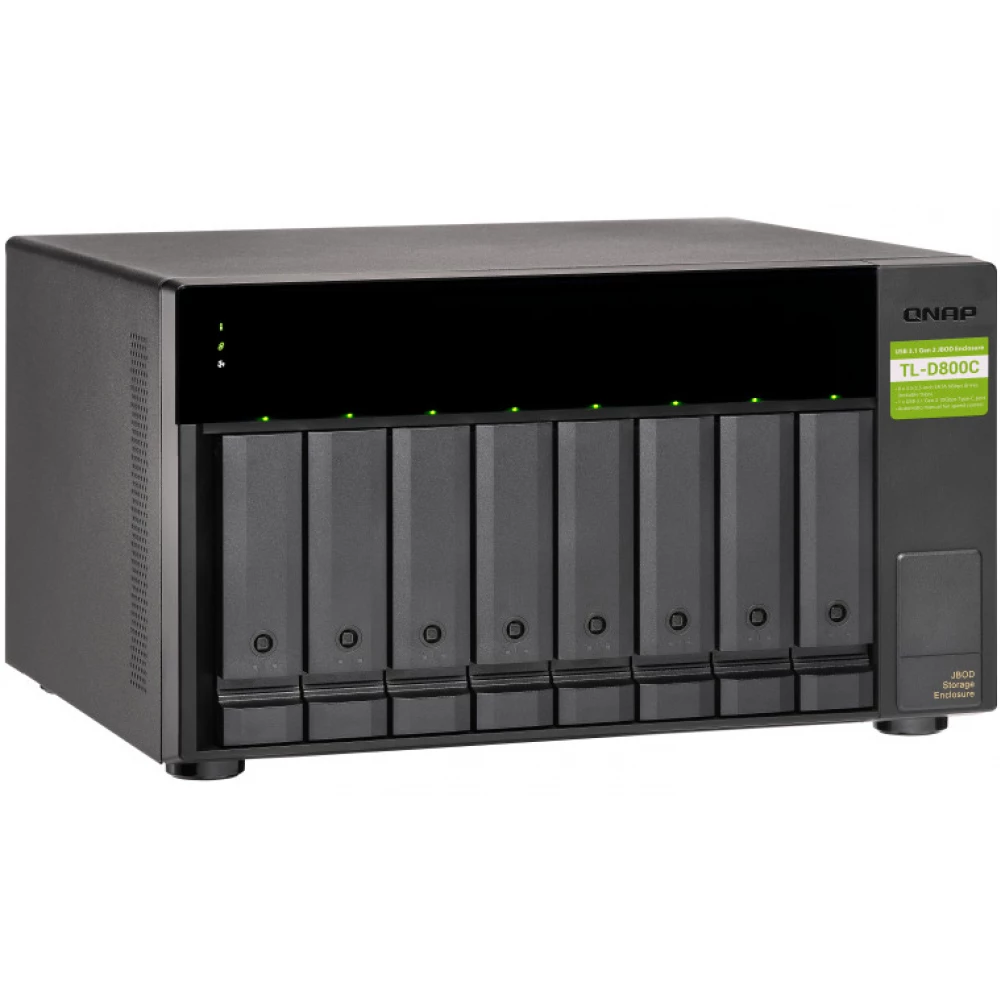
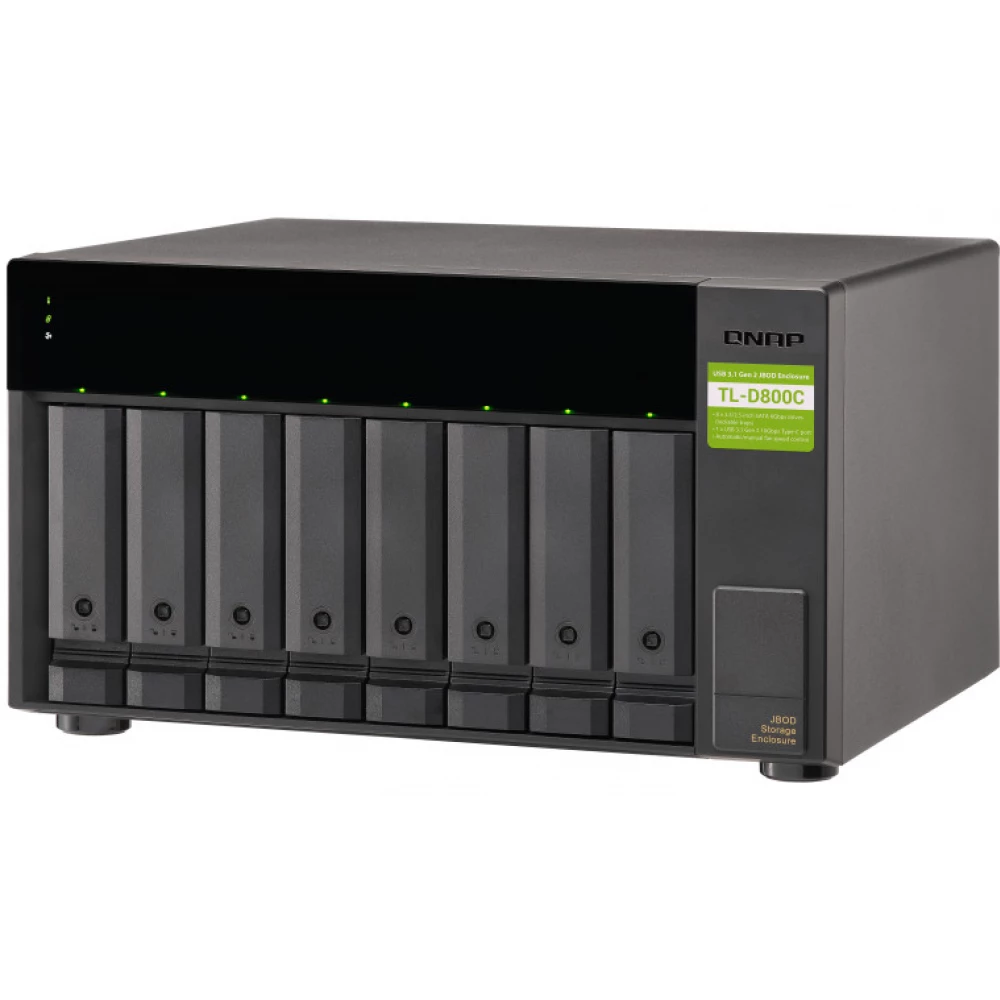
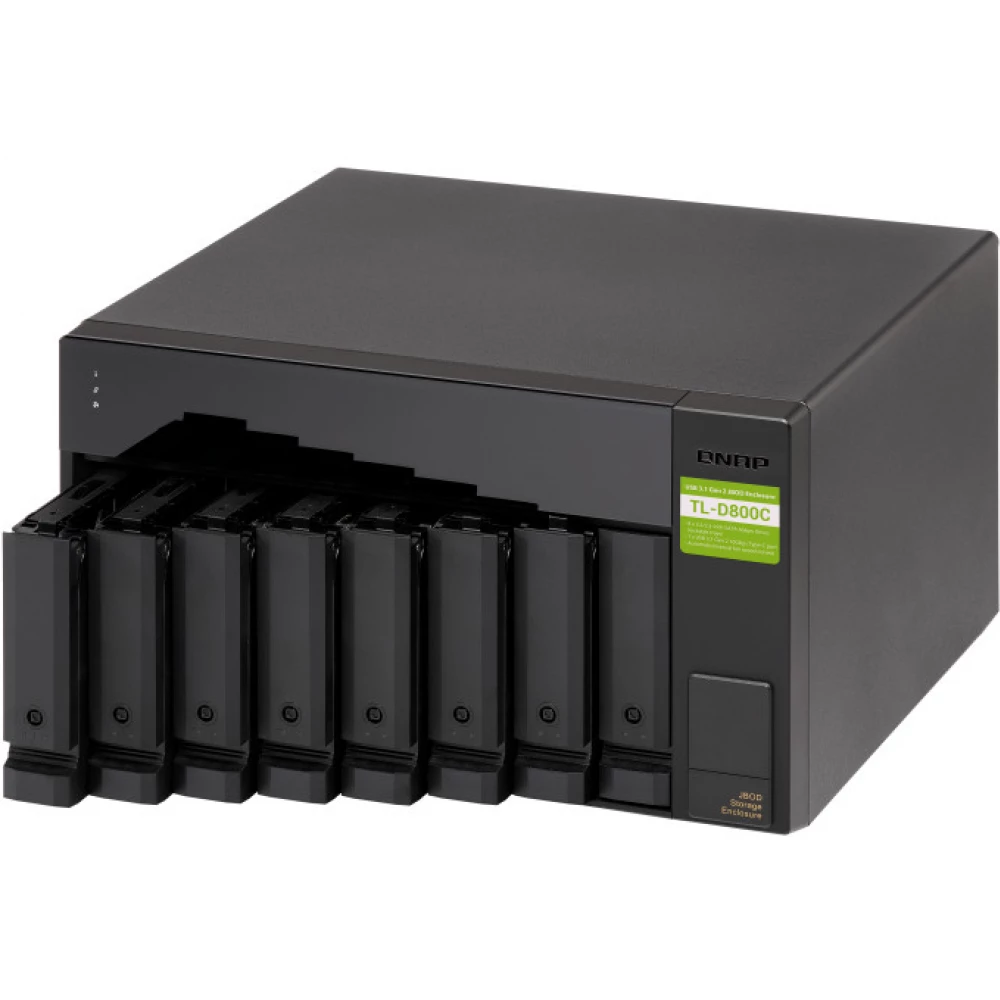
The TL-D800C JBOD storage cabinet allows you to back up and expand QNAP NAS and computers (both Windows and Mac systems are supported). The TL-D800C features eight 3.5-inch SATA 6 Gb/s drive bays and USB 3.2 Gen 2 (10 Gbps) Type-C connectivity to provide a fast and seamless expansion solution.
Flexible storage configuration and management
The TL-D800C provides software-controlled configurations for greater flexibility. Users can configure RAID and monitor disk status using QTS/QuTS hero storage and snapshot manager on QNAP NAS or QNAP JBOD Manager utility installed on their PC.
Intelligent monitoring of JBOD status on PC and servers with QNAP JBOD Manager
QNAP JBOD Manager is a desktop utility for monitoring the TL-D800C on Windows® and Mac® computers. You can quickly view the collected information on the JBOD status, lifetime, and fan speed, and you can also check for firmware version updates. It records all events, and then QNAP JBOD Manager automatically sends alarm notifications to the desktop.
JBOD migration speeds up remote file transfers
Migrating many small files or a single large data file to a network environment is time-consuming and can consume significant network bandwidth, reducing work efficiency. The TL-D800C supports remote file transfer. All you have to do is set up the RAID configuration and the storage created for the files. Then, you can move the TL-D800C to another location and connect it to your computer or NAS for instant operation and portability.
Use the TL-D800C as a high capacity drive reader by setting it to single disc mode
You can treat each disk of the TL-D800C as a separate storage and even use them as a removable drive. It can work similarly to a high-capacity drive reader. When one disk reaches its data storage limit, you can remove it and place it in a dry box. Then insert another disc into the empty drive slot of the TL-D800C. After that, you can install the next full data capacity disk into the TL-D800C and then connect it to your computer or NAS for direct file access.
PRICE NOTIFICATION
Recommended for you
Similar products
NOTEBOOK SEARCH
OPINIONS
OPINIONS
