
Outdoor eWeLink app compatible camera
Substitute products
Product description
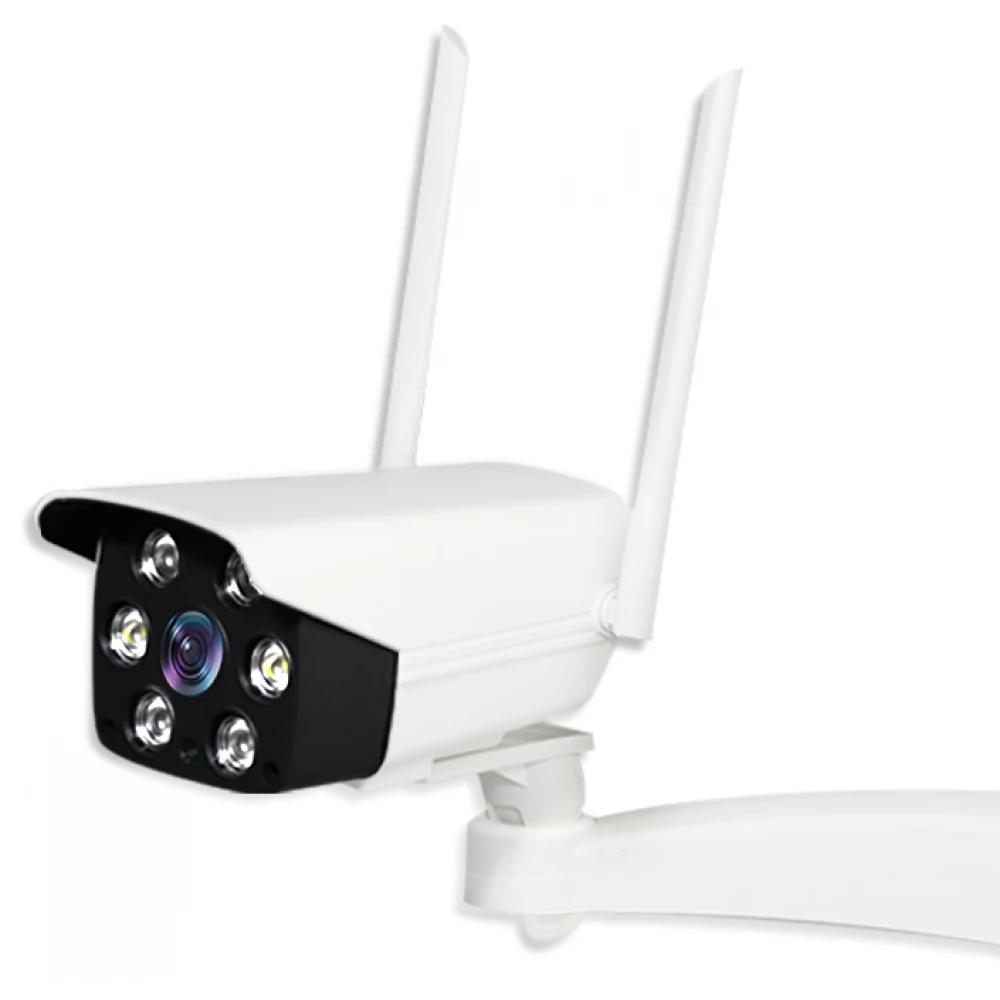
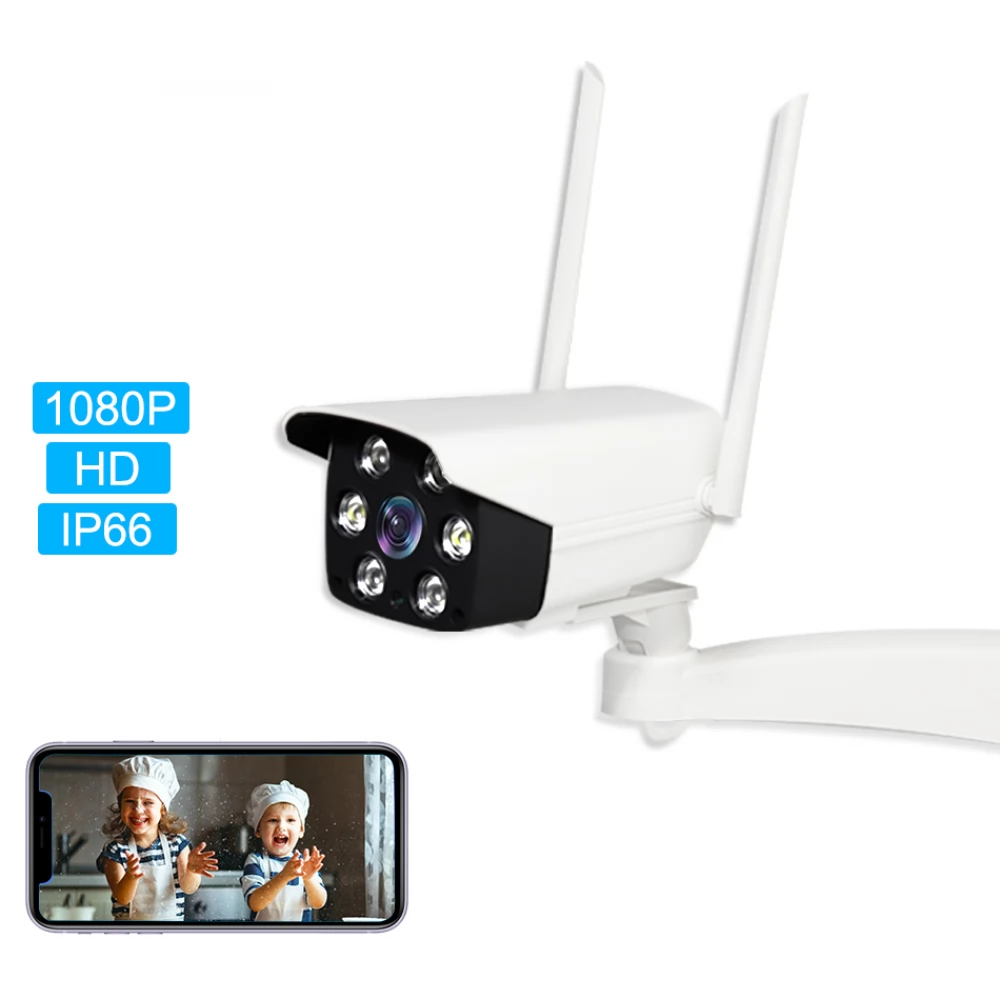
This 3rd generation Sonoff/eWeLink-compatible outdoor camera is a FullHD, i.e. 1920x1080px, outdoor camera in a white plastic case with IP66 water resistance. In the eWeLink app, which controls Sonoff and SmartWise smart devices, it can be used for monitoring the controlled Sonoff/SmartWise device (e.g. garage door, garden gate, etc.) and for outdoor monitoring.
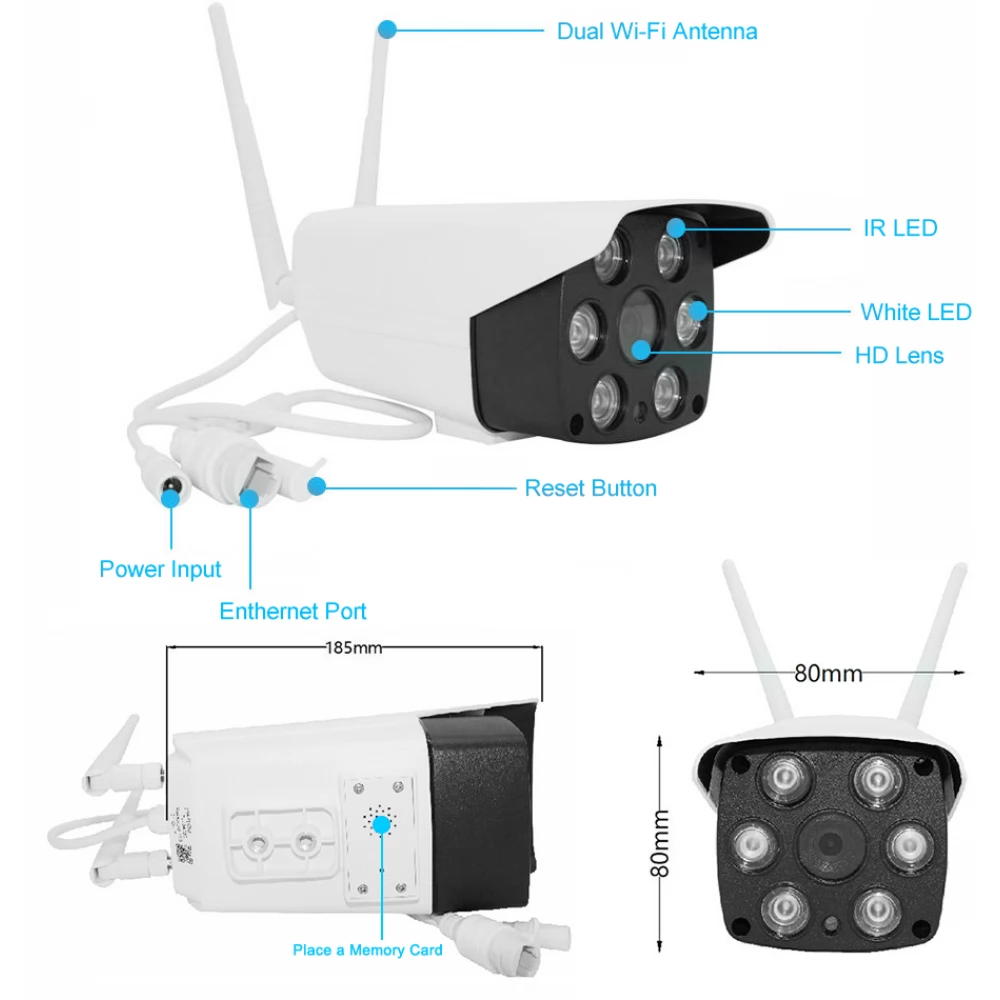
The built-in max. Thanks to an IR (infrared) sensor with a range of 10 meters, it works at night, in total darkness, and objects stand out beautifully in black and white under the infrared light.
The current image of the camera can be viewed on the camera device in the eWeLink app, and can also be added to a smart device paired with the eWeLink app to be displayed above the ON/OFF switch (and other control buttons).
The live image from the camera is sent to the phone in the eWeLink app via a P2P (ie direct) data connection, not through the cloud. Two modes can be selected in the app for live video (depending on the available bandwidth):
- HD resolution: 10 FPS, 1920*1080px
- SD resolution: 10 FPS, 640*360px
This type is not only dual WiFi-capable, but also suitable for receiving a wired network (LAN) cable (RJ-45)!
An SD card with a maximum capacity of 128 GB can also be placed in the camera (not included). The eWeLink app also allows you to record a screenshot or video of the current camera image on your phone. This goes to our phone, not the SD card. If the phone is rotated, the camera image can be viewed in full screen.
However, this is not a security camera, but a special eWeLink app-compatible outdoor webcam, primarily for monitoring objects and areas.
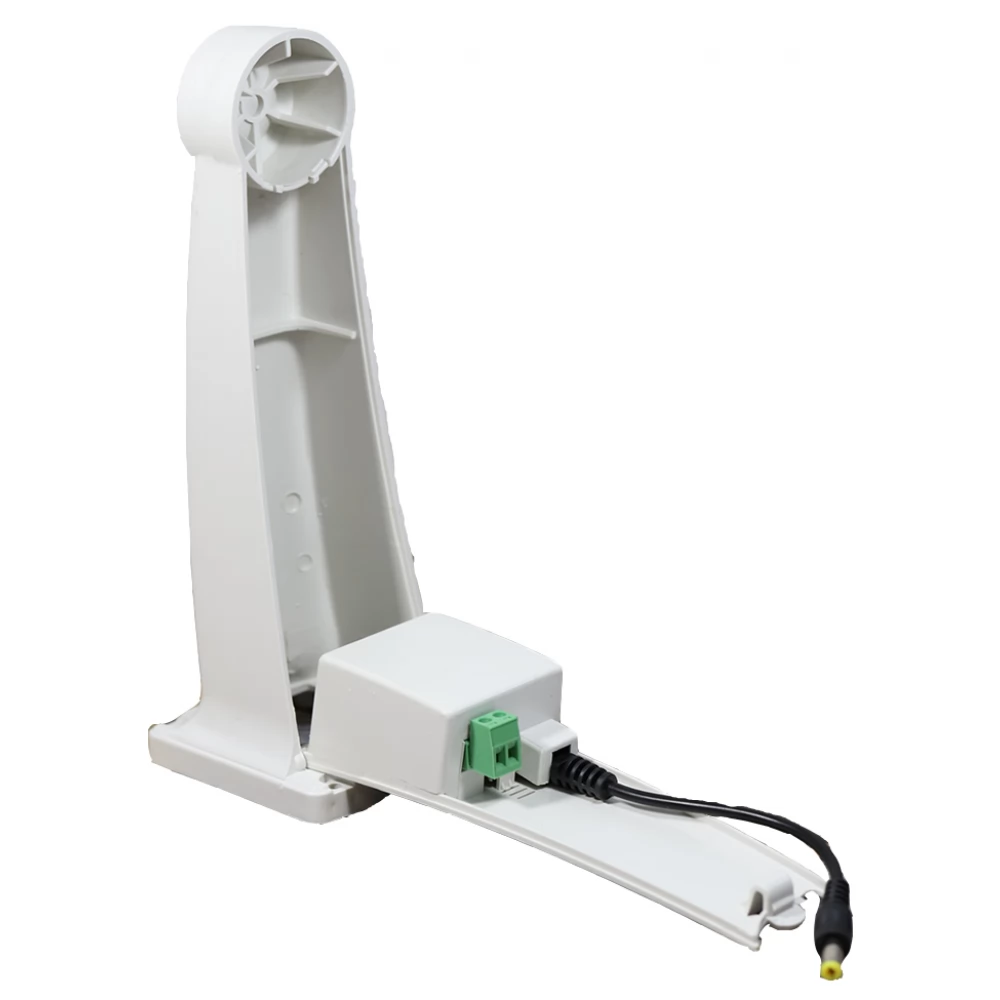
The camera also comes with a solid plastic wall bracket for mounting on the wall, with which it can be mounted on the side wall.
The latest R3 version of the device also comes with a practical power supply built into the wall holder, the 230V plug must be connected to it, which is not part of the product!
Pairing the camera with the eWeLink app is easier than ever in the R3 version, using a QR code.
Similar products
NOTEBOOK SEARCH
OPINIONS
OPINIONS
