
Dear Visitor! We are carrying out maintenance this weekend, so our website may be slow or briefly unavailable at times. Thank you for your patience!
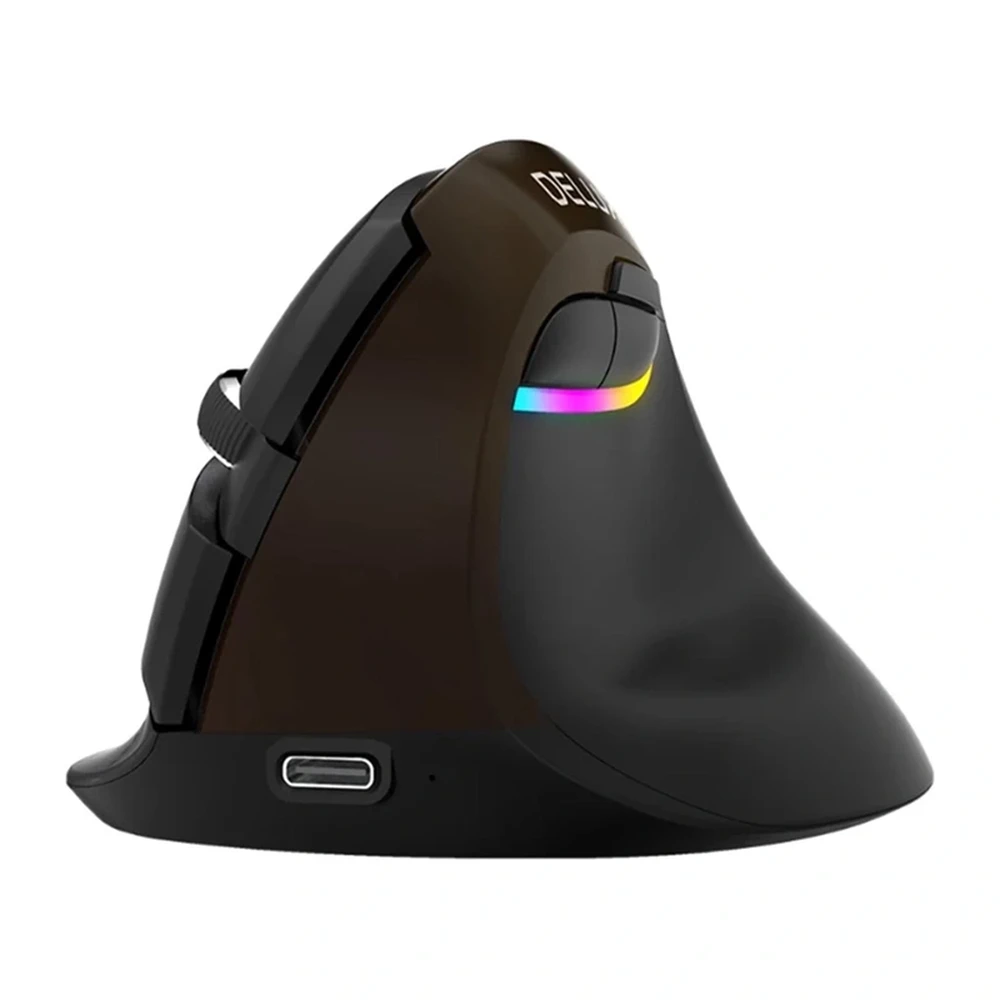
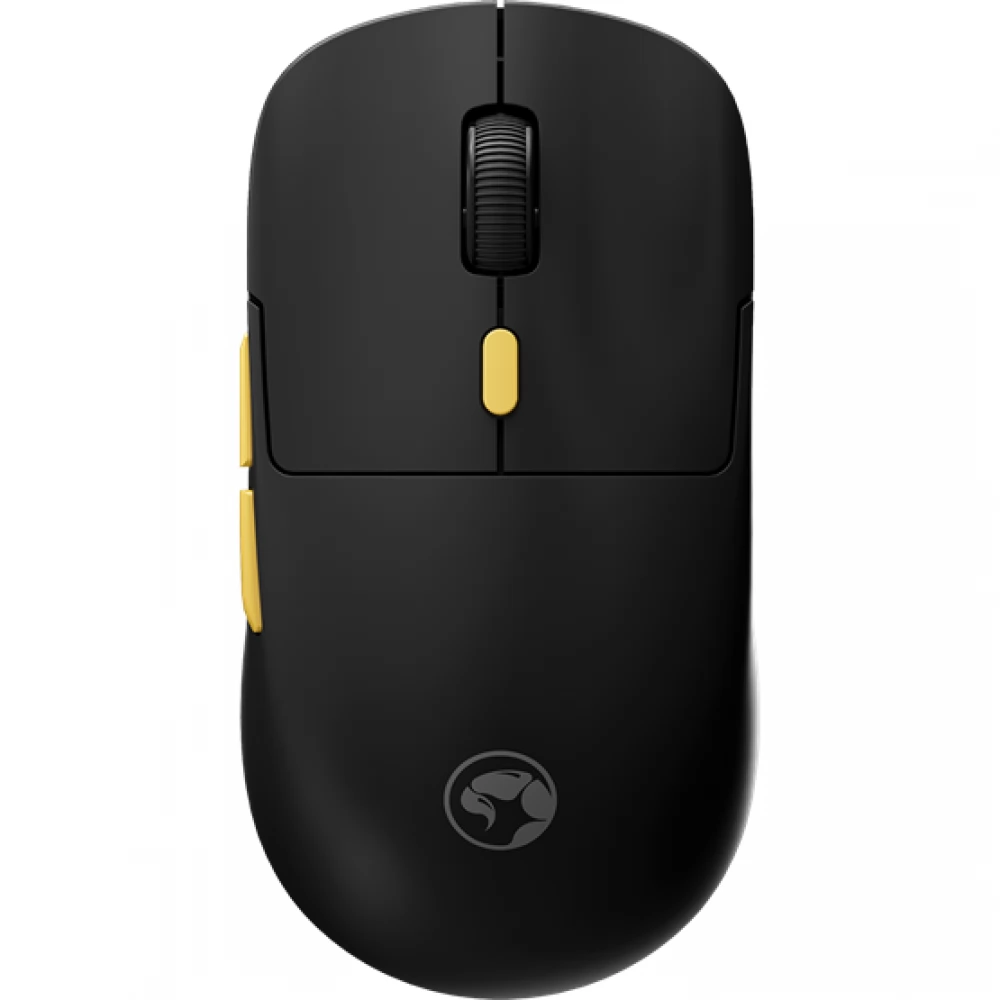
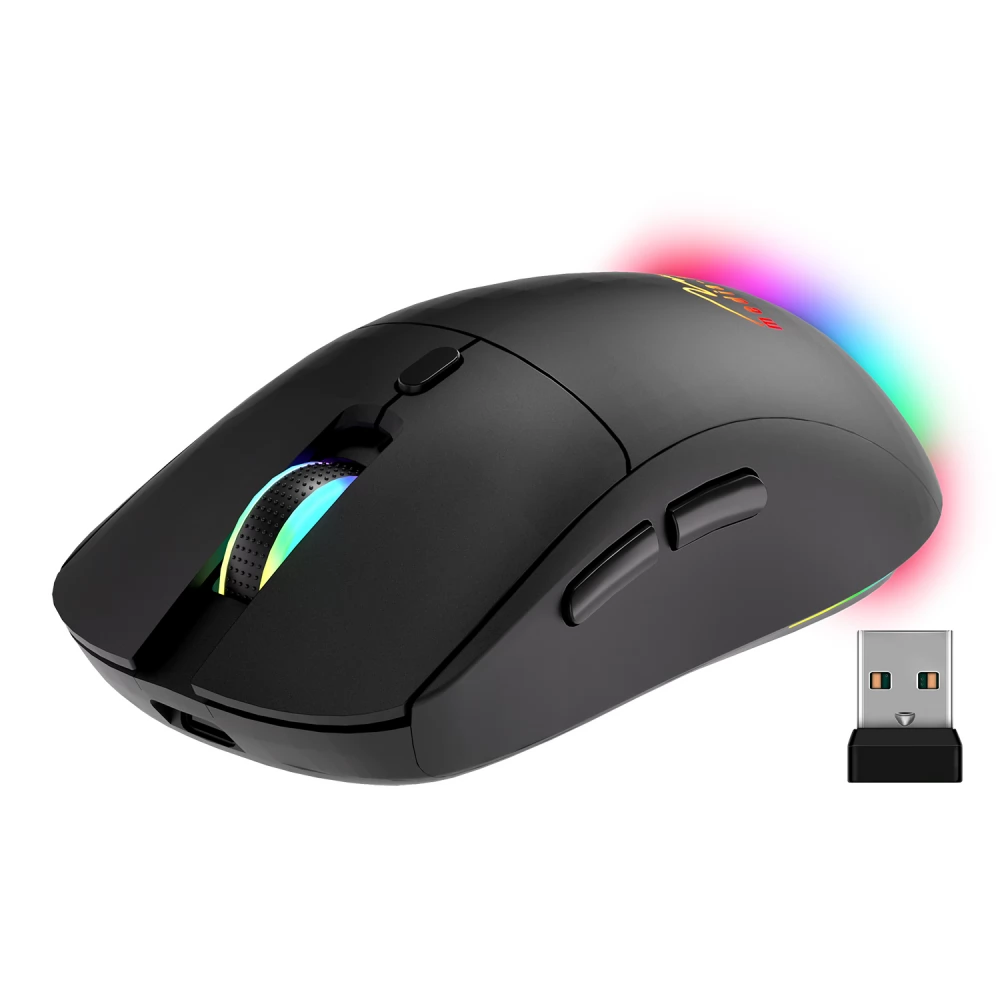
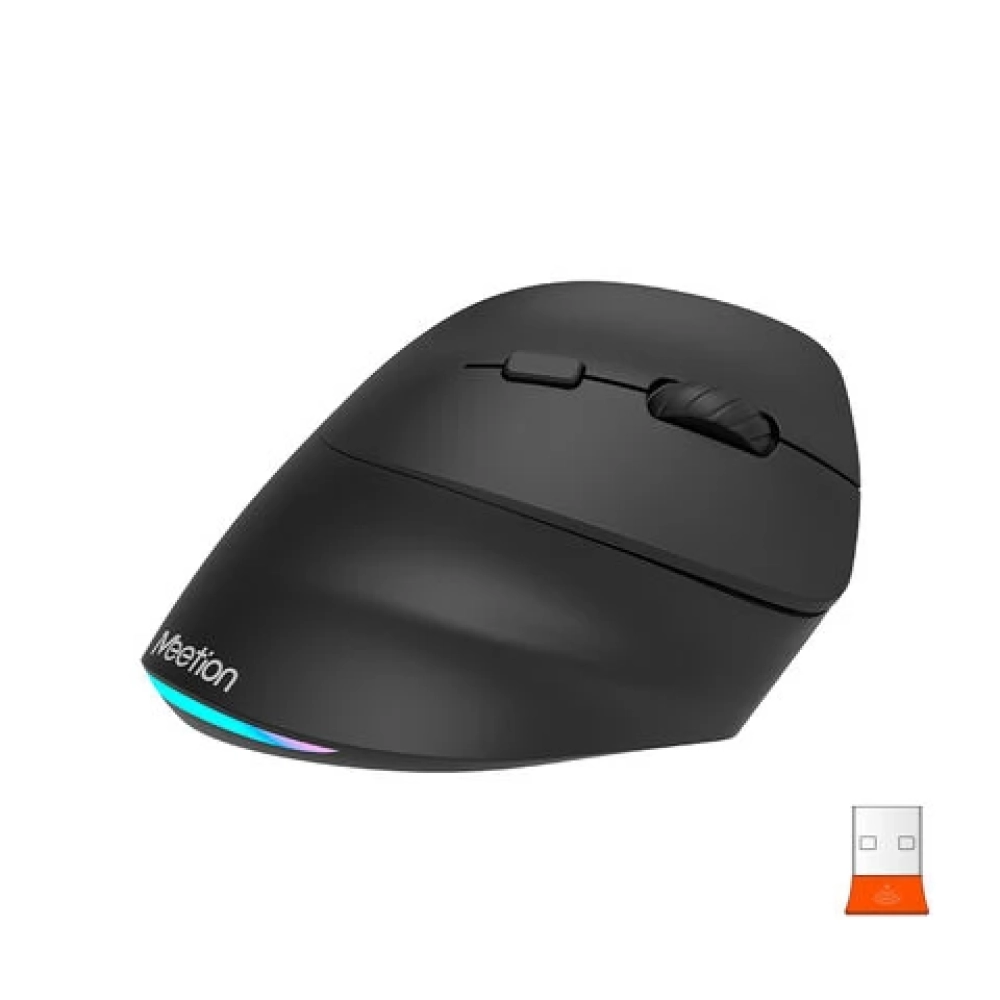
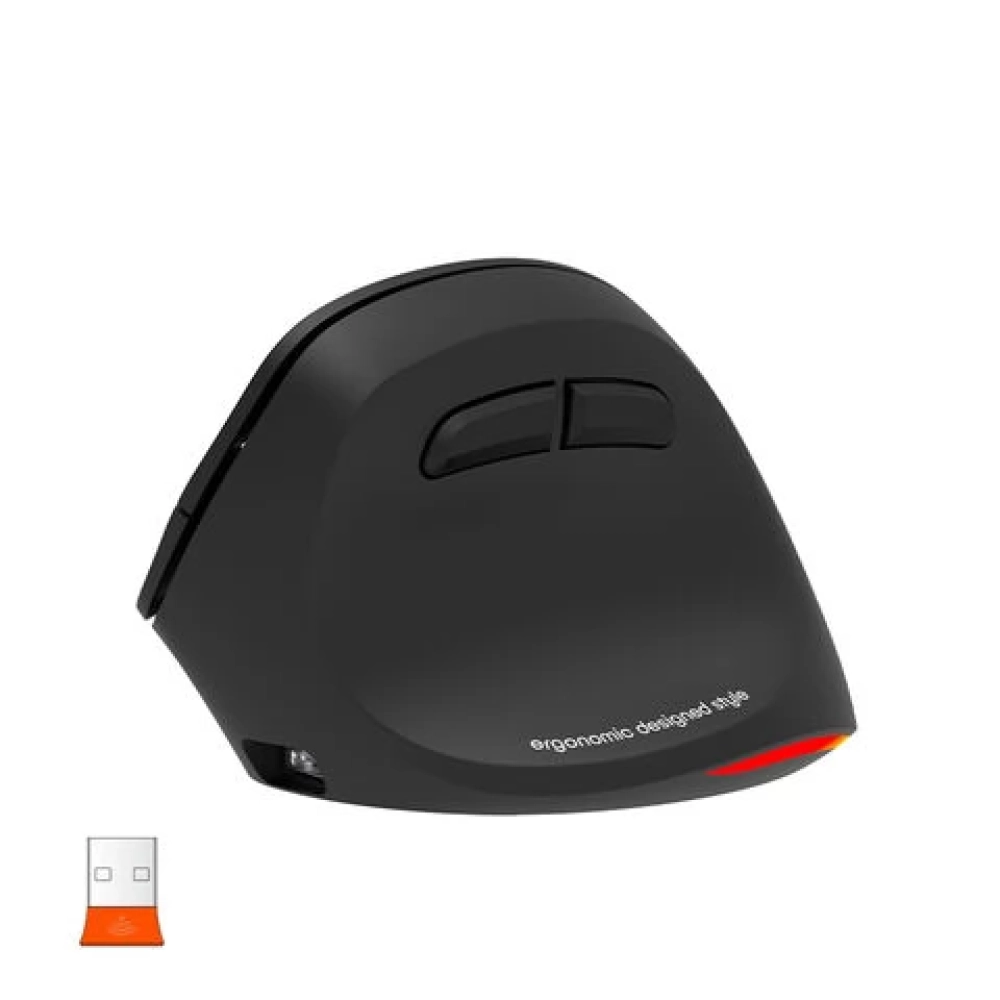
MEETION MT-BTM010R right-handed ergonomical wireless grey
Substitute products
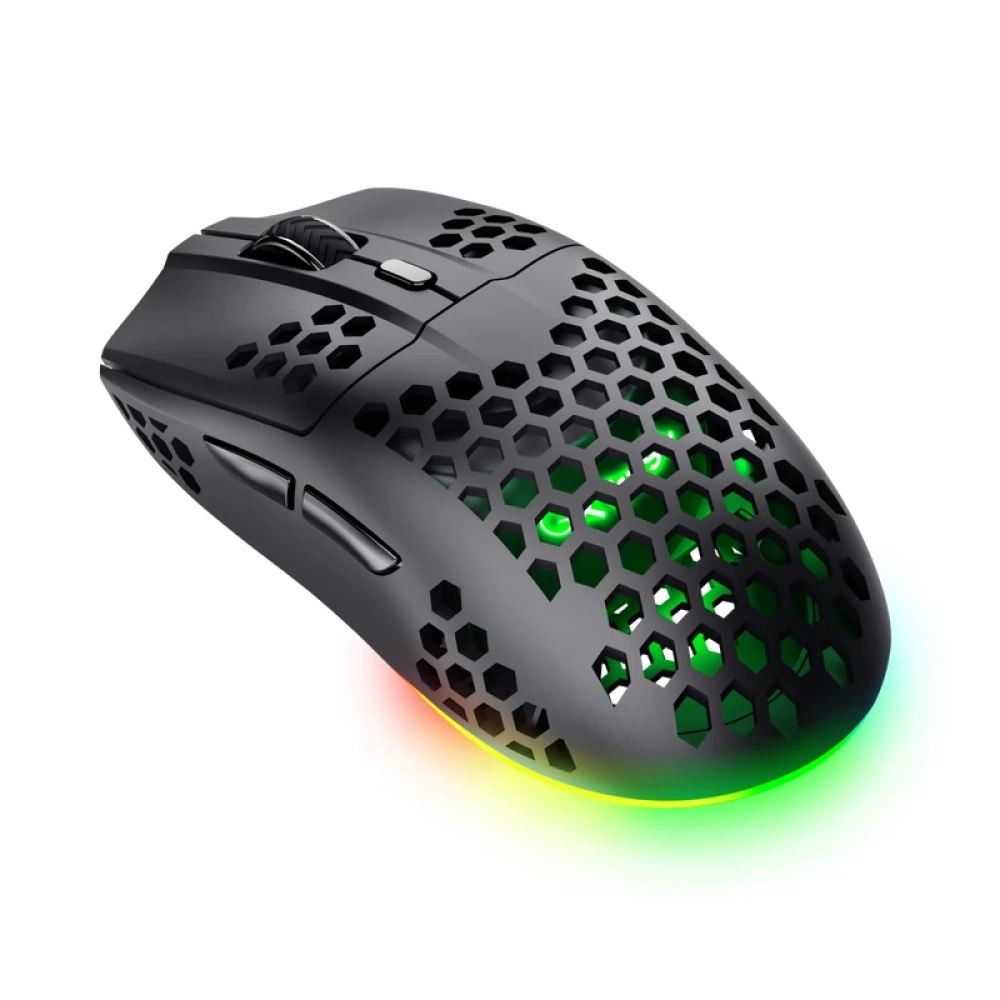
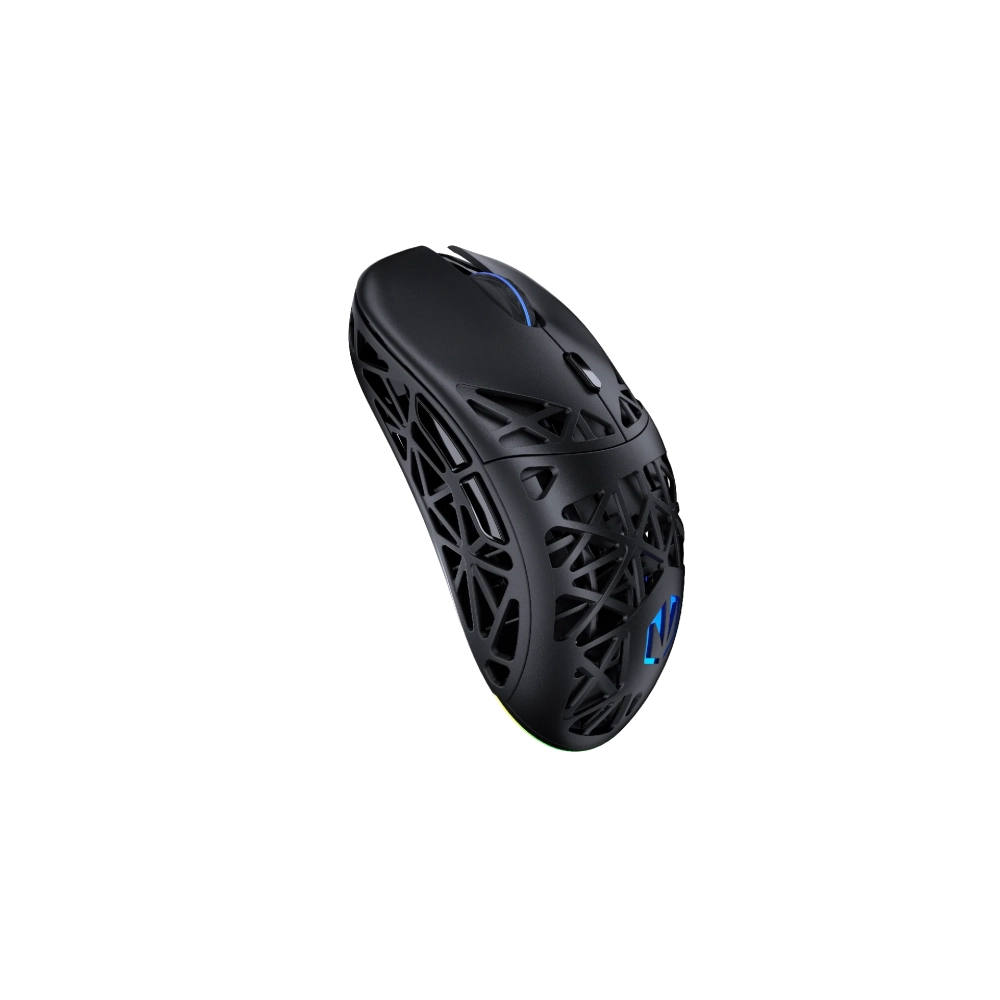
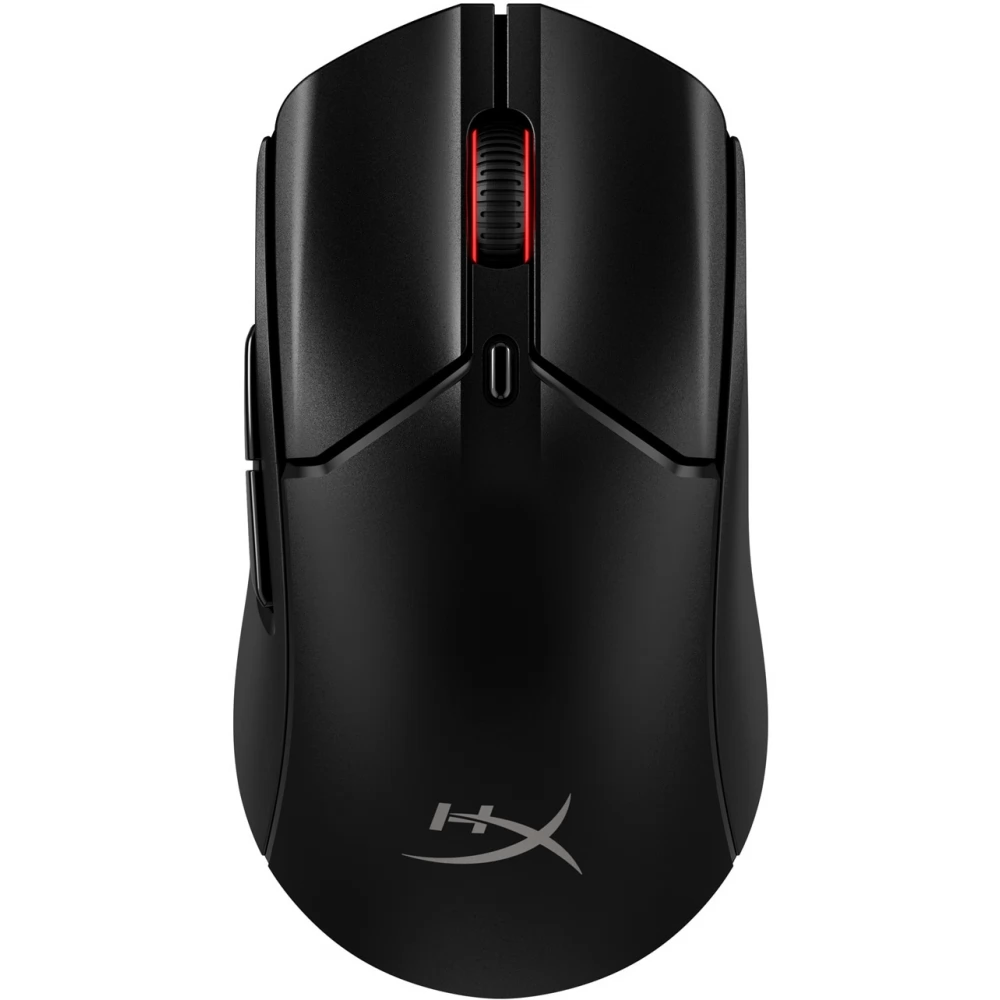
Product description
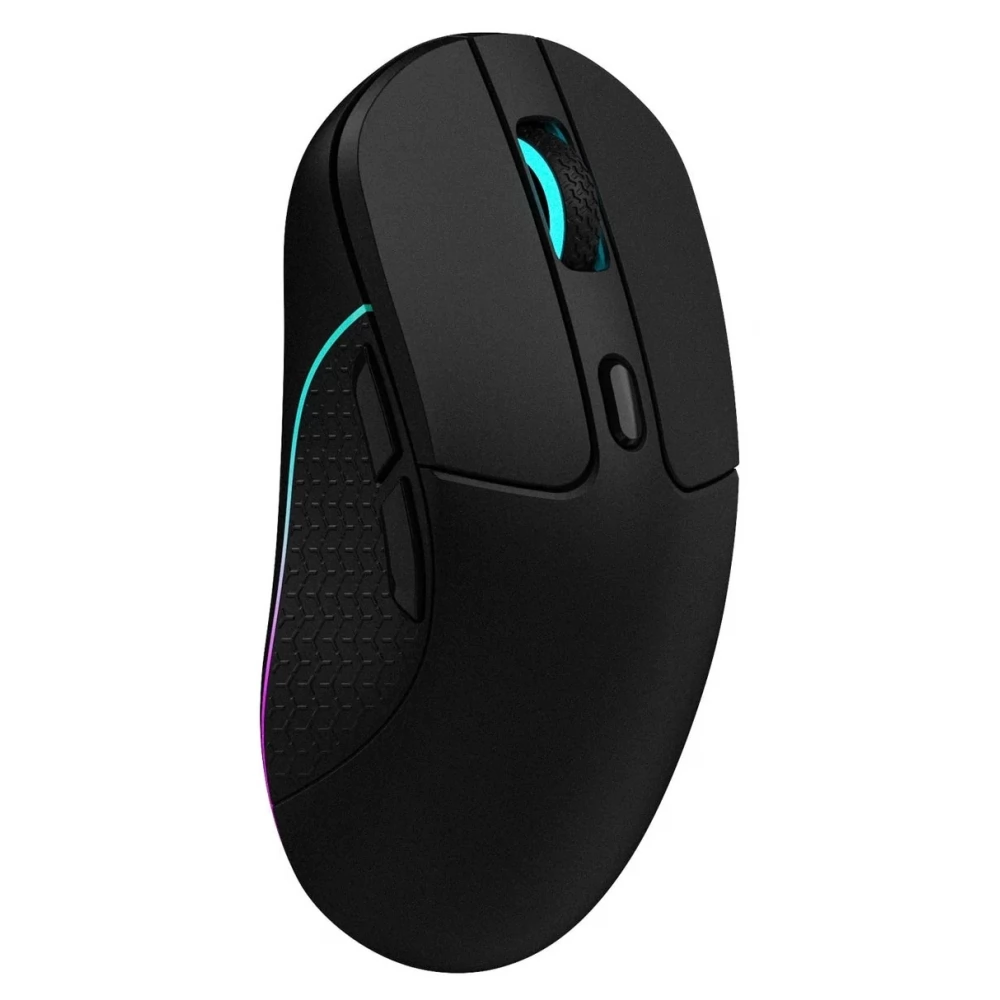
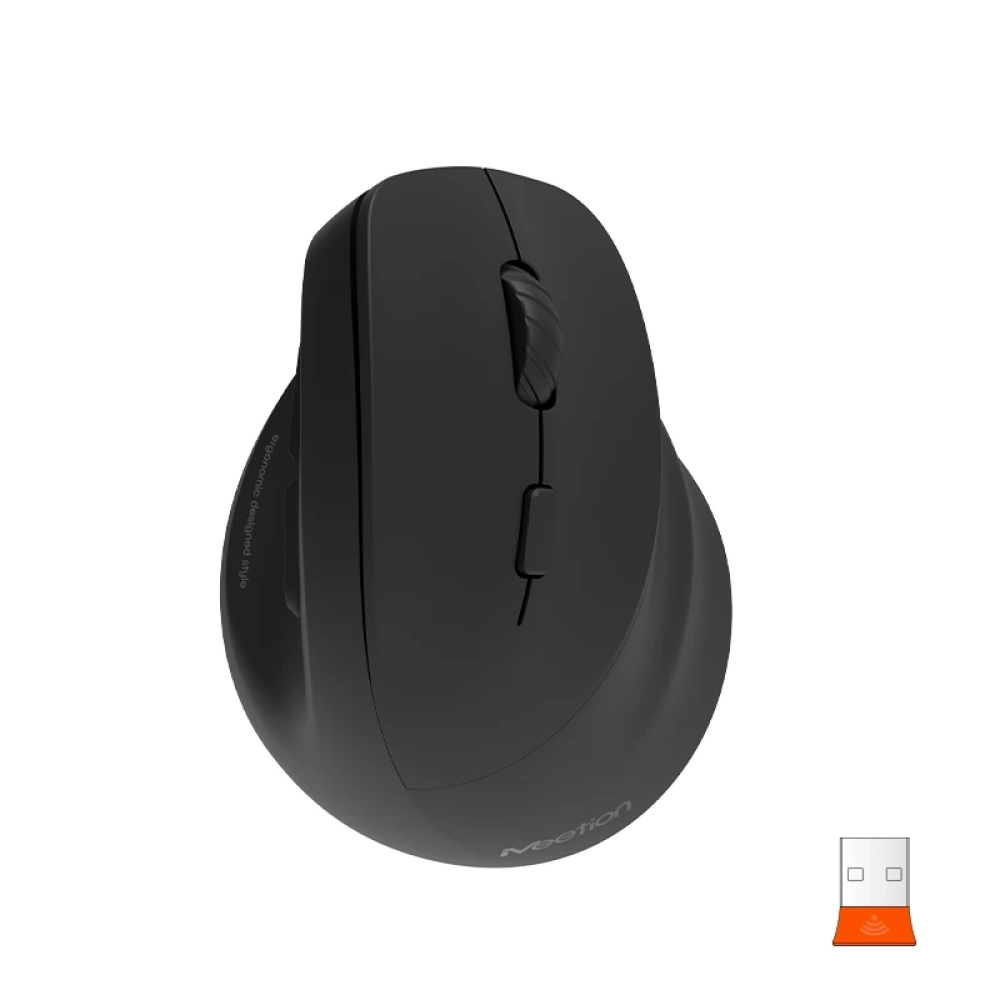
- Ergonomic design for comfortable use.
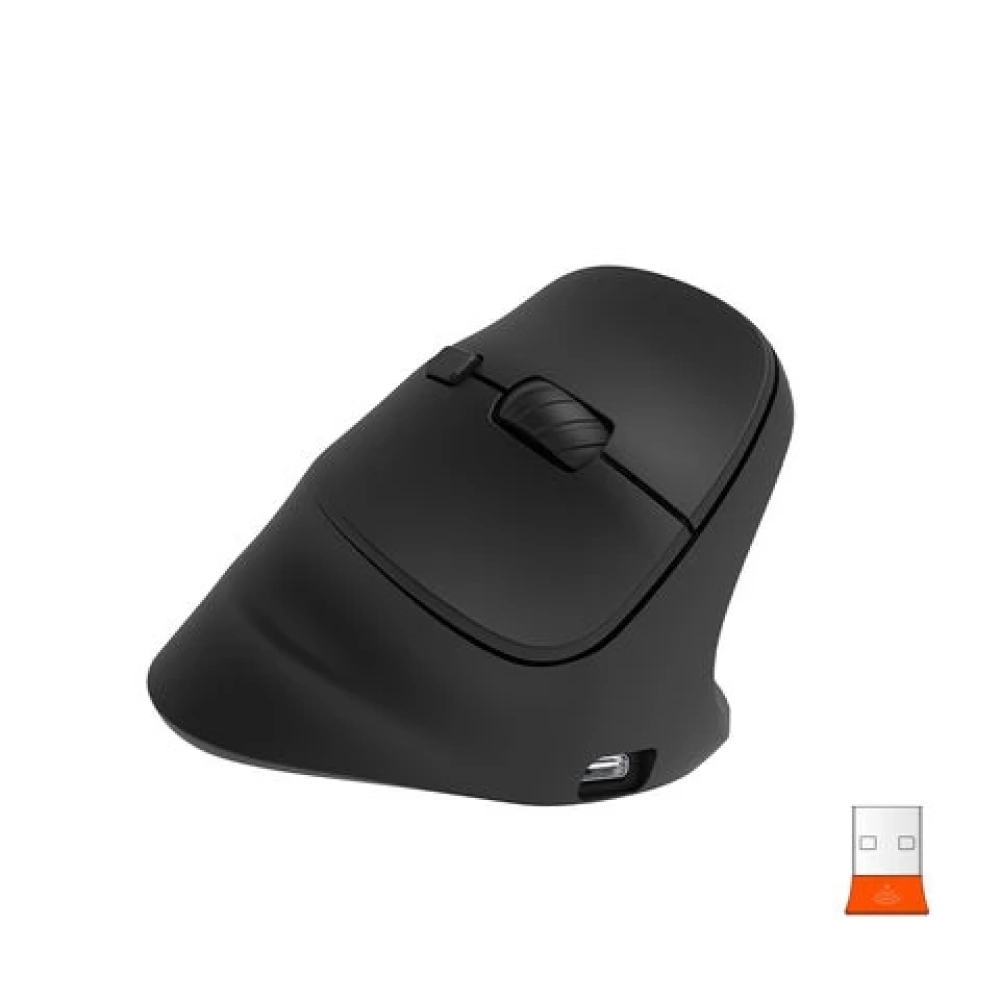
- Dual connection with Bluetooth 5.2+ 3.0 and 2.4G wireless connection (type c adapter).
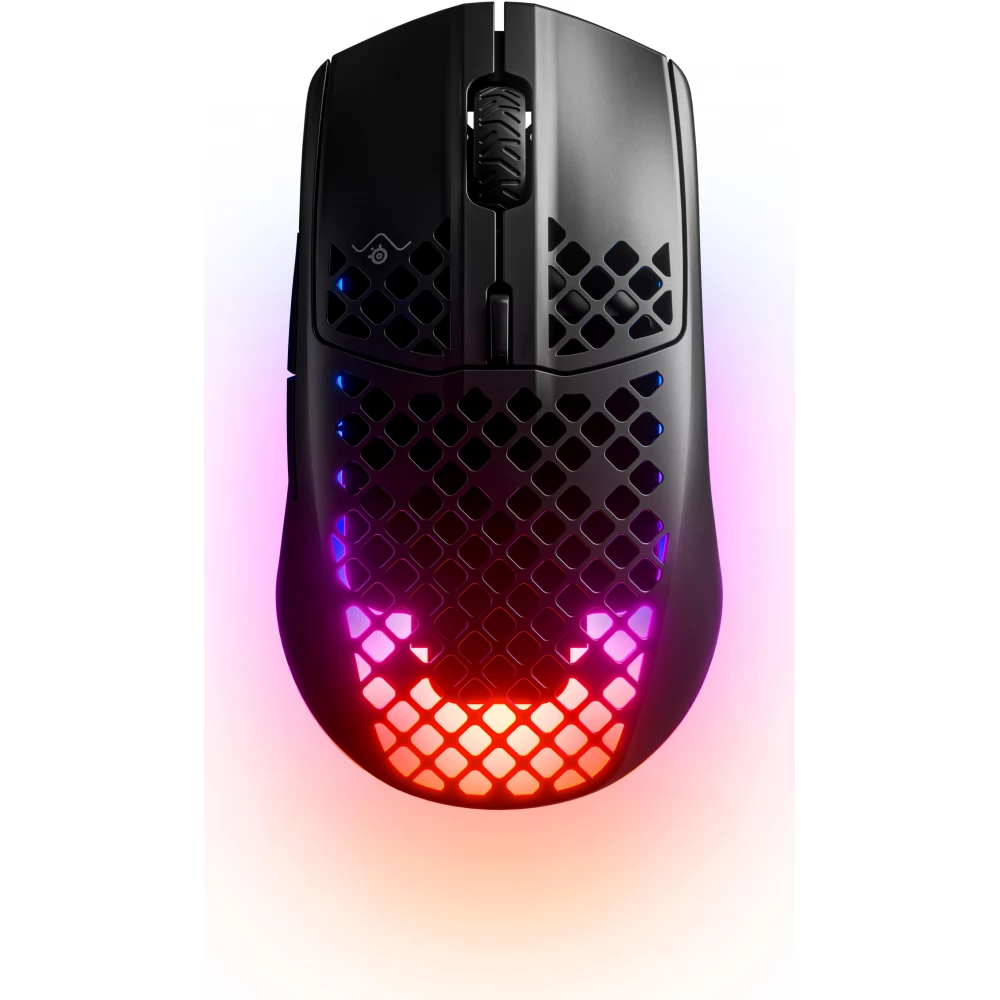
- RGB lighting for a dark atmosphere.
- Rechargeable battery for continuous use.
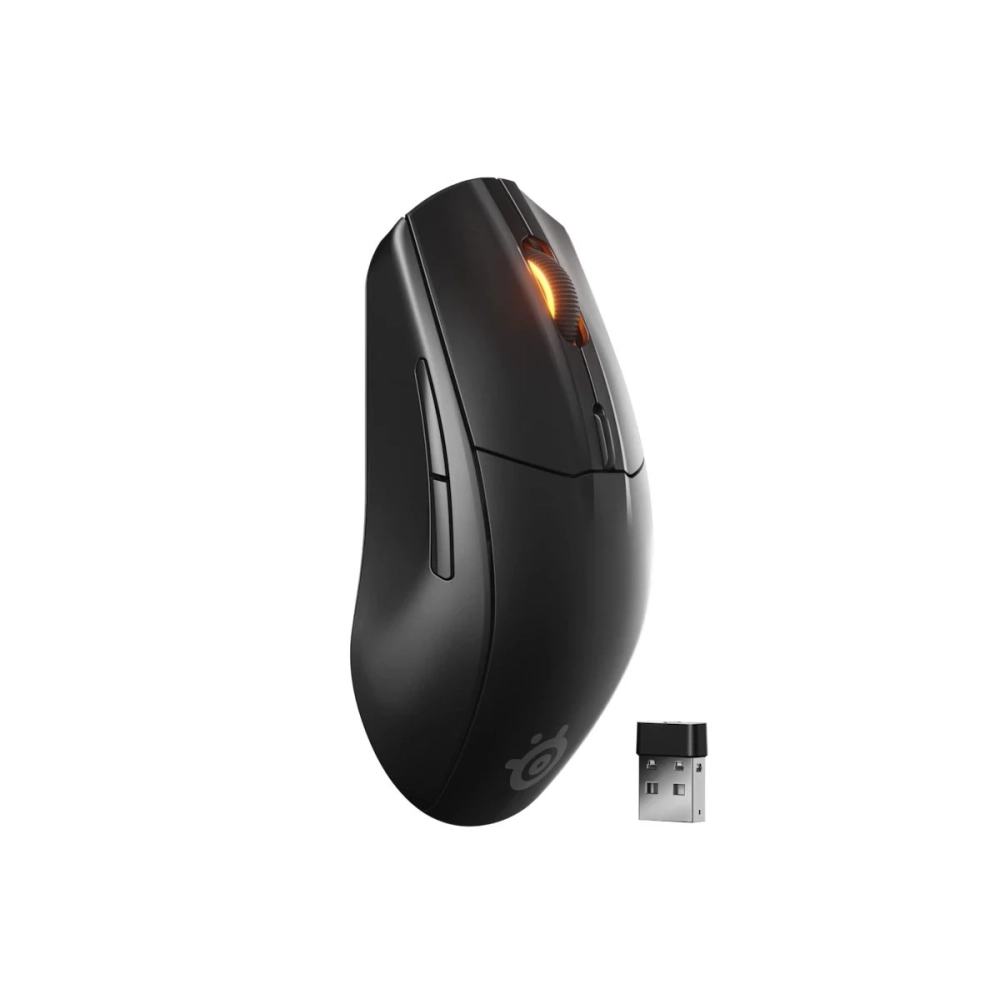
- USB-A receivers and Type-C adapter for versatile compatibility.
- 4 adjustable DPI levels (800-1200-1800-2400) for precise control.
- Dedicated forward and back buttons for easy web navigation.
- Noise reduction design for shared workspaces or quiet environments.
- Note: The BTM010 mouse does not allow you to manually adjust the light color, but you can turn the light on and off by pressing DPI for 3 seconds.
COMPATIBILITY SYSTEM:
- Windows (Windows XP / Vista / 7 / 8 / 10 / 11 / Server 2003 / 2000, etc.)
- MacOS (macOS 10.10 above is recommended)
- In 2.4G mode: for desktop computers, notebook computers, laptops, smart TV with USB interface, etc.
- In Bluetooth mode: for desktop computers, notebook computers, tablets, iPads, mobile phones, smart TV, etc.
2.4G connection steps:
1. Remove the USB receiver on the bottom of the mouse
2. Insert the USB interface of the computer (When the product is used for the first time, an automatic hardware installation message will appear in the lower right corner of the computer)
3. Turn the main switch to green.
4. Briefly press the mode switch button to green.
5. The mouse is connected and can be used properly.
Bluetooth connection steps:
1. Turn the main switch to green.
2. Briefly press the mode switch button on the bottom of the mouse, the 1 blue light flashes slowly
3. Pairing is required when connecting for the first time. Press and hold the mode switch button for more than 3 seconds and the Bluetooth indicator light will switch to flash mode.
4. Open the Bluetooth device search, click the connect button to pair successfully.
5. Bluetooth device name: BTM010 5.2_1, BTM010 3.0_1
NOTEBOOK SEARCH

OPINIONS
0.0
