
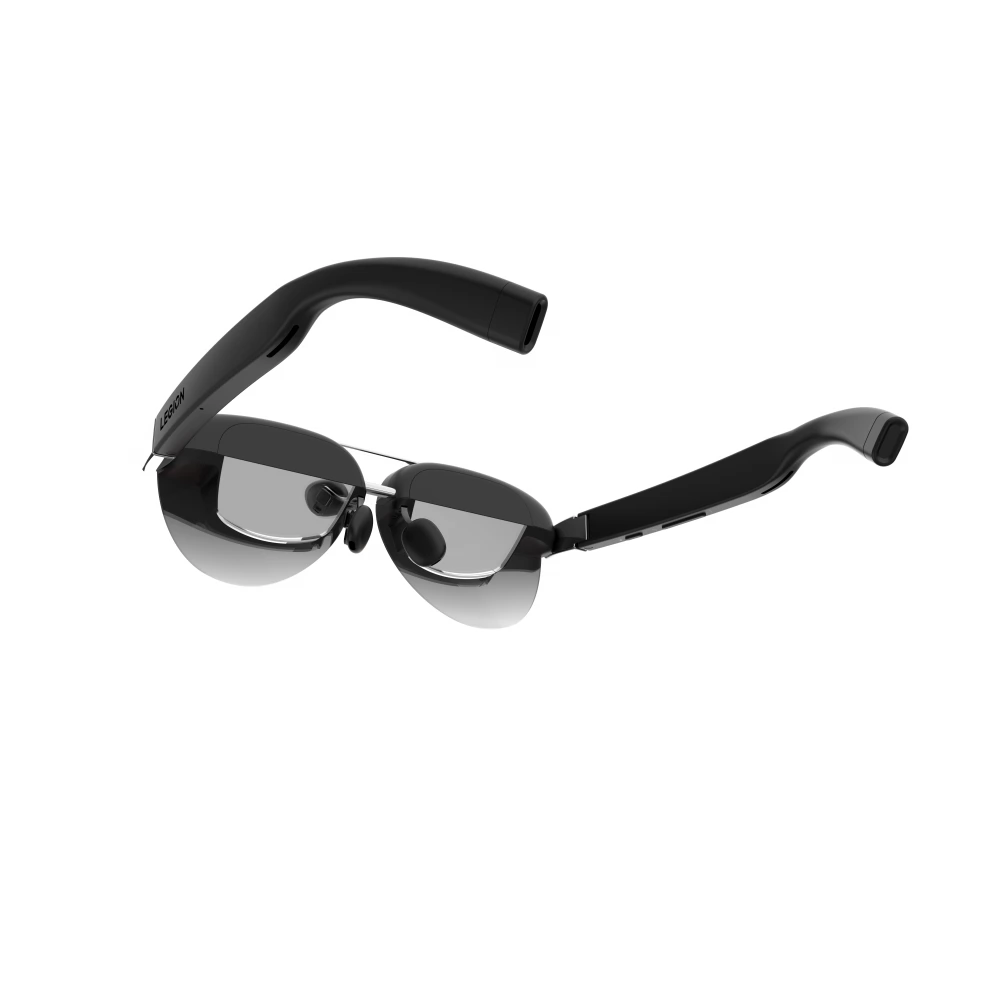
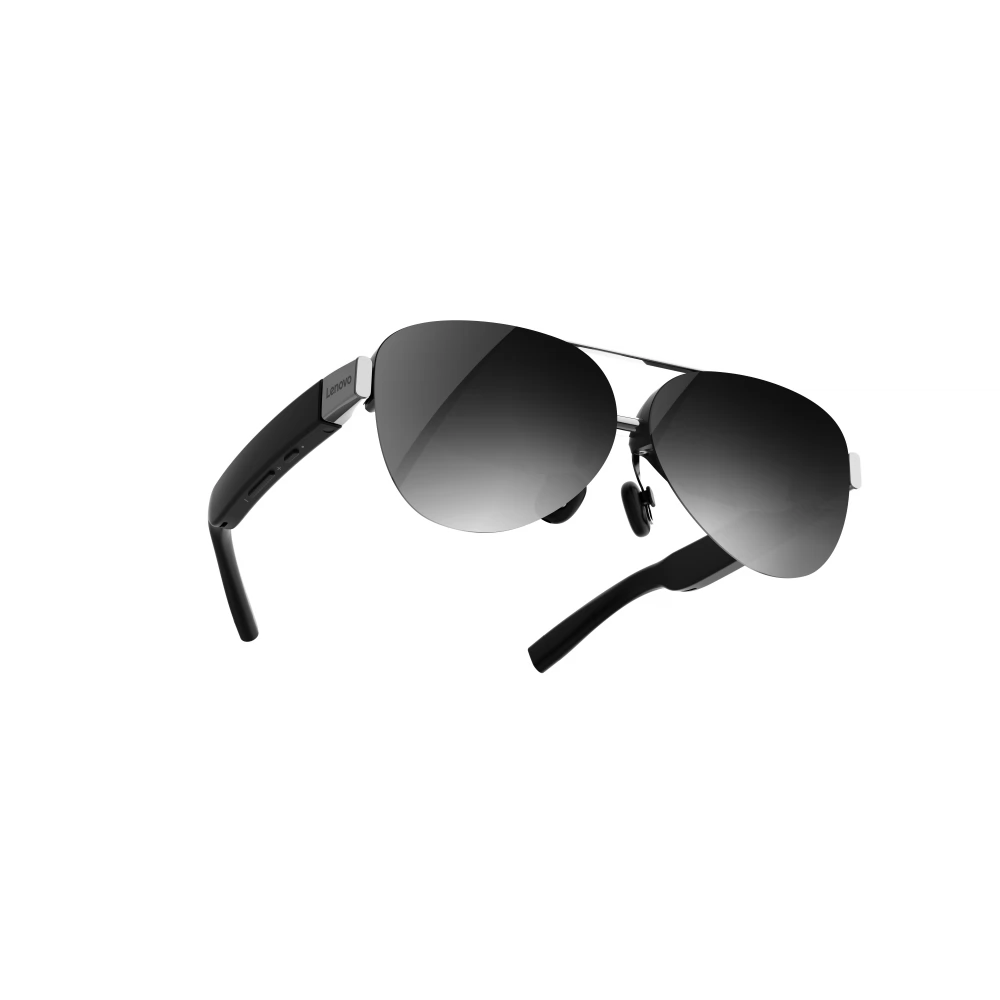
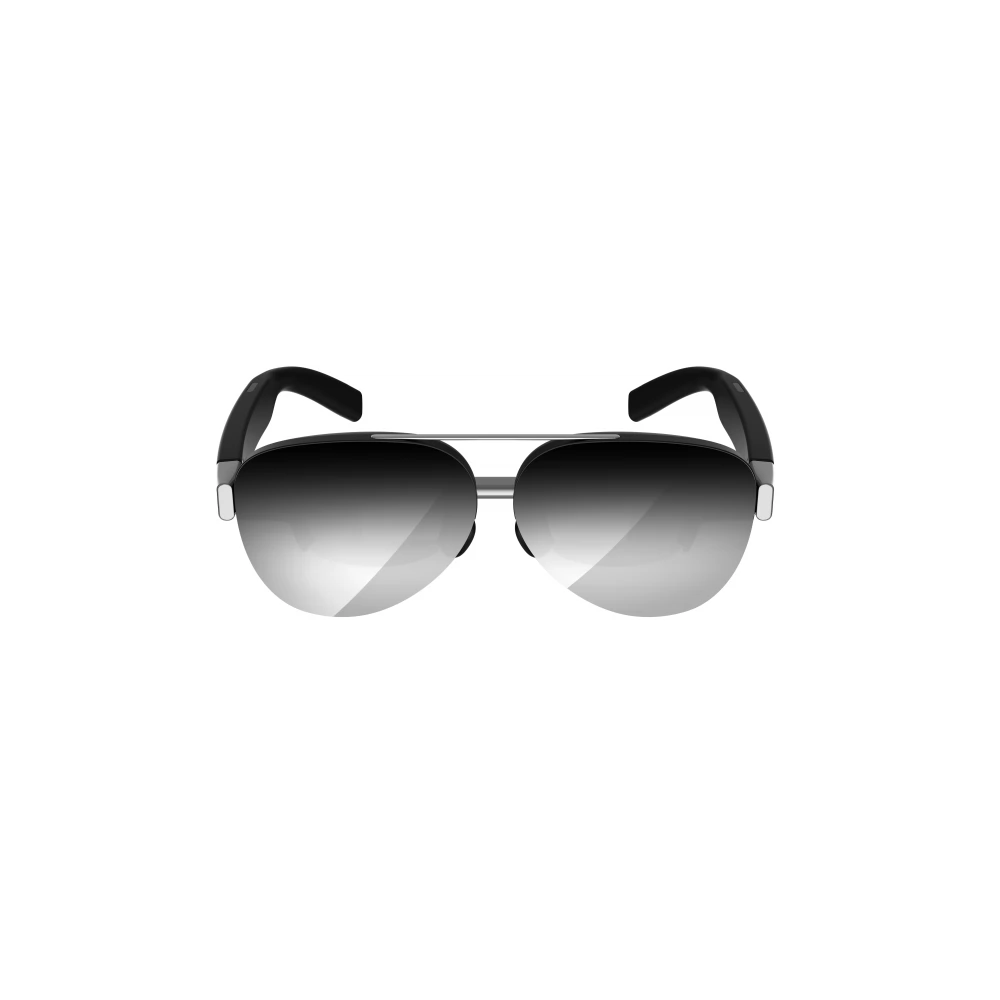
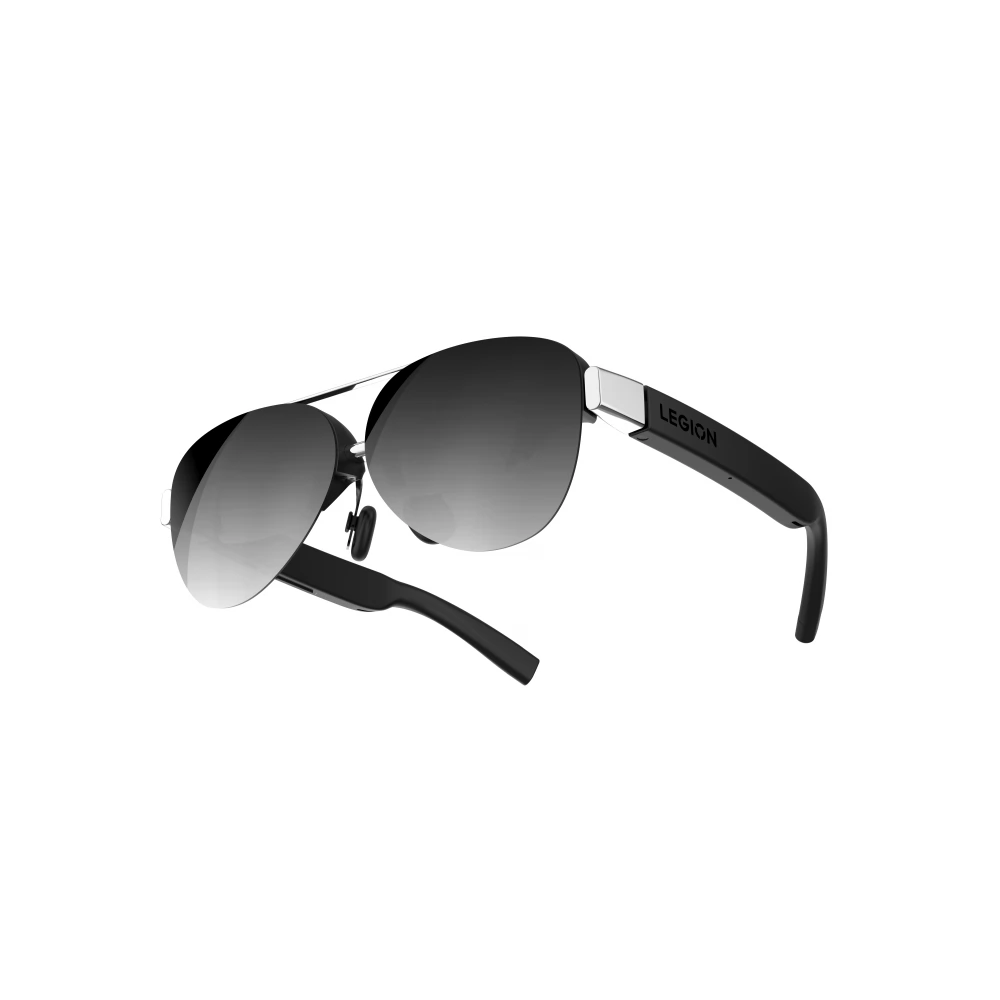
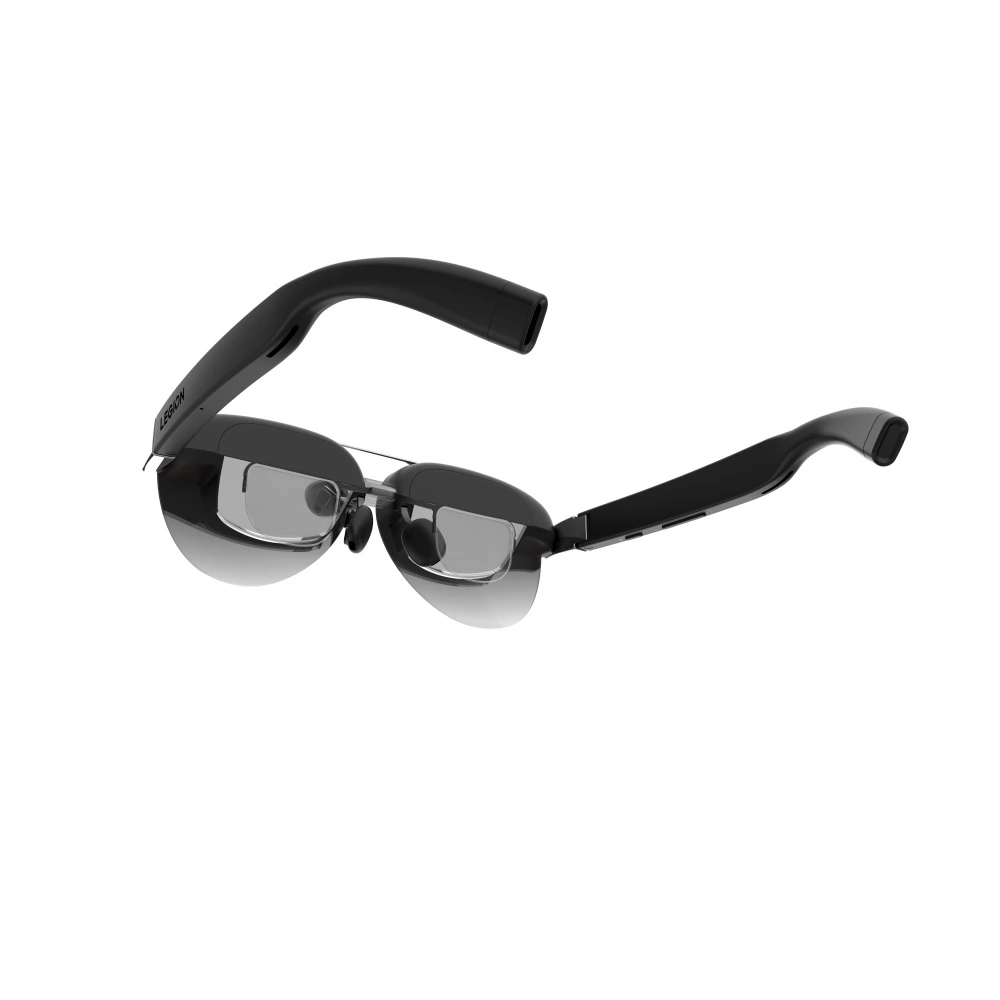
LENOVO GY21R10234 Legion Glasses VR glass Gen 2 Black
not available
Product description
Dive in the virtual reality with a picture from your glasses and your computer, your phone and console
Lenovo Legion Glasses 2 is compatible with all devices that have a USB-C port and supports video signaling via port. This makes no problem with using your console, computer, or smartphone as a VR source. However, not all phones have this feature. Therefore, it is best to check the support of the model directly on the manufacturer's website.
Take the Lenovo Legion Glasses 2 to outdoors
With a maximum brightness of 800 nits, Lenovo Legion Glasses 2 is conveniently used indoors and outdoors. On sunny days you can also use the removable darker magnetic cover to help protect the image from disturbing reflection of the environment.
Emphasis on image quality
Lenovo Legion Glasses 2 offers 98%DCI-P3 levels. The DCI-P3 color model is considered to be an RGB equivalent, but it can distinguish approximately 25%more shades than RGB. You will appreciate this especially when you watch movies or play video games. In terms of technology, the glasses are equipped with a micro OLED display. In addition, it does not emit much of unpleasant blue lights and does not flicker. With Lenovo Legion Glasses 2 glasses you can switch between 2D and 3D modes. Compared to the previous generation, the corners of the display are sharper than this glasses.
Lenovo Legion Glasses Gen 2 virtual display is sharp and large
The glasses have a 126 "virtual display. This means the size of the image that appears in front of your eyes is the same as if you look at a 126" screen or monitor from a few meters away. The Lenovo Legion Glasses 2 display is 4K. The super high 120 Hz image refresh frequency is also remarkable.
VR glasses can be easily treated with two button
The Lenovo Legion Glasses Gen 2 glasses are controlled with two button on the foot of the glasses. The buttons are of different lengths. Touch shorter to adjust the brightness or volume. And if you hold it for at least 5 seconds, you can restore the glass factory settings. The longer button is divided into + and -. Pressing the + part can quickly increase the volume or the brightness of the image. After holding it for 2 seconds, you can turn the display off. Press the section to deflect the sound or reduce the brightness of the screen. If you hold the button for at least 2 seconds, the image will turn to 3D mode or vice versa.
The Lenovo Legion Glasses Gen 2 glasses are very light and comfortable
The Lenovo Legion Glasses Gen 2 is only 65 g. This makes it one of the lightest glasses in its category. You can also adjust the nose support to fit gently and comfortably into your nose. The 18.5 mm thickness and the soft silicone legs are also evaluated.
Other features:
- Lenovo Legion Glasses 2 is a VR glasses to bring your computer, phone, or console to the world of virtual reality
- has a large 126 "4K virtual display
-can display up to 98%of DCI-P3 color scale
- 120 Hz Excellent Image Freight Speed
- You can choose from 2D and 3D mode
- the display does not emit too much unpleasant blue light and does not flicker
- Lenovo Legion glasses have sharper heels compared to the previous generation
- VR glasses have a built -in speaker and microphone
- can be used with any device with USB-C port that supports video streaming via port
If necessary, a removable darker magnetic cover can be mounted on the glasses
- Population: 65 g
- Comfortable, soft silicone adjustable nose supports
- Package weight: 388 g
- Maximum operating temperature: 40 ° C
- Maximum relative humidity: 50%
PRICE NOTIFICATION
Recommended for you
Similar products
NOTEBOOK SEARCH
OPINIONS
OPINIONS
