
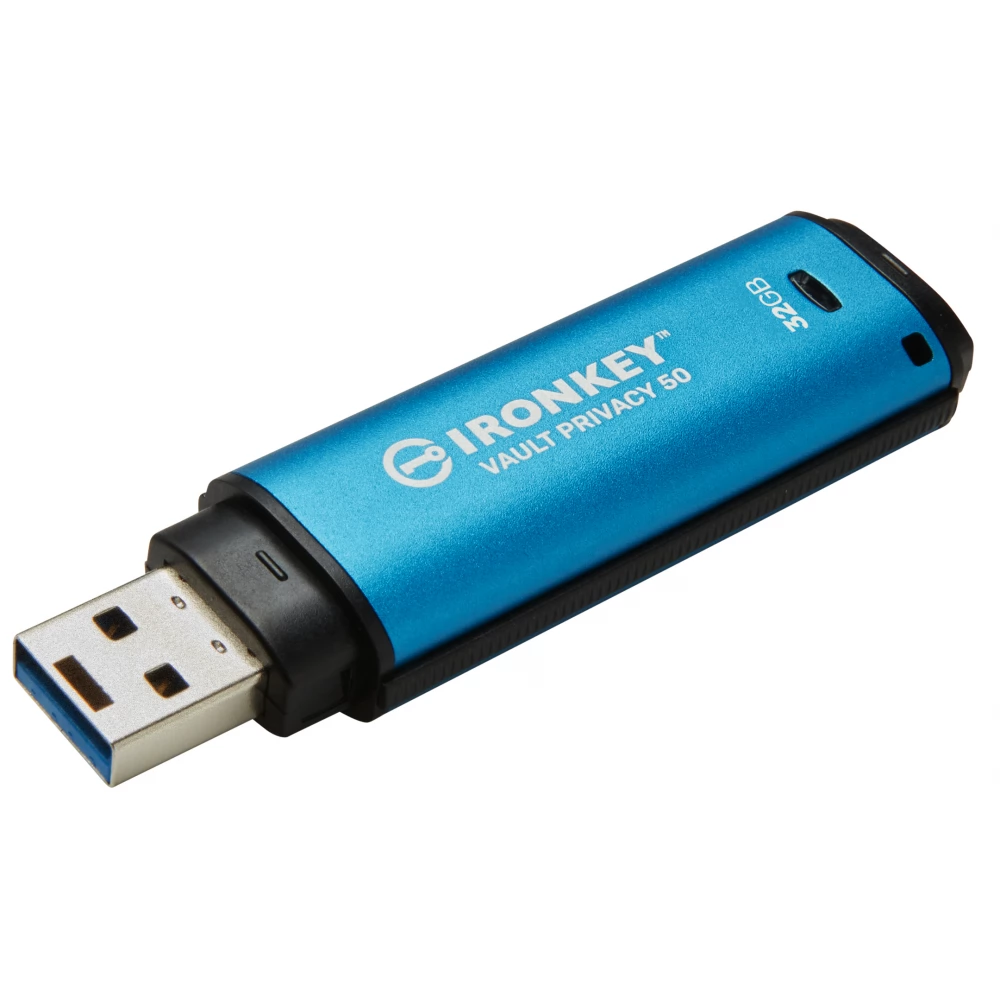
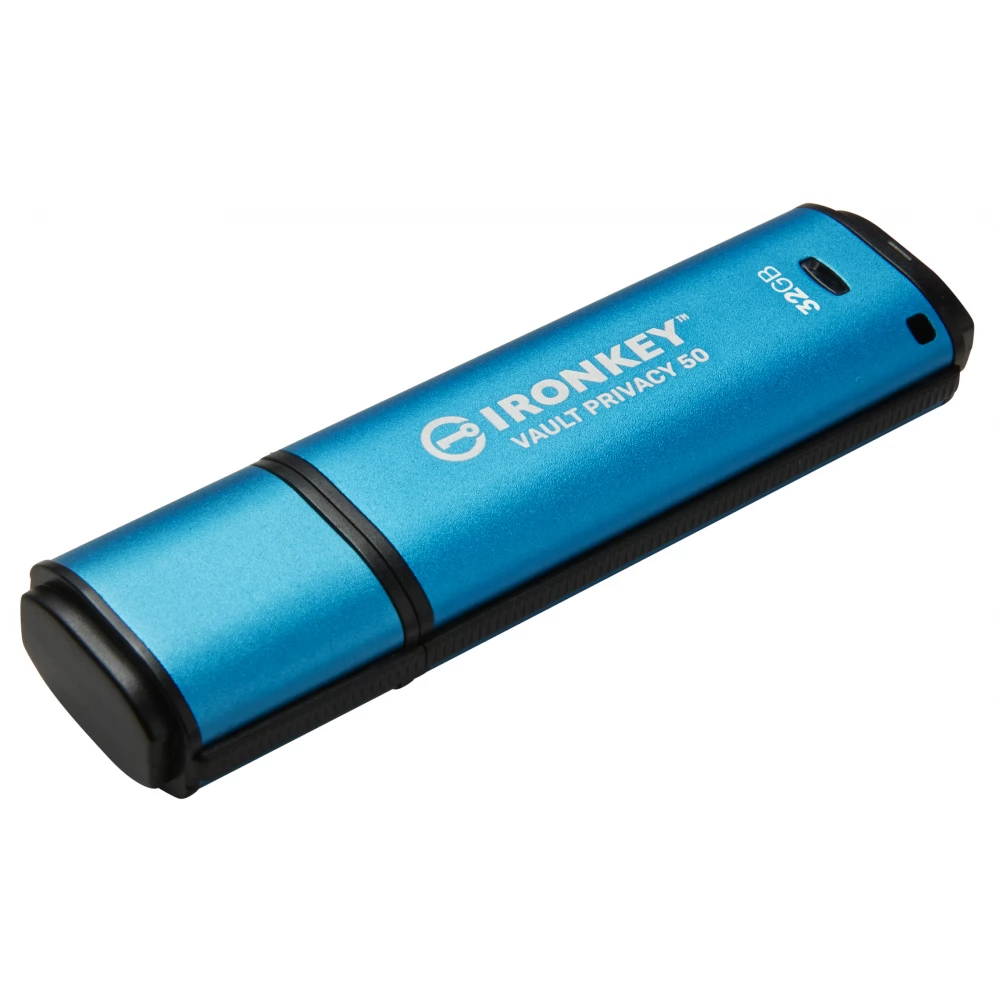
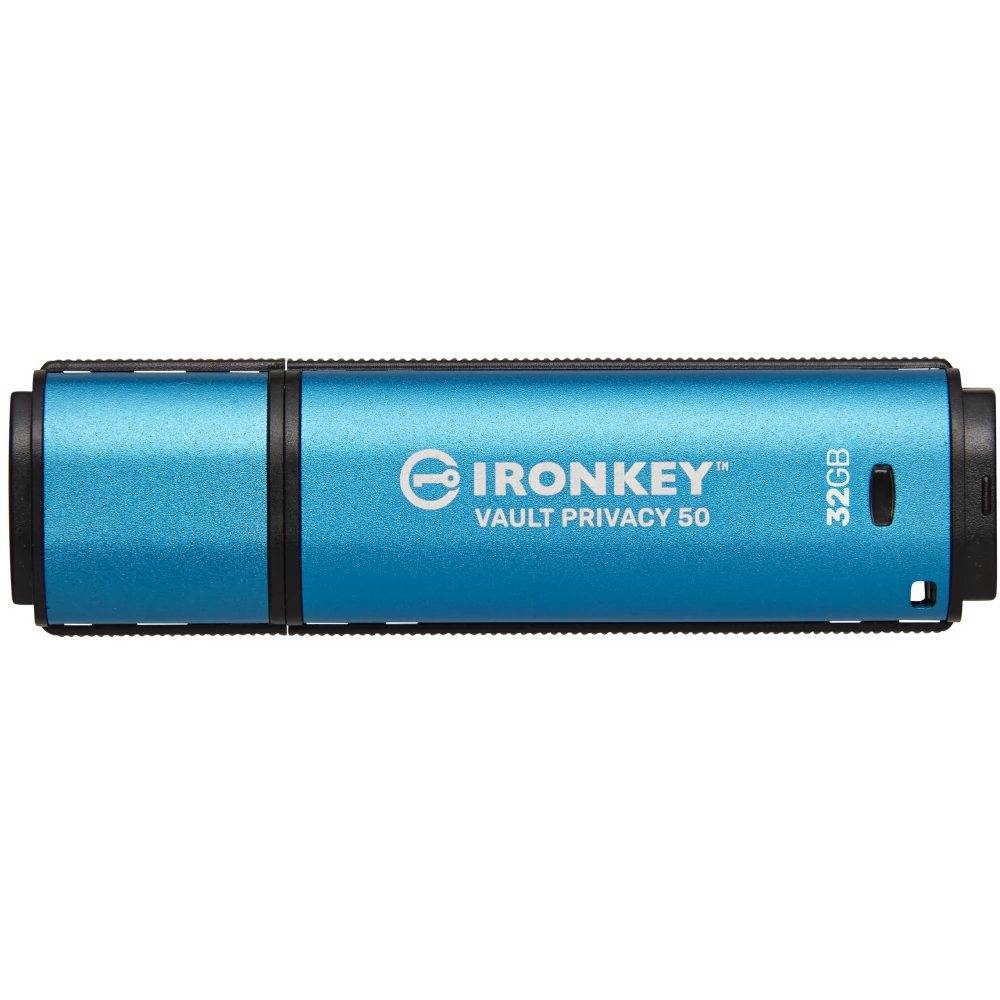
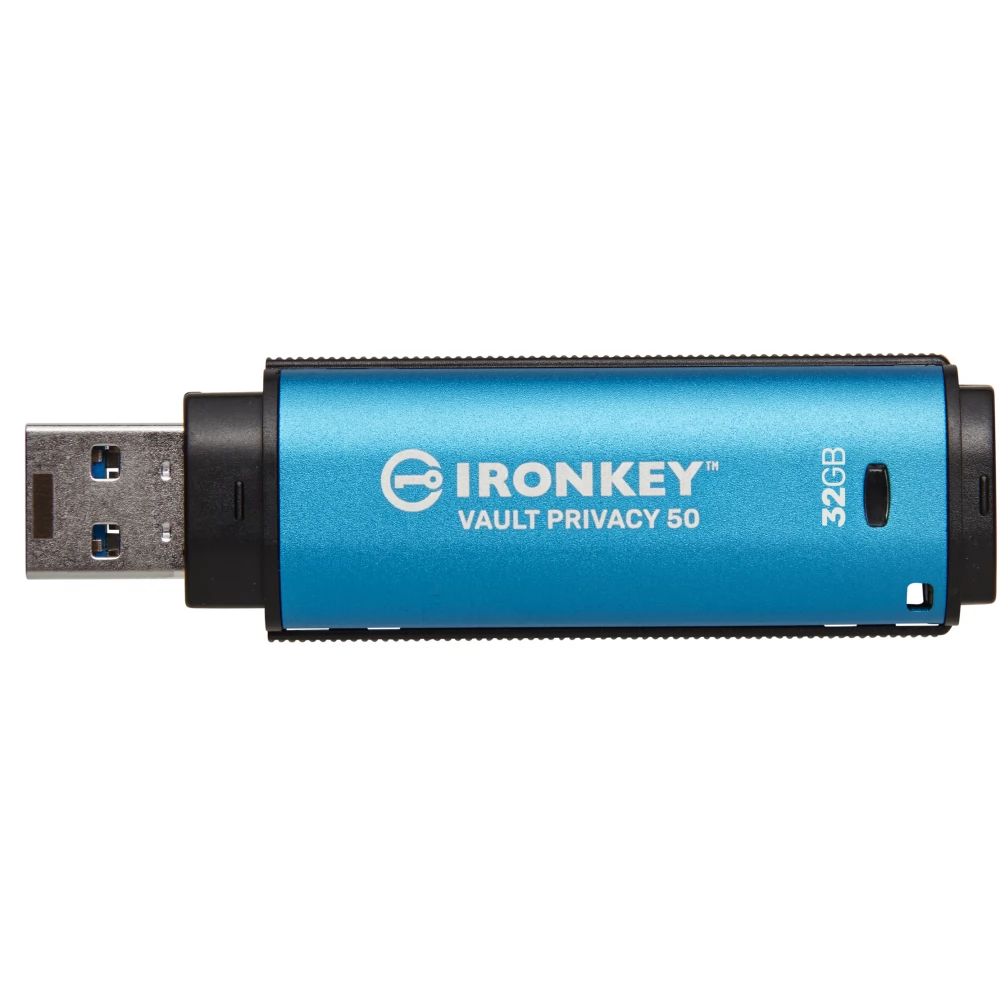
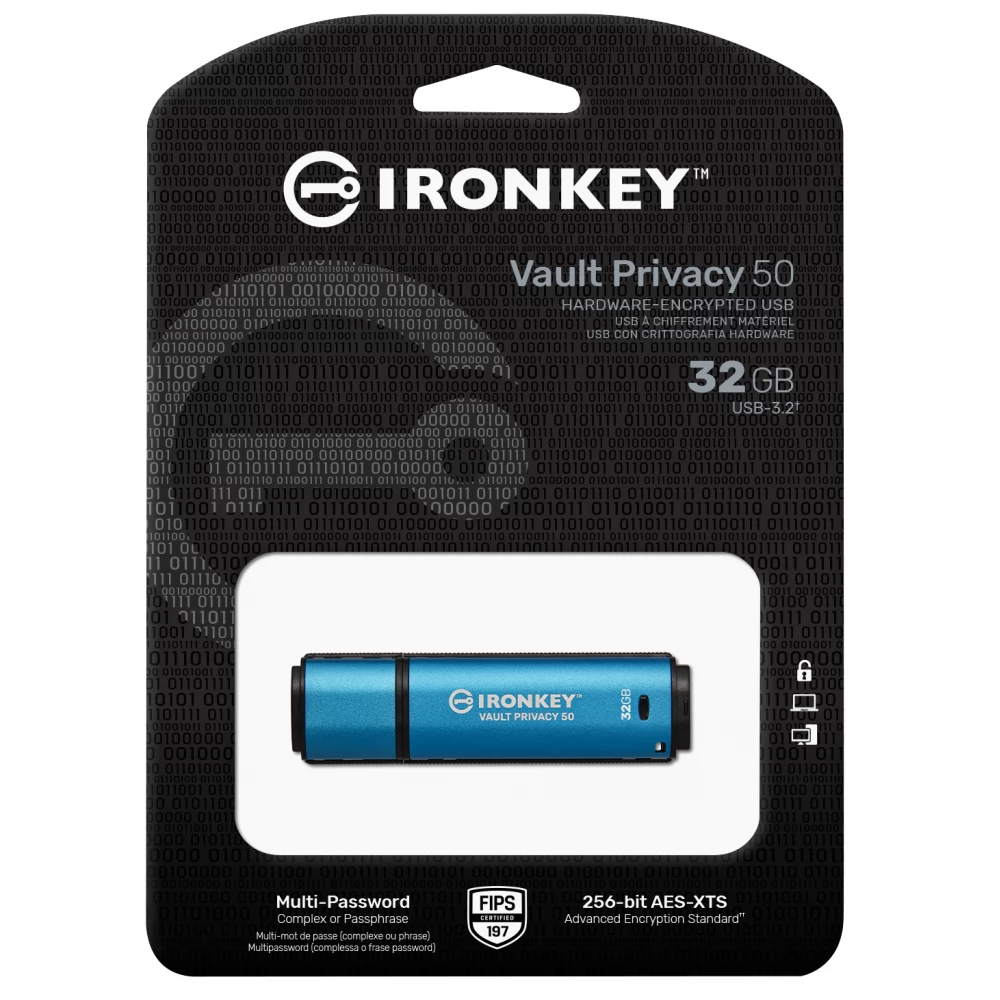
KINGSTON IronKey Vault Privacy 50 32GB USB 3.0 Blue
not available
Product description
Kingston IronKey™ Vault Privacy 50 Series are premium USB drives that provide business-grade security with FIPS 197 certified AES 256-bit hardware encryption in XTS mode, including protection against BadUSB with digitally signed firmware and Brute Force password attacks. The VP50 series is also TAA compliant. Because the VP50 series is encrypted storage that is under the physical control of the user, they are better than using the Internet and cloud services to protect your data.
[bold]Vault Privacy 50 supports multiple password (admin, user and one-time recovery) options with complex or password mode. This improves the ability to restore access to your data if you forget one of your passwords. The traditional complex mode allows you to enter a password of 6-16 characters using 3 of 4 character sets. The new password mode allows for a numeric PIN code of 10-64 characters, a phrase, a list of words or even song lyrics. Administrator can enable user and one-time recovery password or reset user password to restore data access. To facilitate password entry, the "eye" symbol can be enabled to reveal the typed password, reducing typos that lead to failed login attempts. Brute force attack protection blocks user or one-time recovery passwords for 10 consecutive invalid passwords and encrypts the drive for 10 consecutive incorrect admin passwords.
To protect against potential malware on untrusted systems, both the administrator and the user can set Read-only mode to write-protect the drive; In addition, the built-in virtual keyboard protects passwords from keyboard and screen loggers.[/bold]
FIPS 197-certified and TAA-compliant organizations can customize and configure the VP50 series drives with a product identifier (PID) to integrate with standard endpoint management software to meet enterprise IT and cybersecurity requirements through Kingston's customization program.
Small and medium enterprises can use the Admin role to manage their drives locally, e.g. use Administration to configure or reset employee user or one-time recovery passwords, restore access to data on locked drives, and comply with laws and regulations when forensics is required.
PRICE NOTIFICATION
Recommended for you
Similar products
NOTEBOOK SEARCH
OPINIONS
OPINIONS
