
Dear Visitor! We are carrying out maintenance this weekend, so our website may be slow or briefly unavailable at times. Thank you for your patience!
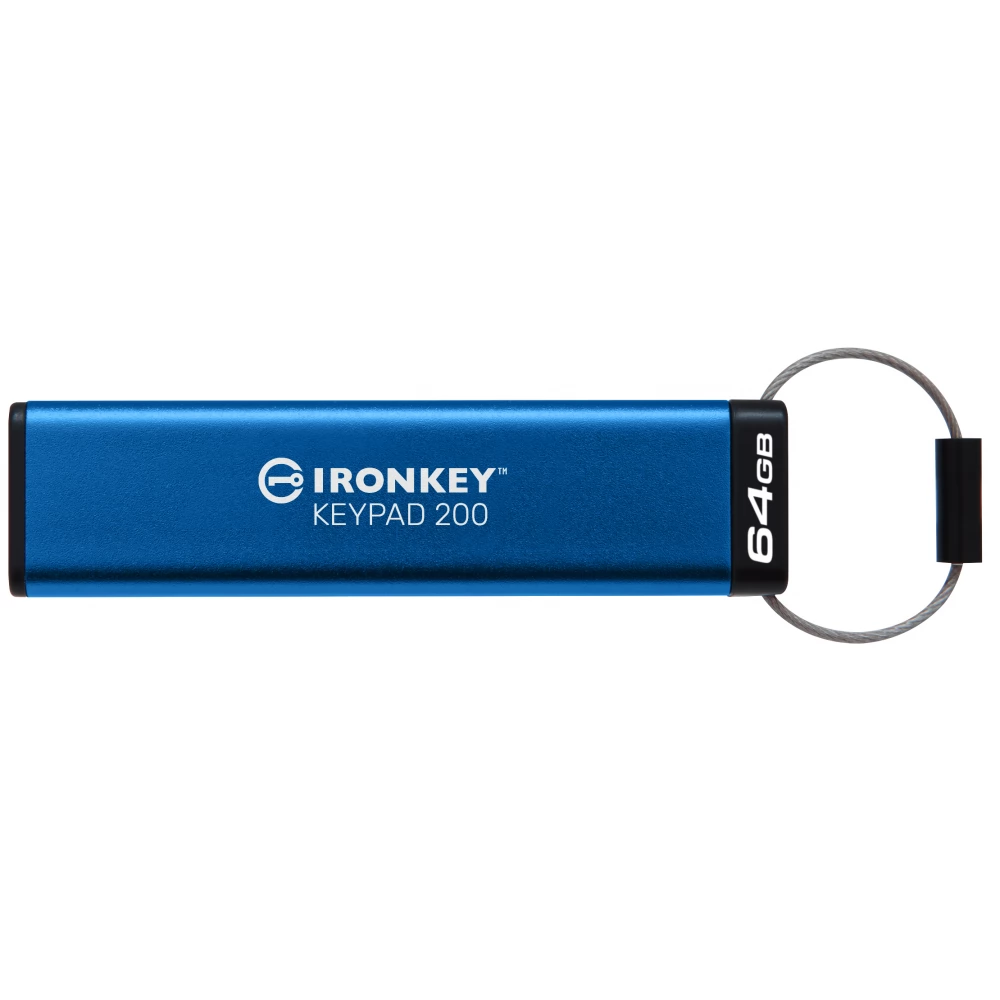
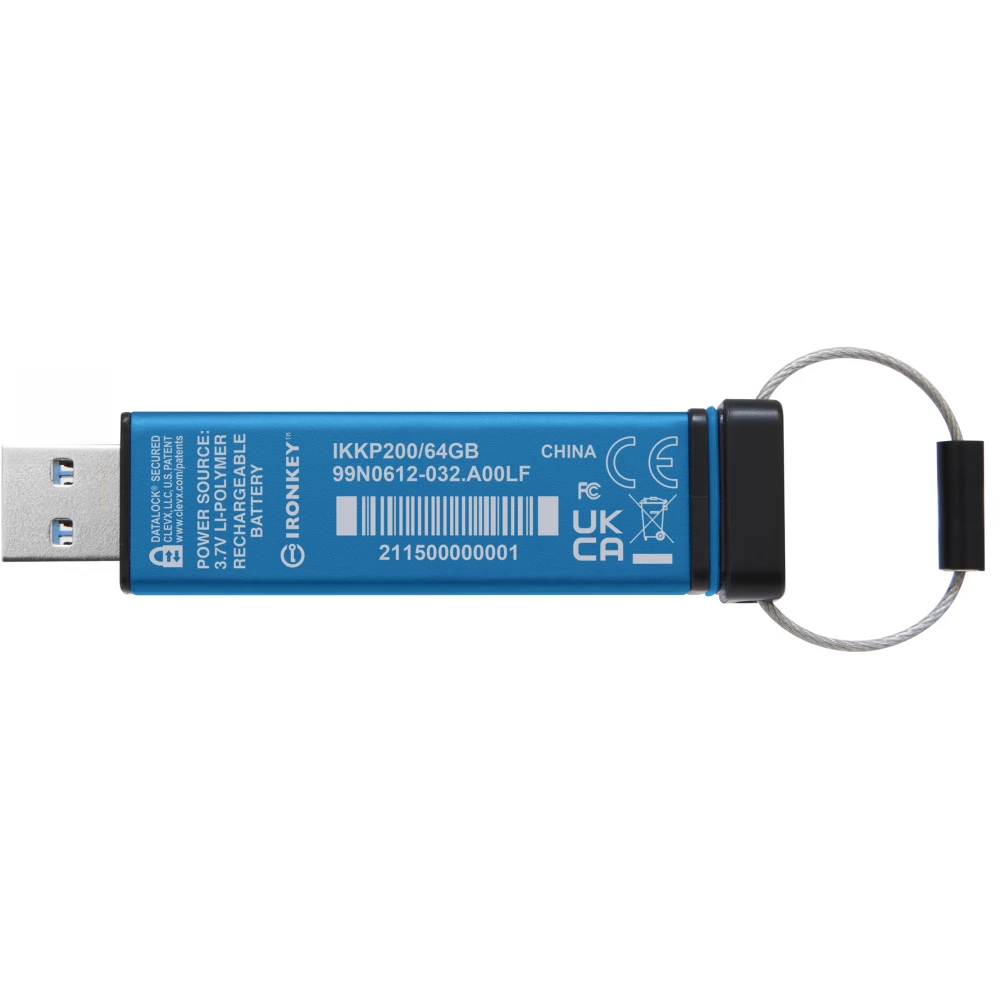
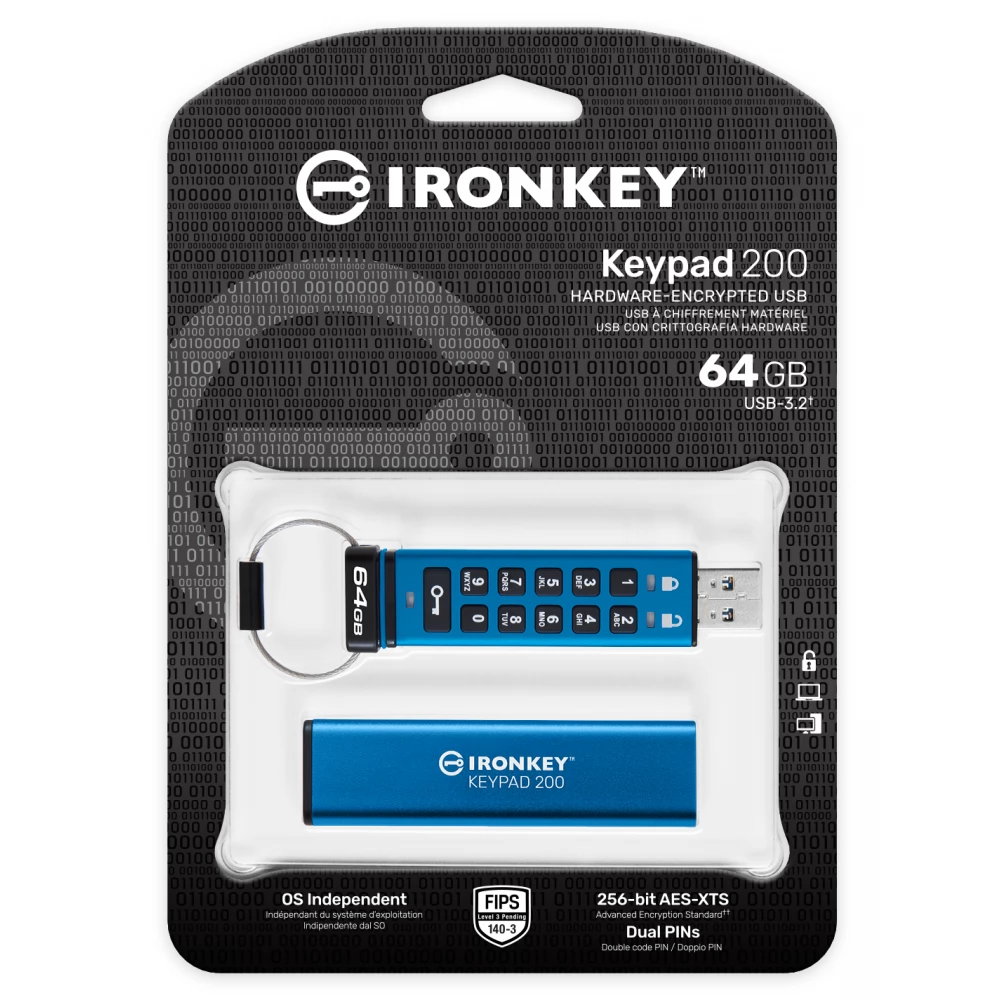
KINGSTON IronKey Keypad 200 64GB USB 3.0 Blue
Substitute products

Product description
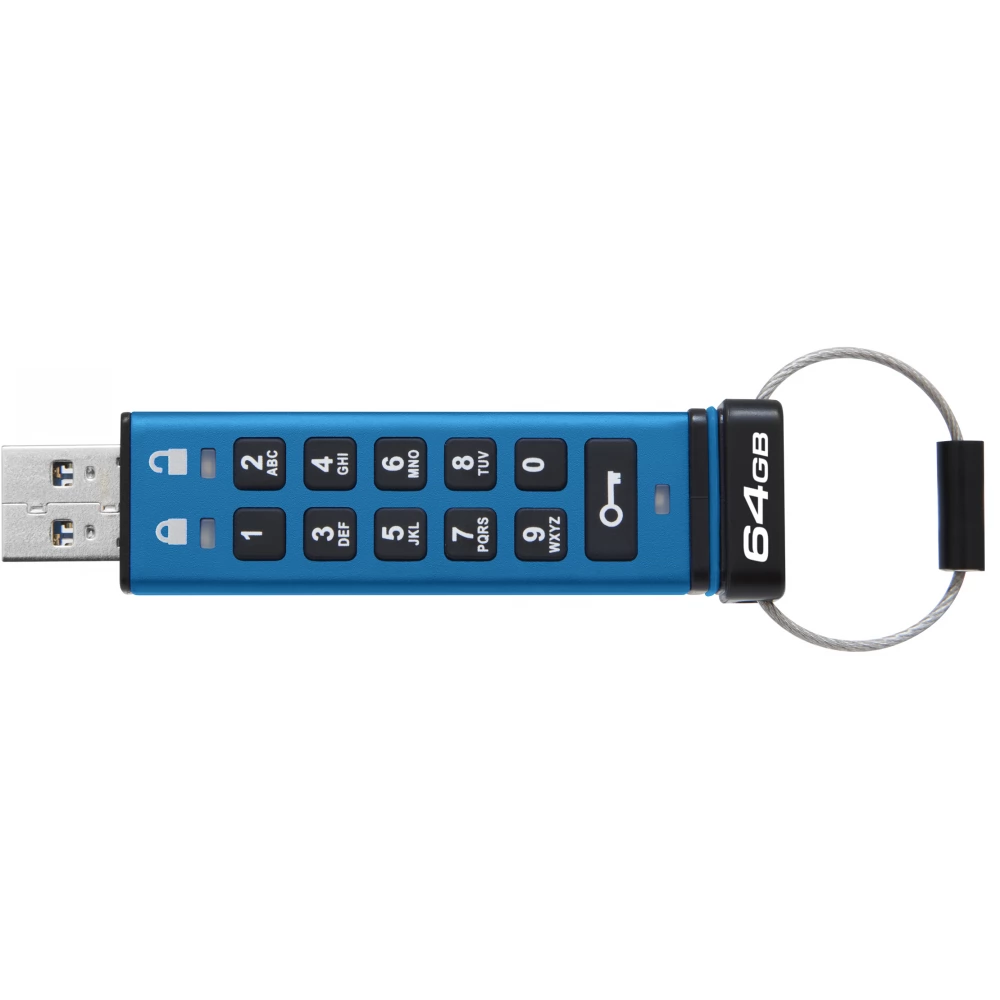
FIPS 140-3 Level 3 (pending) XTS-AES with 256-bit hardware encryption The Kingston IronKey™ Keypad 200 is an OS-independent, hardware-encrypted USB drive with an alphanumeric keypad for easy-to-use PIN access. The KP200 features XTS-AES 256-bit hardware-based encryption. It's also FIPS 140-3 Level 3 (pending) certified for military-grade security, with enhancements that further raise the bar for privacy. Its circuit is covered with a special epoxy layer, which makes it practically impossible to remove the components without damaging them; this hard epoxy prevents attacks on semiconductor components. The drive is designed to warn owners of tampering. Includes brute force password attack protection and BadUSB protection with digitally signed firmware. The alphanumeric keyboard is coated with a polymer layer that protects the keys and hides key usage by analyzing the fingerprints on the keys.
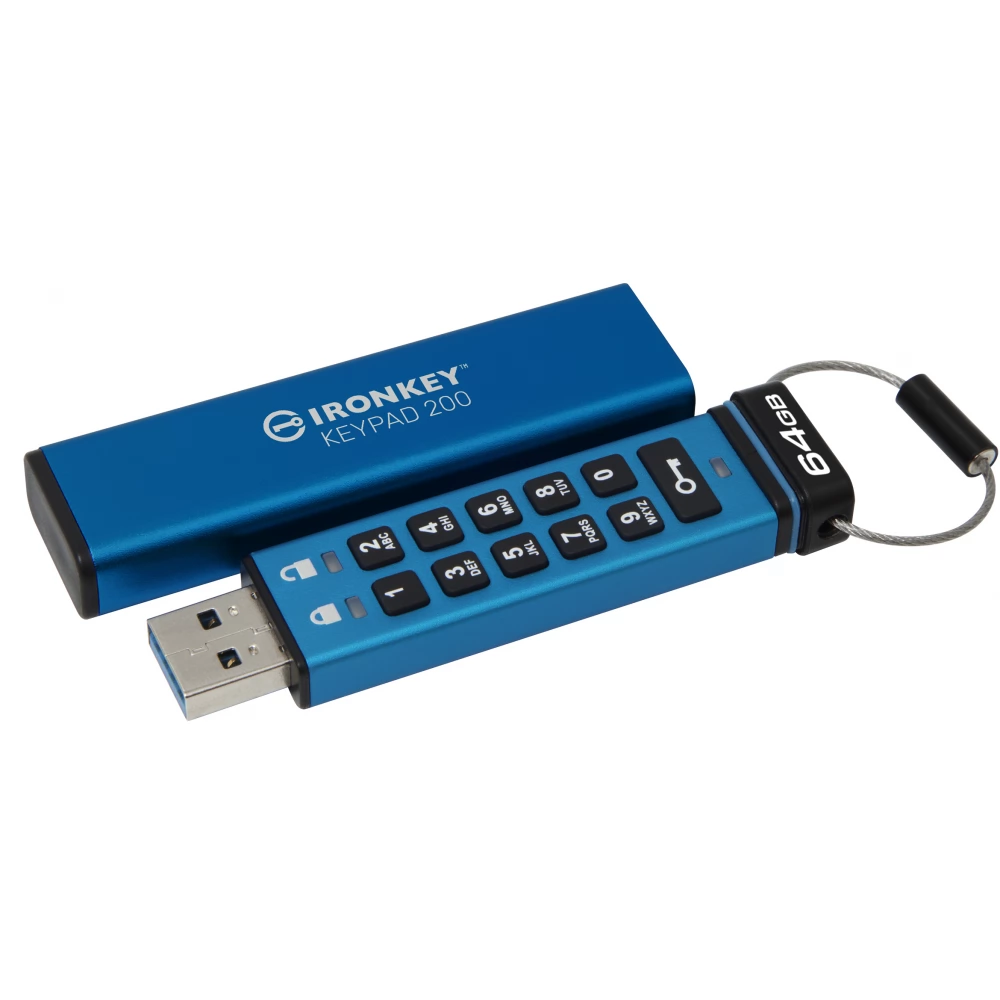
The KP200 uses a built-in rechargeable battery that allows you to unlock the drive without first using software, and then connect it to any device that supports USB Type-A mass storage. This provides users with the greatest flexibility between different platform types and operating systems. With the Multi-PIN option (Administrator/User), an easy-to-remember, but difficult-to-guess alphanumeric PIN code can be set for the administrator or user using the keyboard. The administrator can reset the user PIN and grant access to the drive if the user PIN is forgotten or if the drive is locked after reaching the maximum 10 user login attempts. If both administrator and user PINs are enabled, the KP200 will lock the user PIN after 10 failed login attempts; If the administrator PIN is entered incorrectly 10 times in a row, brute force protection encrypts the drive, destroys the data forever, and resets it. The drive also offers two levels of read-only (or write-protected) mode—a global mode that can be set by the administrator, and a session-only mode that can be set by the user. Read-only modes can protect the drive from malware on untrusted systems. Additionally, an administrator can load content and set global read-only mode, so the user can access the data but not make changes.
NOTEBOOK SEARCH

OPINIONS
0.0
