
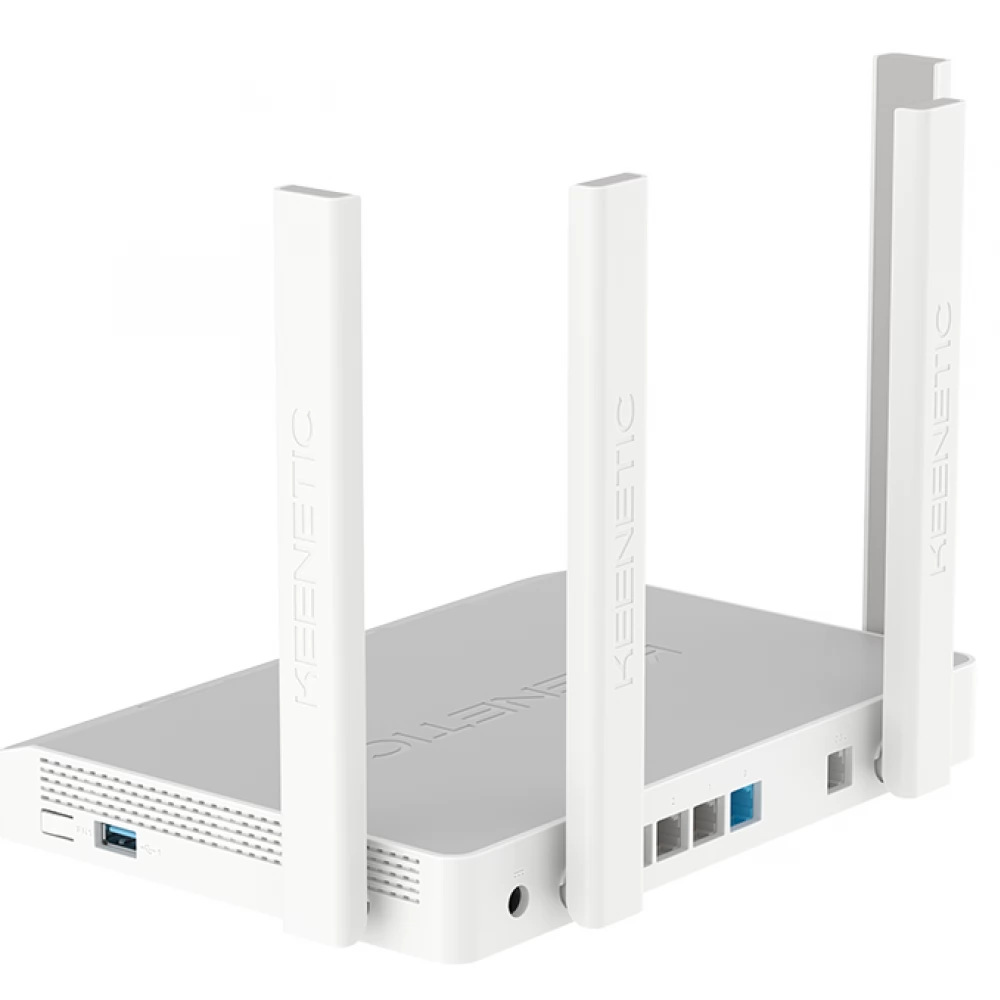
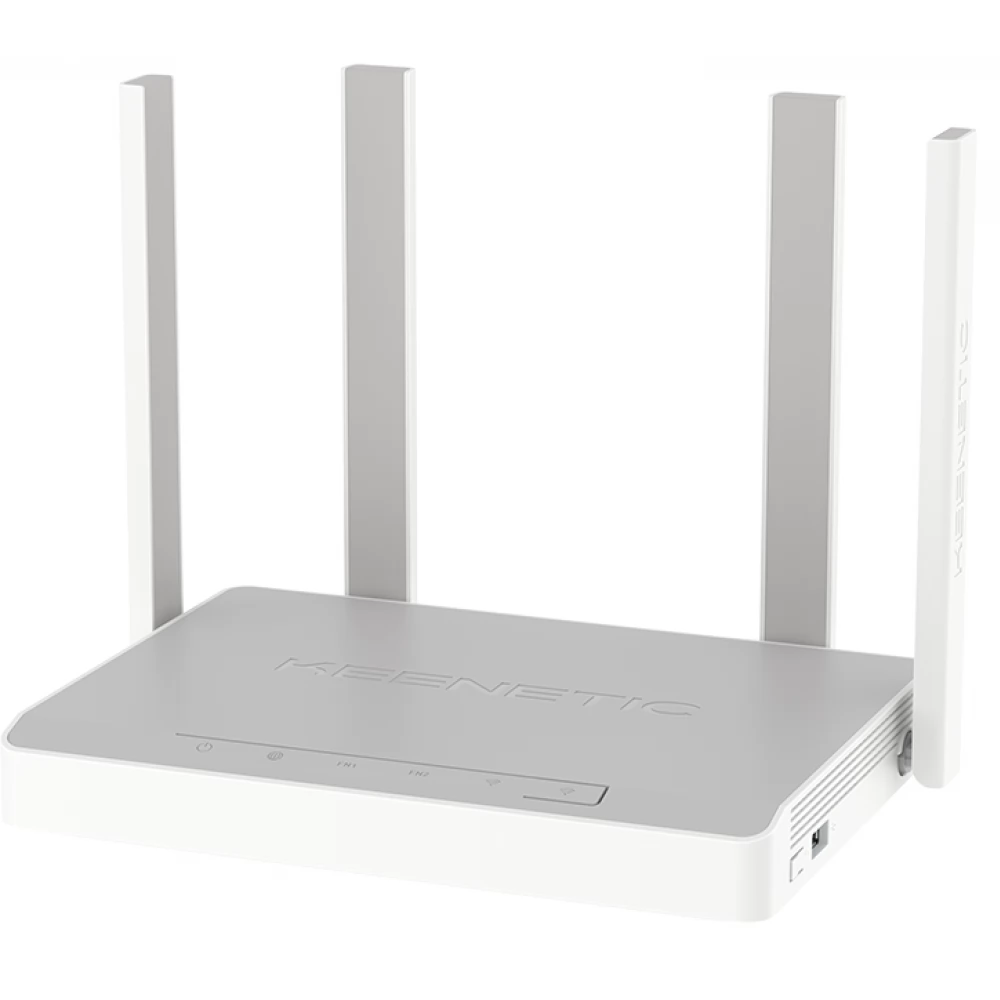
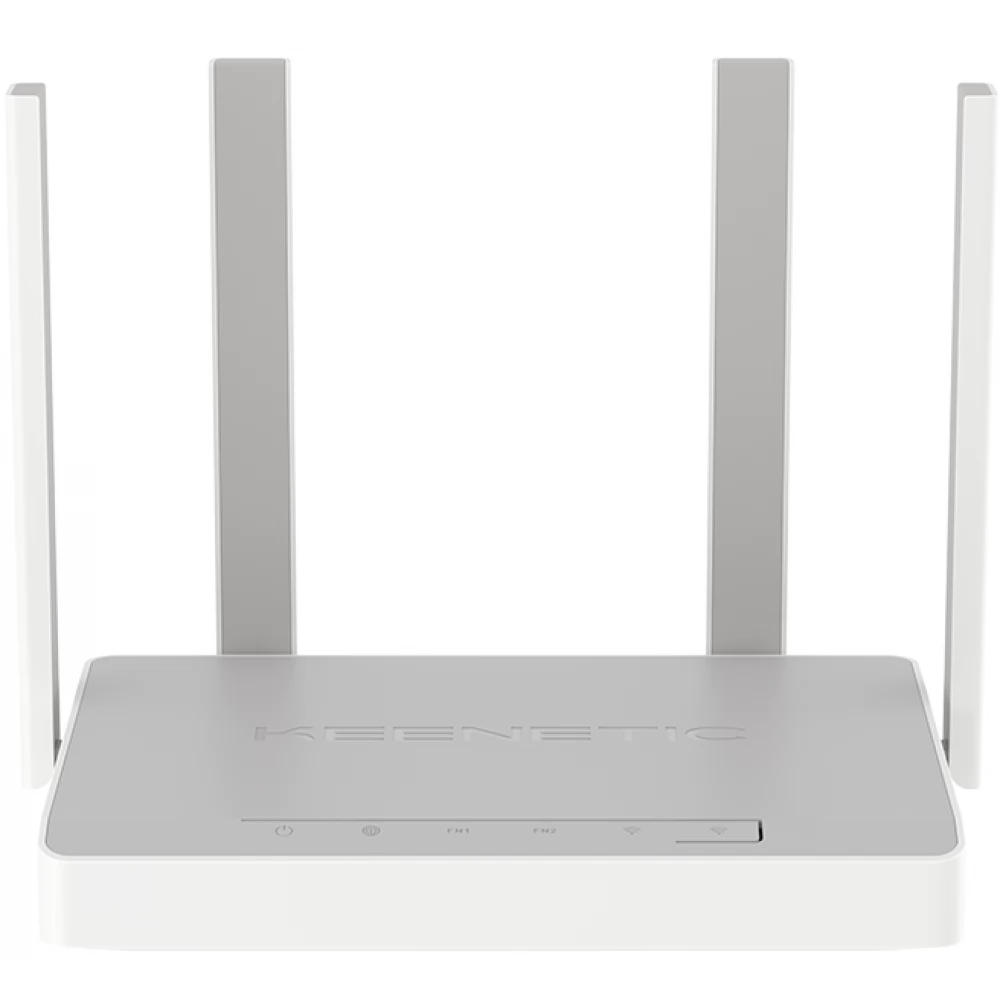
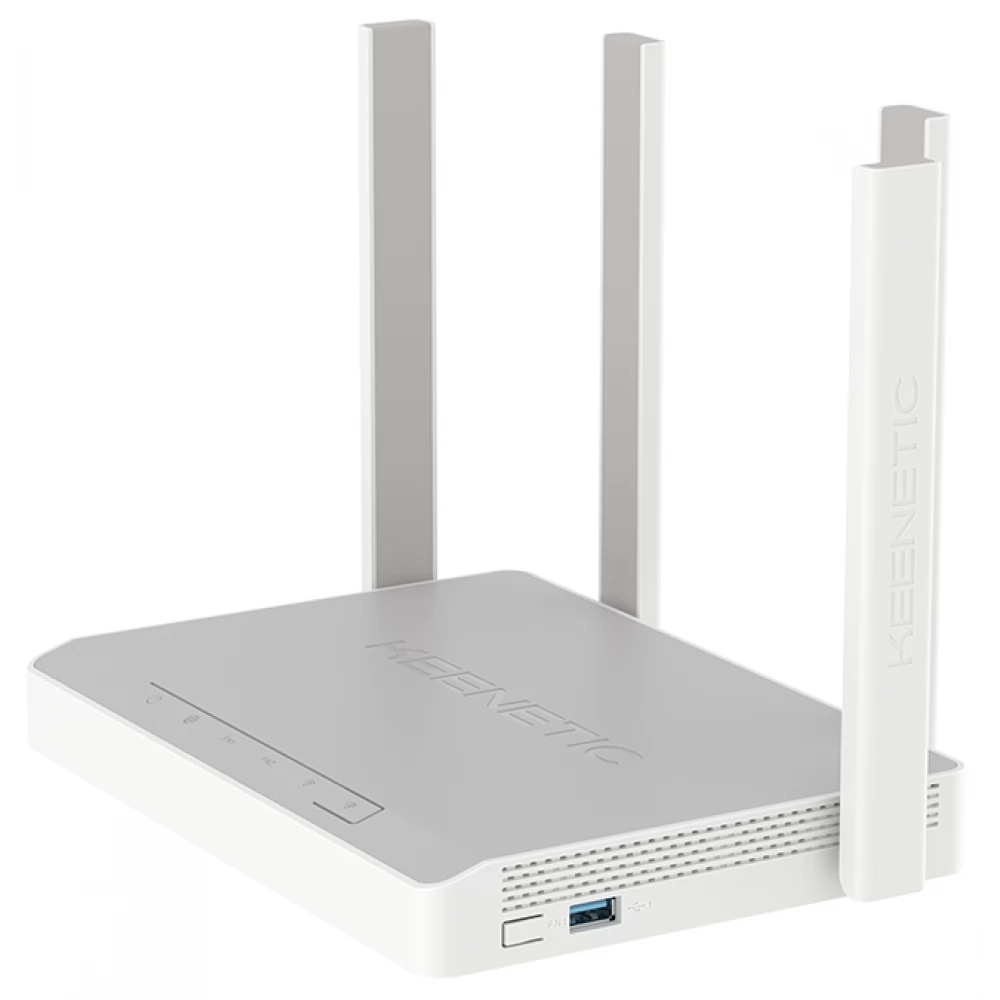
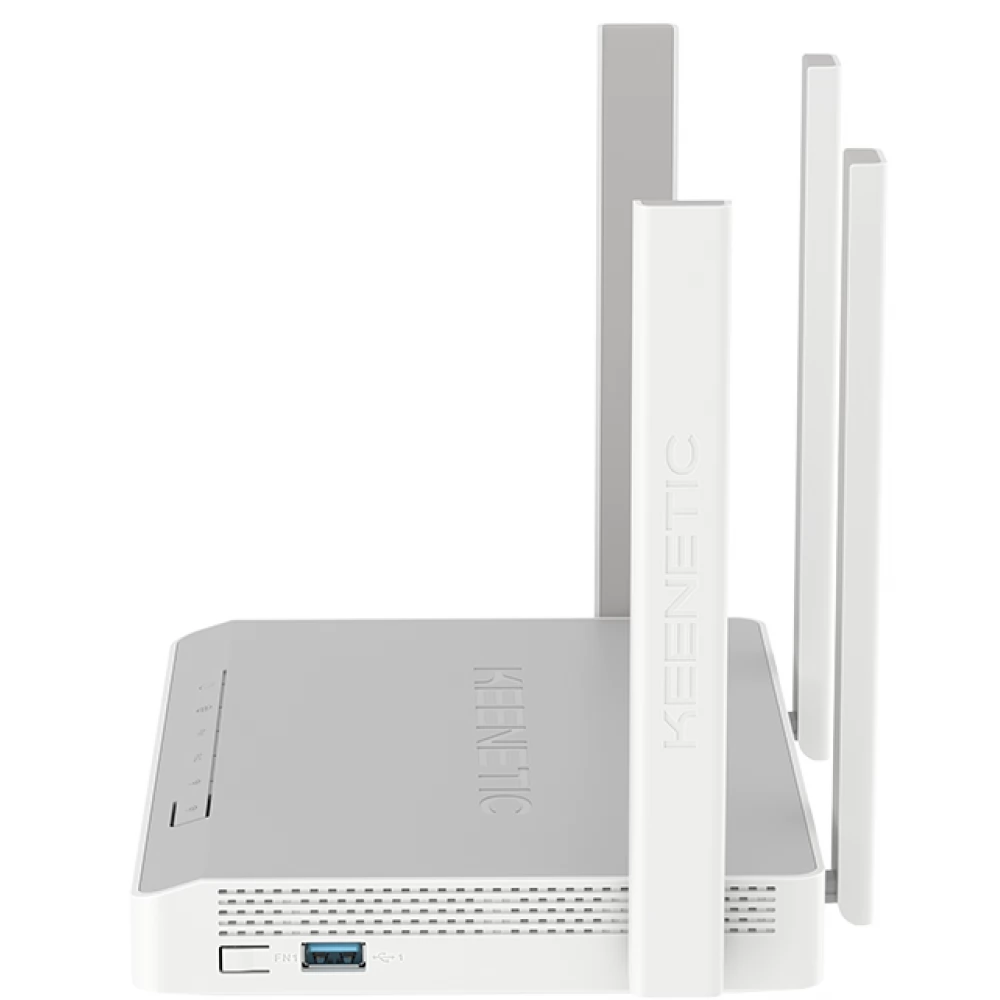
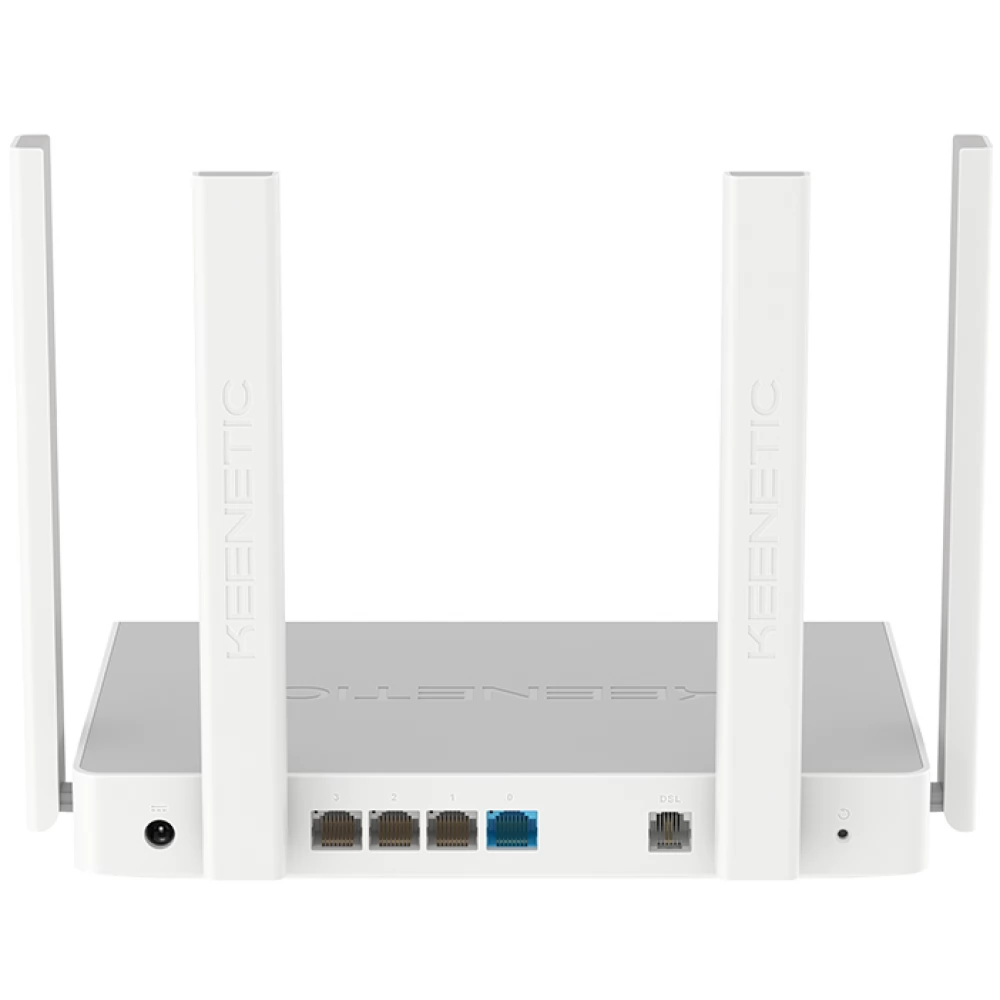
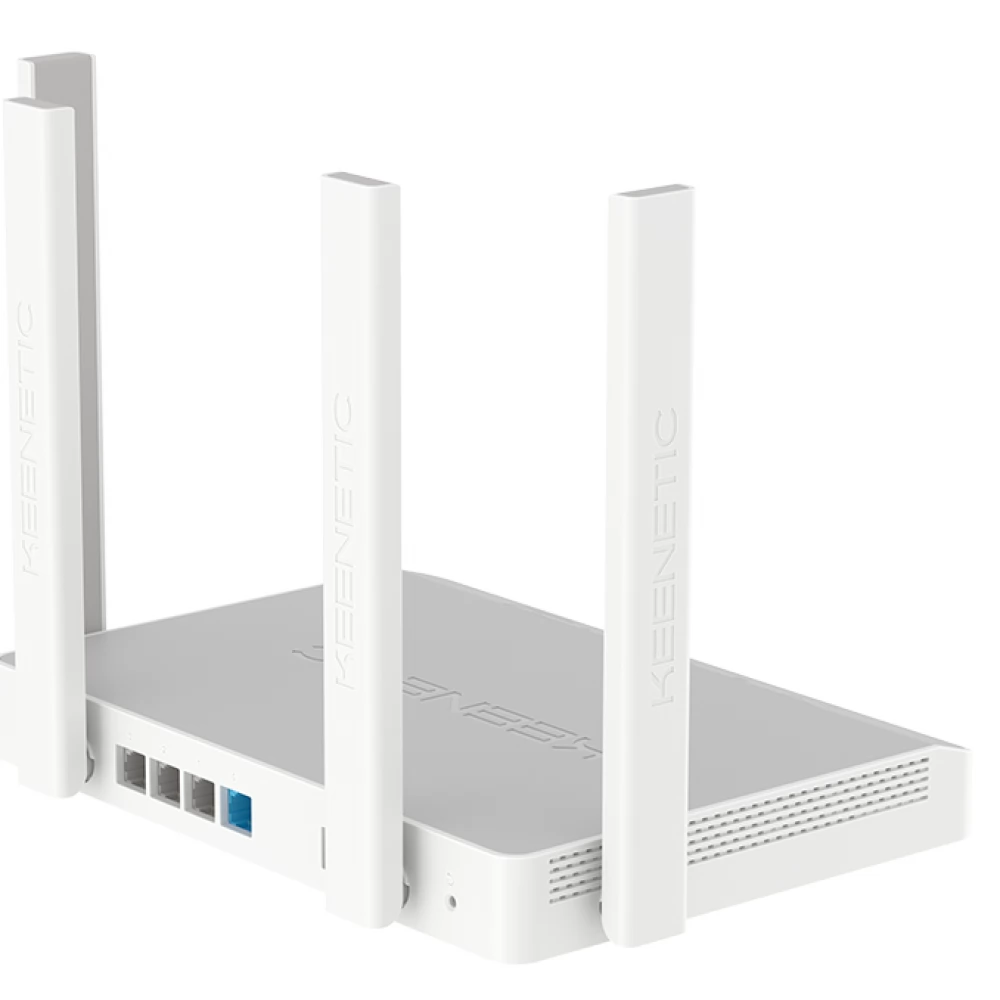
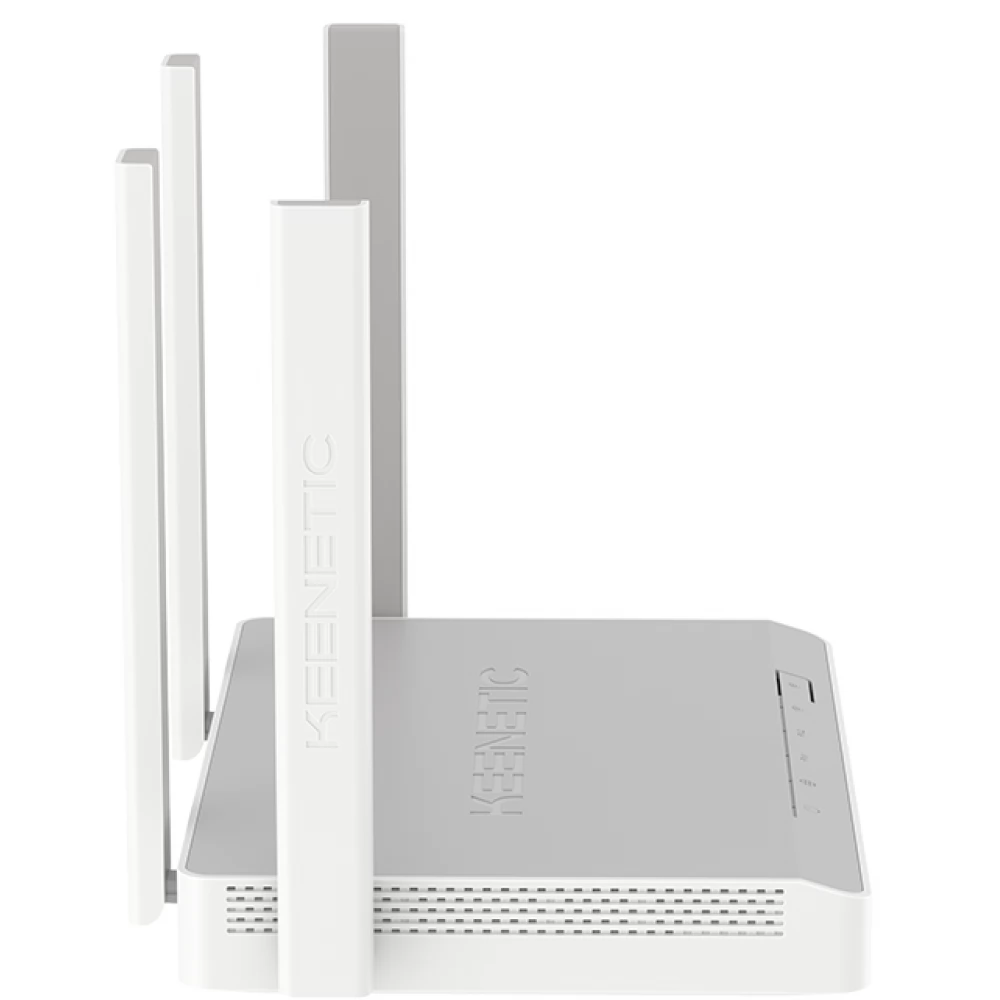
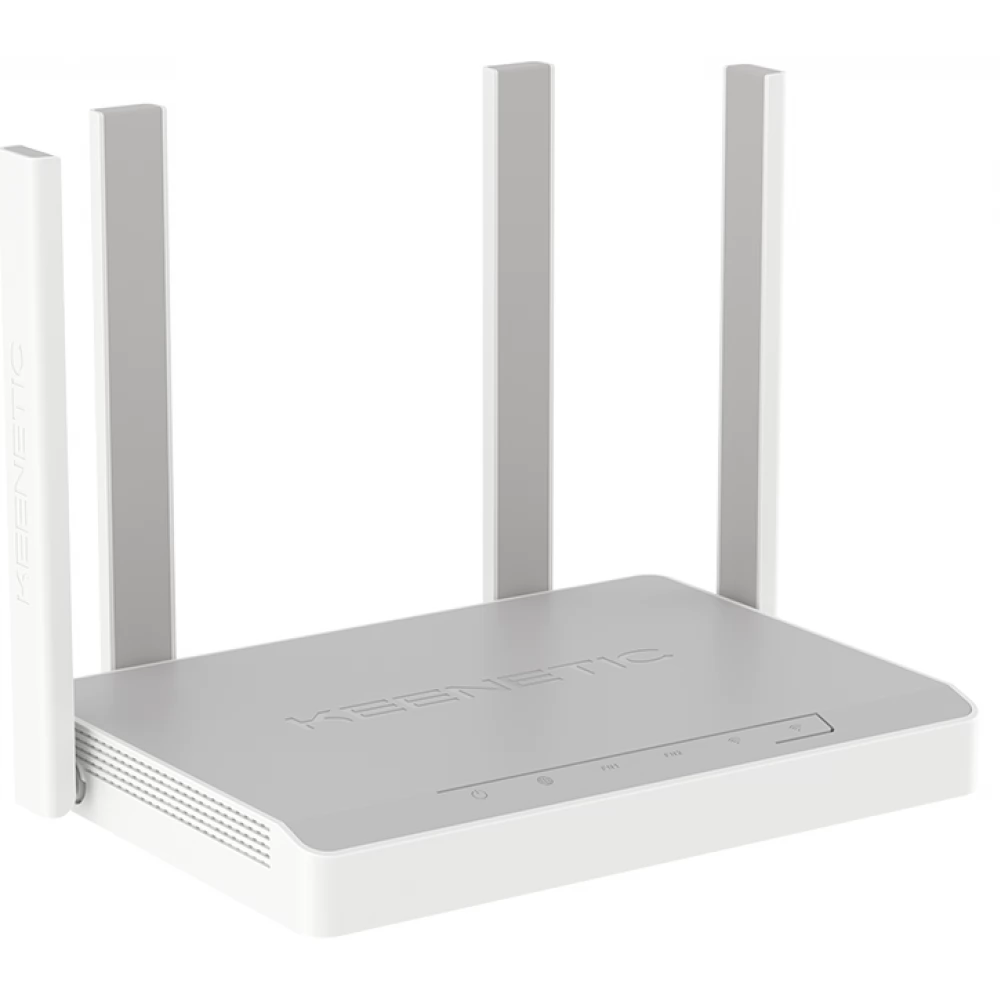
KEENETIC Hopper DSL AX1800 Mesh Wi-Fi 6 Gigabi VDSL router USB 3.0 ports
Substitute products
Product description
Supervectoring capable Hopper DSL helps you get the most out of your VDSL connection. You can significantly improve overall performance and stability by removing unused features of KeeneticOS.
At Keenetic, instead of marketing flashy hardware specs, we believe in delivering the real applications and performance our customers are looking for. That's why we developed our hardware-independent network operating system. KeeneticOS enables many features that were previously not available for products in this price range. Here are ten reasons for Keenetic:
1. Most routers need to be restarted sometimes because their full memory causes malfunctions. However, KeeneticOS has a modular design, allowing users to install the necessary functions and applications, but remove unnecessary ones so that they do not tie up capacities. An optimized feature set leaves more memory for actual data transfer and significantly improves stability.
2. Each Keenetic router runs the same operating system, which is updated quarterly with new features. Automatic, error-free updates are ensured by dual memory. Our strong community of dedicated developers and thousands of active users test each new version in two steps to ensure its quality and reliability before it is released to the mass market.
3. It happens that two products of the same manufacturer are not compatible with each other. In the case of Keenetic, all equipment that has ever been manufactured or will be manufactured in the future can work together in the same Mesh network, even in router and repeater mode. In this way, the user can dynamically decide which device has which role in the system. In the case of some models, the operating mode can also be changed by switching the button on the side of the device.
4. In the case of Keenetic, the network owner can ensure the safety of his data by creating separate network segments for colleagues, guests, children or smart home devices, in which he can set different priorities and control speed limits for each user separately.
5. KeeneticOS supports redundancy, i.e. it can share the load in the case of several internet subscriptions or replace a stuttering internet connection. In other words, if one service provider goes down, the system unnoticeably redirects all traffic to the other connection. Each device connected to Wi-Fi can be set separately, which should be the primary subscription used by default.
6. All users can enjoy the highest level of WPA3 Wi-Fi security available on the entire product range of Keenetic Wi-Fi routers. And by using WPA3-Personal, even mobile phones can automatically use the more secure WPA3 instead of WPA2. KeeneticOS supports the new standard of WPA3-Enterprise and WPA3-OWE (Wi-Fi Without Password), making it easy to enable business applications of public Wi-Fi.
7. IntelliQoS makes it possible for applications sensitive to delay and data loss (video conferencing, online games) to always have the necessary resources. A smooth connection, low ping and minimized latency is the dream of every gamer.
8. For working from home, KeeneticOS offers the widest range of VPN options: IPSec, PPTP, L2TP, L2TP, L2TP/IPSec, OpenVPN, SSTP, IKEv1, IKEv2, IPIP, EoIP, GRE and Wireguard. Which of course also works the other way around; a VPN SSTP channel allows you to remotely access your home networks and monitor and manage your smart home devices.
9. Keenetic also offers extensive parental controls. You can configure age-based content filtering using freely available public services. Automatic time limits can be set to curb late-night surfing, or you can even remotely block a specific user's connection if you don't want your child playing while they have to do their homework. You can set a notification about your children's presence at home through the mobile application.
10. To protect mental-physical health and confidential information, KeeneticOS NextDNS service helps block annoying ads, protects data from tracking and phishing. On Keenetic devices, annoying flashing LEDs can be turned off without affecting the Internet connection. But at night, even the radio unit can be turned off at a preset time, so that the family is not surrounded by electrosmog, when there is no need for wireless Internet.
Similar products
NOTEBOOK SEARCH
OPINIONS
OPINIONS
