
Dear Visitor! We are carrying out maintenance this weekend, so our website may be slow or briefly unavailable at times. Thank you for your patience!
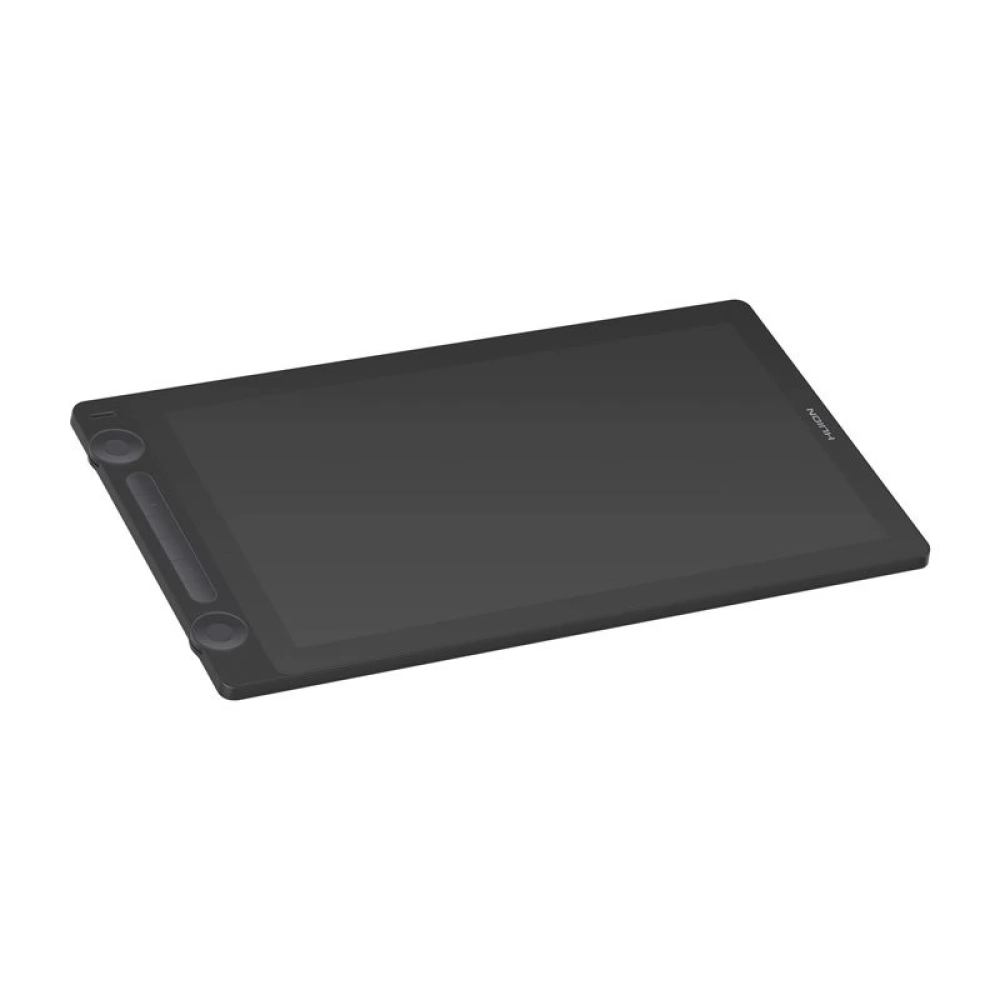
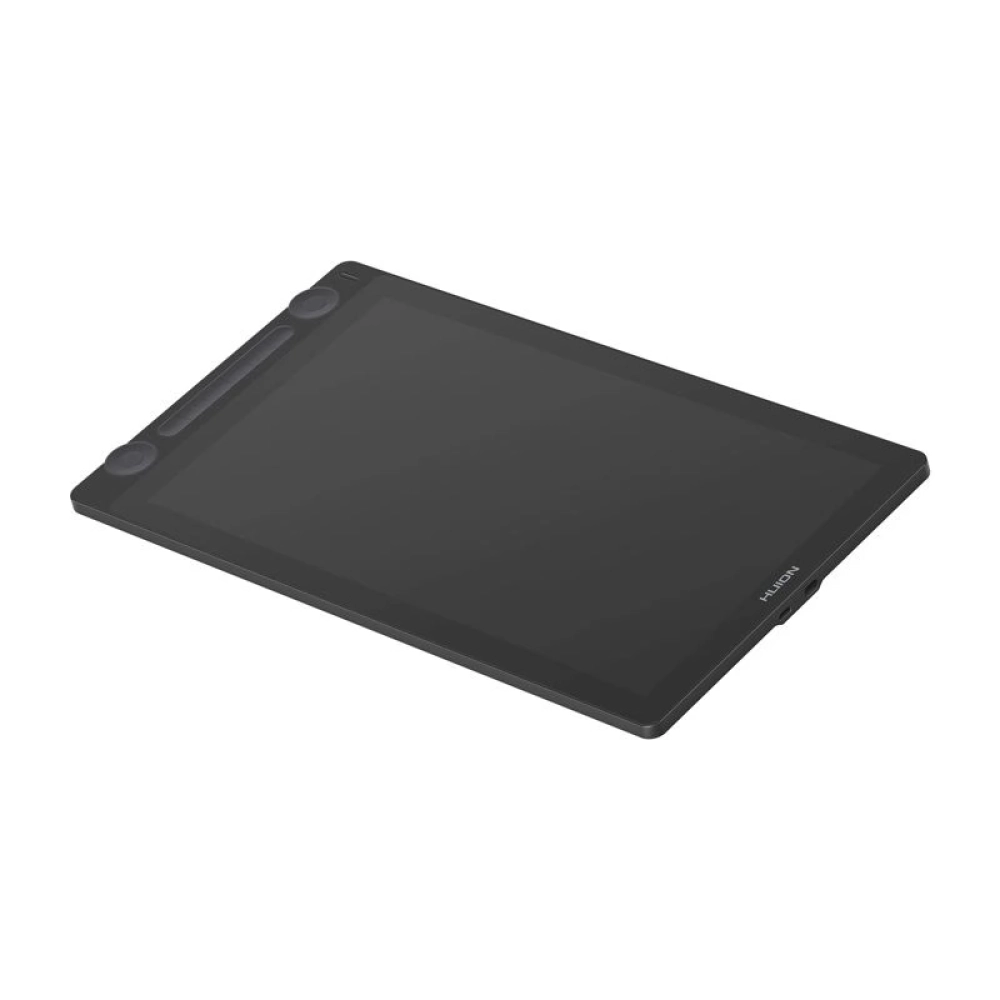
HUION Kamvas 16 (Gen 3) grafikus table black
154 990 Ft

Product description
Whether it is illustration, animation or concept design, Kamvas 16 (Gen 3) meets all the expectations that a professional graphic designer can have. The 15.8-inch display with 2.5K QHD resolution offers impressive detail, and the stylus equipped with PenTech 4.0 technology provides the most natural drawing experience possible. The paper-like Canvas Glass surface, intelligent control buttons and double dials together enable faster, more comfortable work - this tablet keeps pace with your creativity.
A stunning display with every detail
Kamvas 16 (Gen 3) works with a QHD resolution of 2560 × 1440 pixels, so even the smallest details are displayed on the 15.8-inch screen with a pixel density of 186 PPI. 99% coverage of sRGB and Rec.709 color spaces and 90% coverage of Adobe RGB ensure accurate and realistic color display. 16.7 million colors (8-bit) and a 1000:1 contrast ratio provide rich, deep tones and a vivid image. Each tool is factory calibrated (offering a ΔE260 PPS response speed. It reacts to as little as 2 grams of pressure, and the maximum pressure is adjustable (between 200-500g), making it perfect for shading and layered work. The non-slip silicone grip, three customizable buttons and the 0.35mm thin tip ensure that your work is precise and comfortable - just like drawing with a regular pencil.
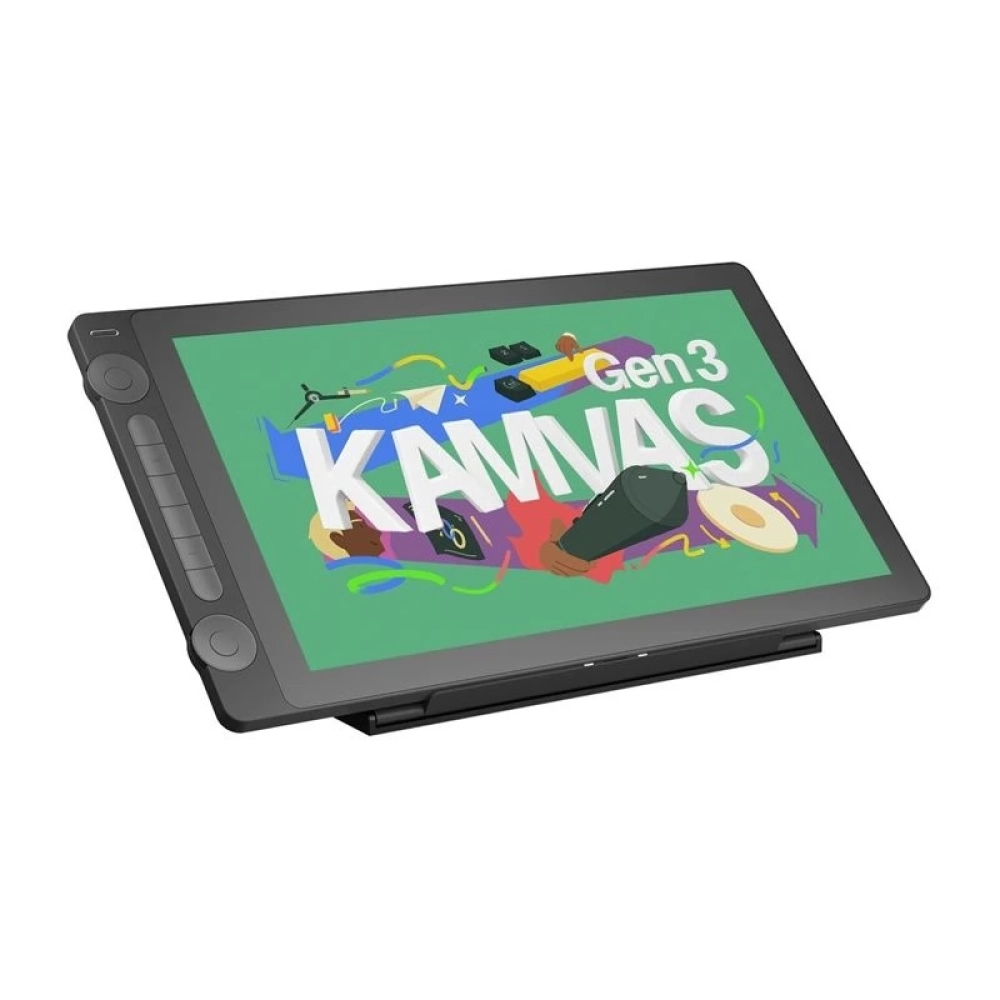
Canvas Glass – a surface that looks like paper
The matte, non-reflective Canvas Glass cover provides a natural drawing experience. Thanks to the full lamination and the Low Sparkle coating, there is no distracting sparkle, and the cursor follows the tip of the pen exactly - so you can work with real confidence, even for longer periods of time.
Work faster, full control
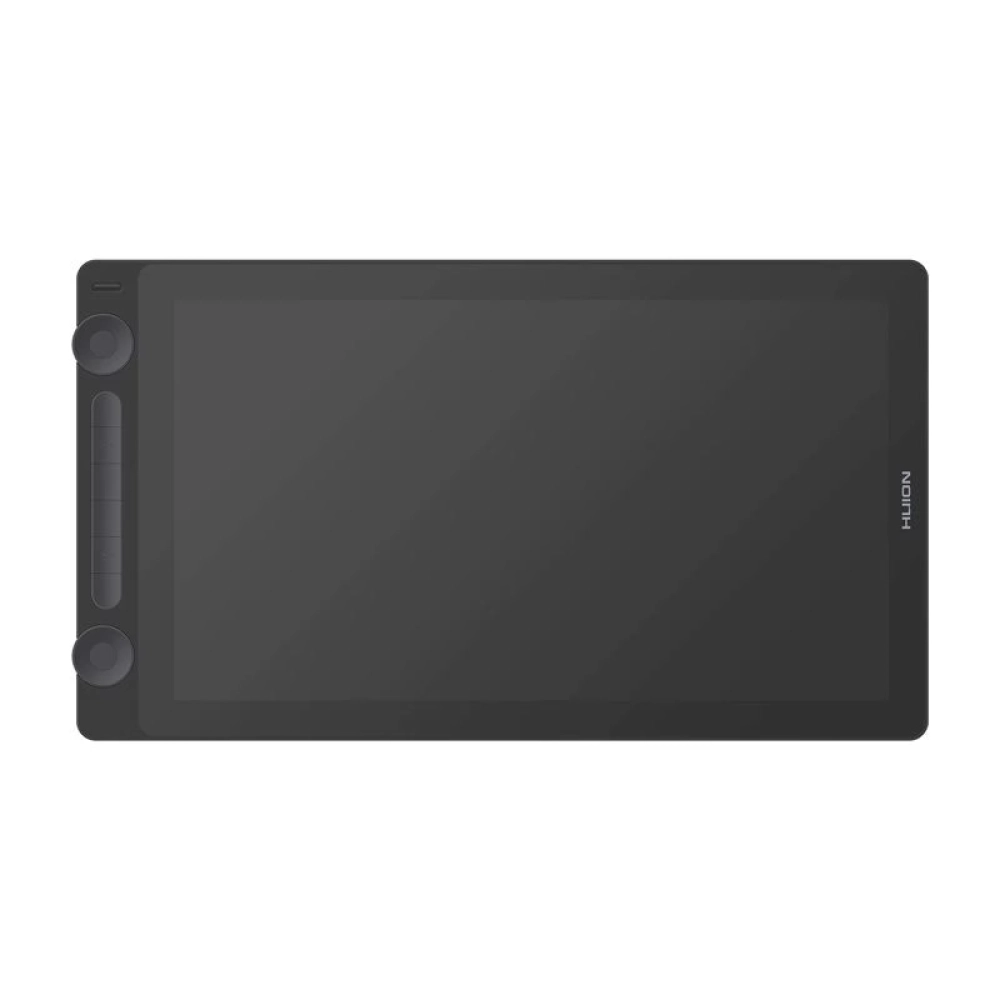
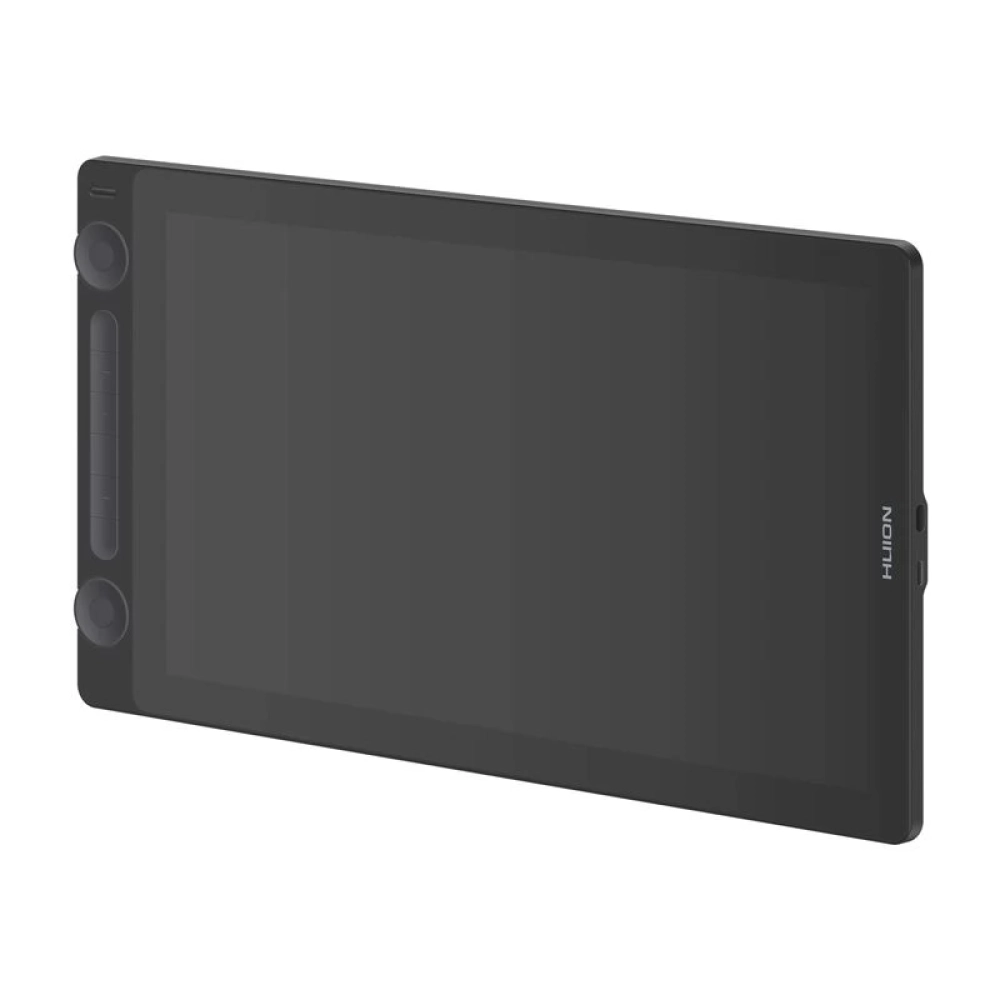
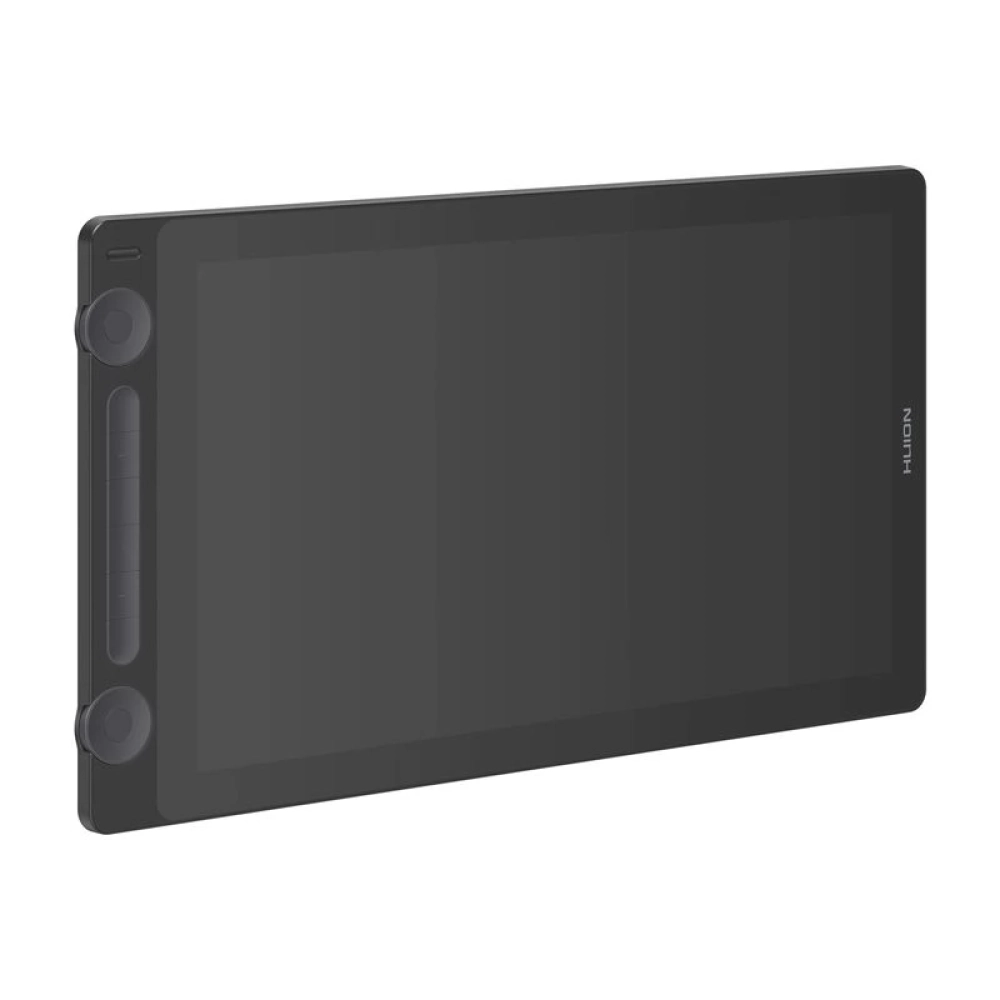
Six programmable buttons and two rotary dials support the workflow - you can use them to change tools, zoom, rotate or navigate between layers. The buttons protrude slightly from the housing, making them easy to touch and perfectly suitable for left- or right-handed use.
Two modes, even more flexibility
Draw in screen mode or switch to classic pen mode - no preview. This can be especially useful during long work sessions, if you want to protect your eyes or simply want more economical operation.
Flexible connection, stable connection
Kamvas 16 (Gen 3) offers two connection options: a full-function USB-C port and a classic 3-in-1 connector. It is also compatible with computers, laptops and Android devices with USB 3.1 + DP 1.2 support - in addition, the stable connection guarantees reliable operation, even during extended use.
Compatibility you can expect
The tablet works with Windows 10+, macOS 10.12+, Linux (Ubuntu 20.04 LTS) and Android (USB 3.1 + DP 1.2) operating systems and supports the most popular creative software: Photoshop, Illustrator, Clip Studio Paint, Krita, Blender, SAI and many other applications – giving you the freedom to work in the environment you know and love best.
General features:
- Color: Black
- Size: 421.2 × 236.81 × 12.62 mm
- Active area: 350 × 197 mm (15.8")
- Net weight: 1,245 kg
- Stand: NONE
- Video connection: 3 in 1 USB-C port, fully functional USB-C port
Display:
- Resolution: 2560 × 1440 (16:9) QHD
- LCD type: IPS
- Anti-reflective glass: 2nd generation low-spark, matte etched surface
- Full lamination: Yes
- Contrast ratio: 1000:1
- Brightness: 220 cd/m²
- Response time: 14 ms
- Viewing angle: 89°/89° (H) / 89°/89° (V) (typical, CR>10)
- Color space coverage: 120% sRGB
- Displayable colors: 16.7M (8 bits)
Technical characteristics:
- Digital pen: PW600L (PenTech 4.0)
- Pen technology: Battery-free electromagnetic resonance
- Pen resolution: 5080 LPI
- Pressure sensitivity: 16384 levels
- Tilt detection: ±60°
- Sensing height: 10 mm
- Report speed: >260 PPS
- Accuracy: ±0.3 mm (center), ±2 mm (corners)
- Push buttons: 6 programmable push buttons, 2 dial controls, 2 function change buttons
Package contents:
- Graphics board
- Pen
- Pen holder
- Replaceable nibs
- 3 in 1 cable
- USB extension cable
- USB network adapter
- Cleaning cloth
- Gloves
- User manual
PRICE NOTIFICATION
NOTEBOOK SEARCH

OPINIONS
0.0
