
Dear Visitor! We are carrying out maintenance this weekend, so our website may be slow or briefly unavailable at times. Thank you for your patience!
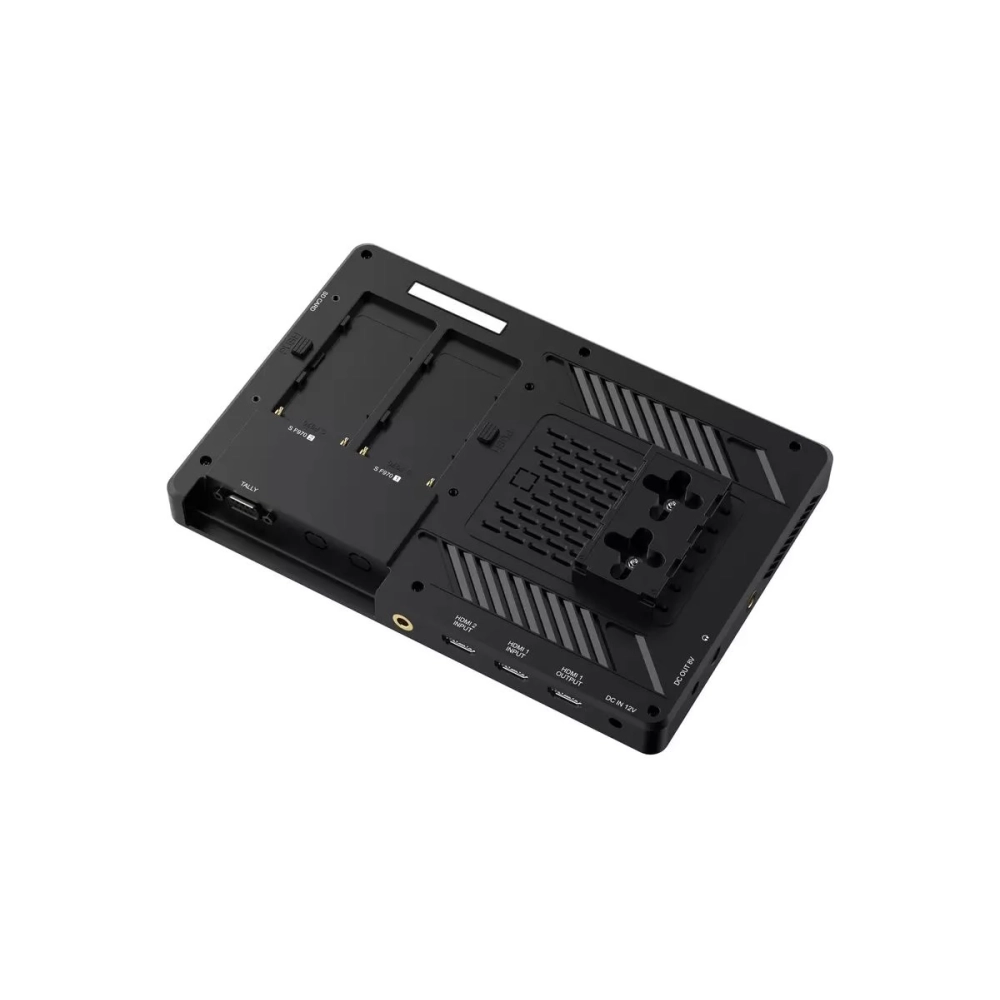
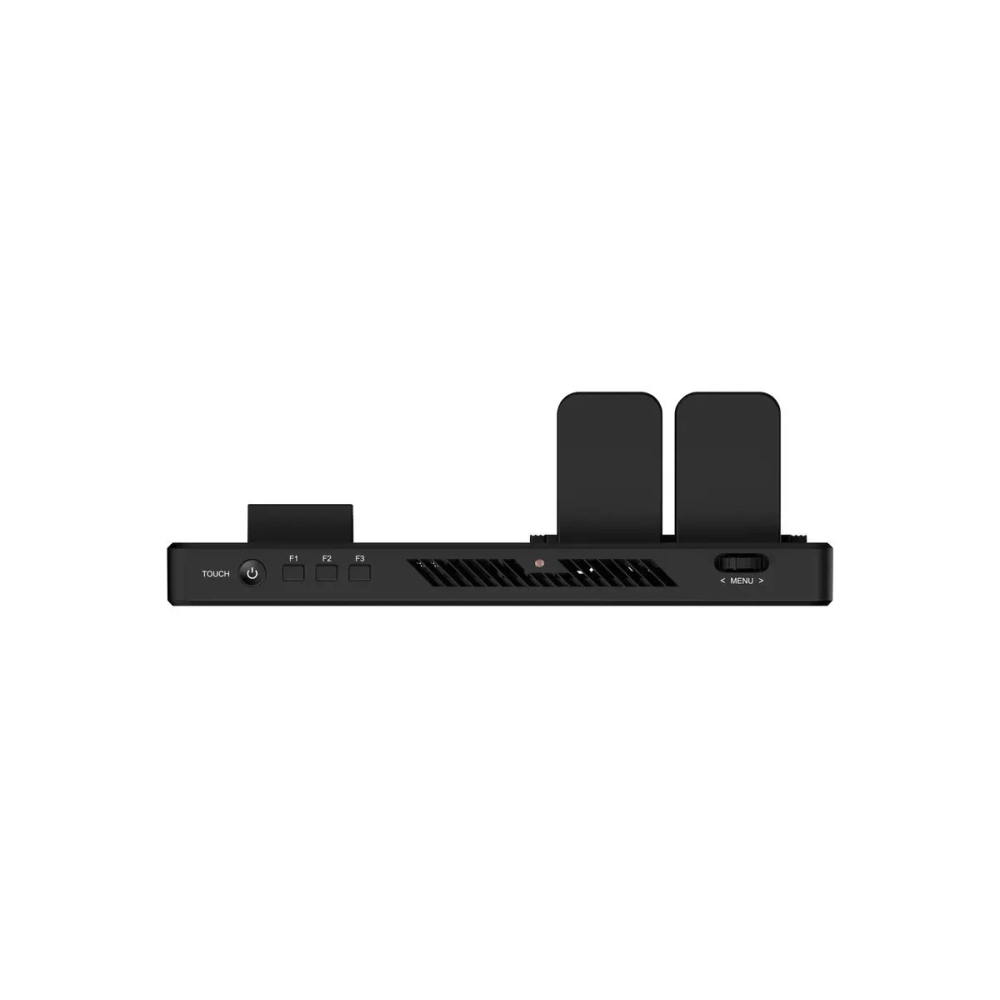
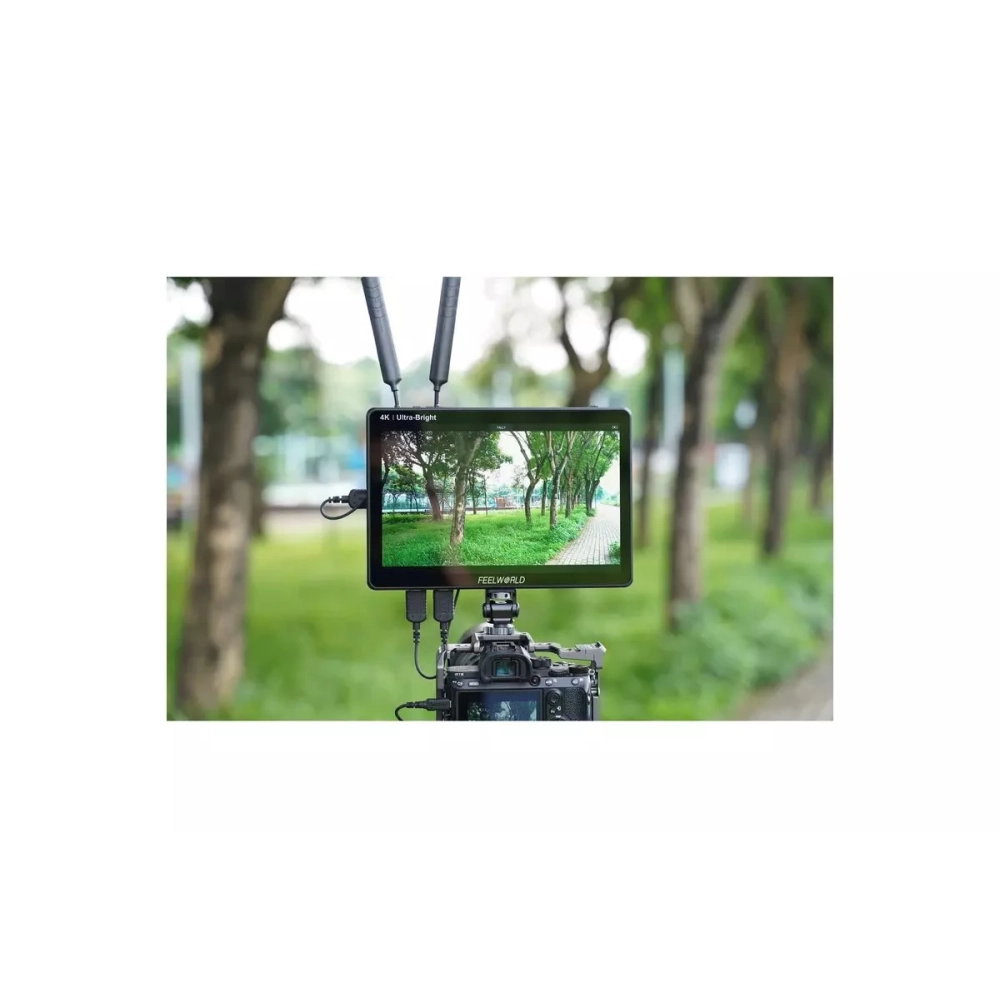
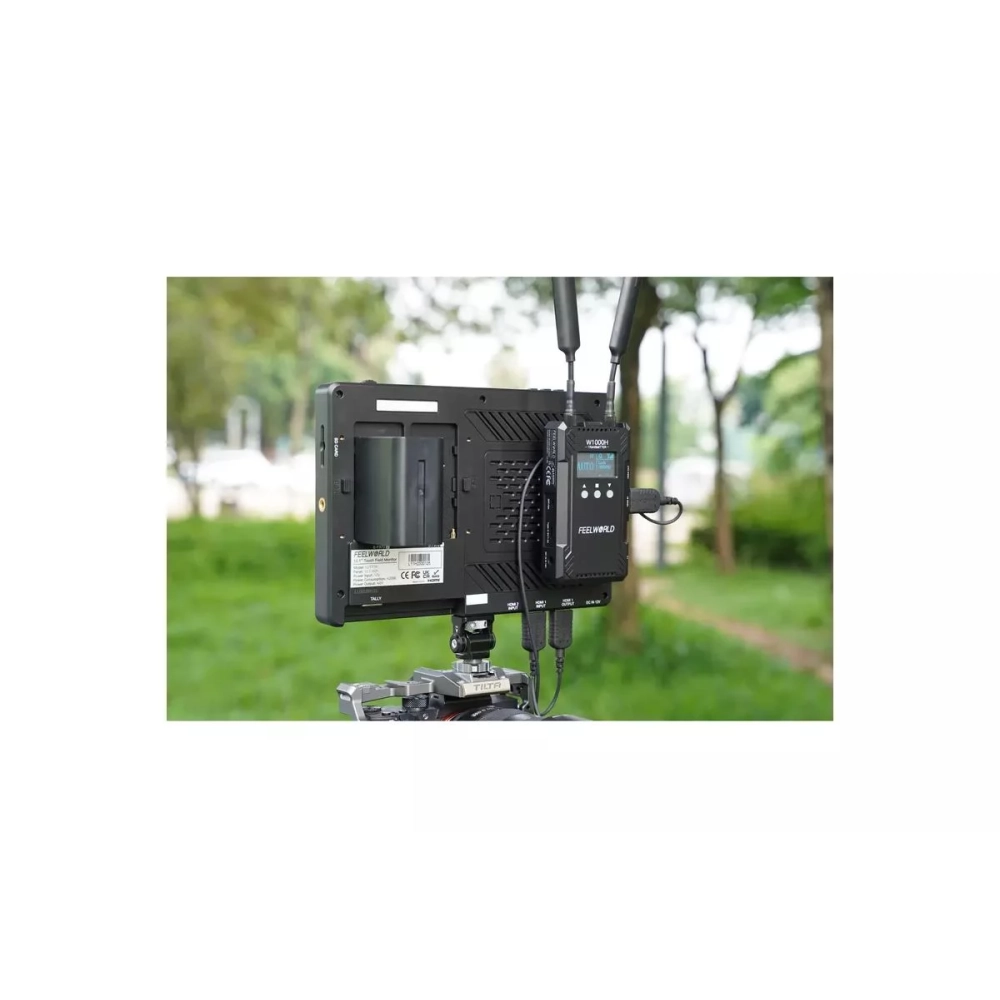
FEELWORLD LUT11H - 10.1" - 4k I/O - HDMI - touch screen kameramonitor - akku without
115 490 Ft

Product description
Touchscreen 10.1" high-brightness camera monitor with HDMI inputs and outputs capable of receiving and transmitting industry standard 4K signals from FEELWORLD.
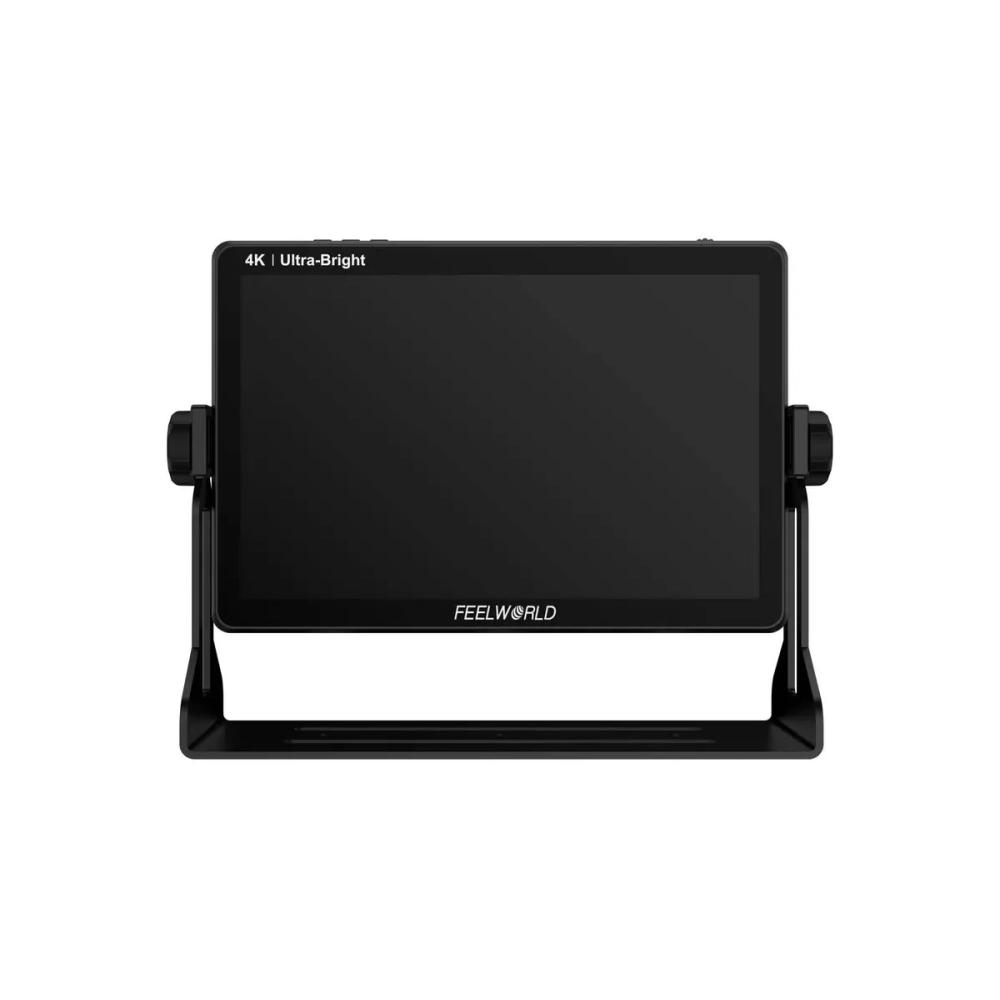
Display specification
- Screen size: 10.1 inch touch screen
- Resolution: 1920x1200 pixels
- Pixel height: 0.113(W) x 0.113(H) (mm)
- Aspect ratio: 16:10
- Brightness: 2000 cd/m²
- Contrast ratio: 800:1
- Viewing angle: 85°/85°(L/R) 85°/85°(U/D)
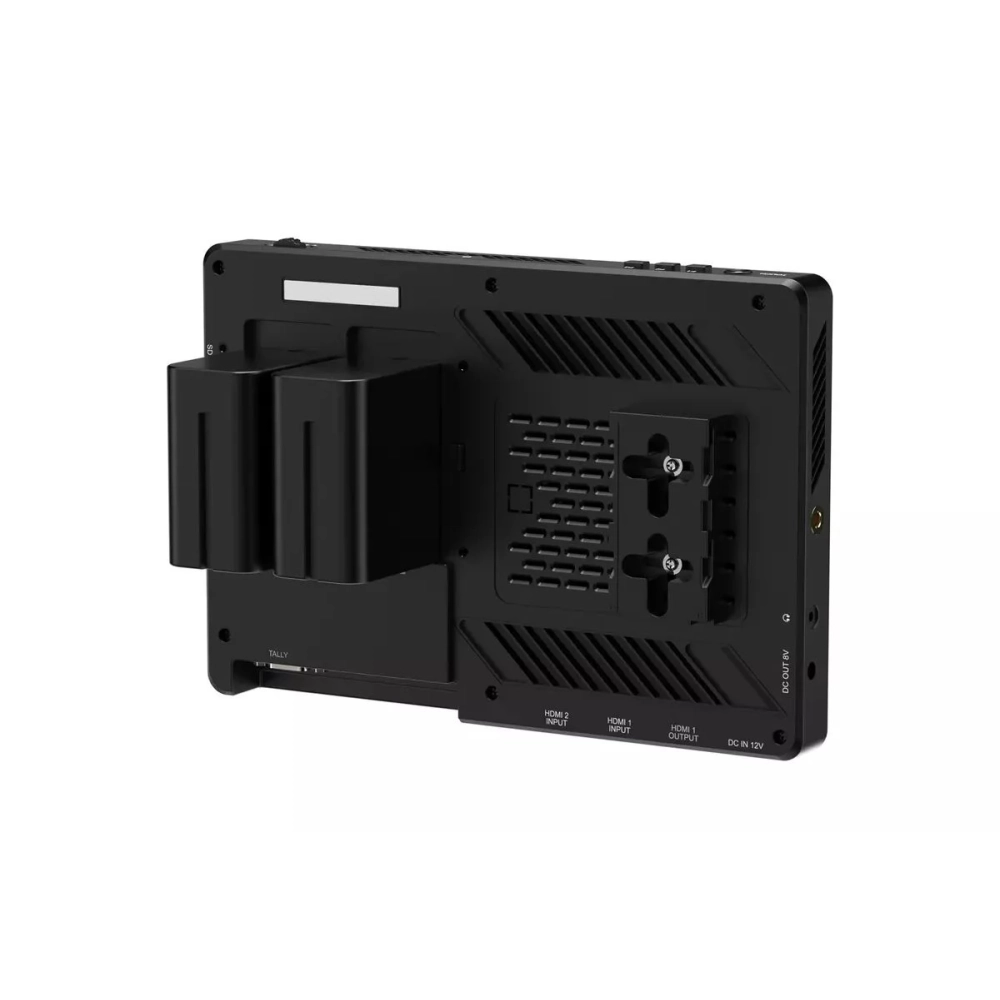
Other properties
- Input voltage: DC7 ~ 24V
- Consumption: ≤24W
- Connectors: DC
- Operating temperature: 10 ° C ~ 50 ° C
- Storage temperature: 20 ° C ~ 60 ° C
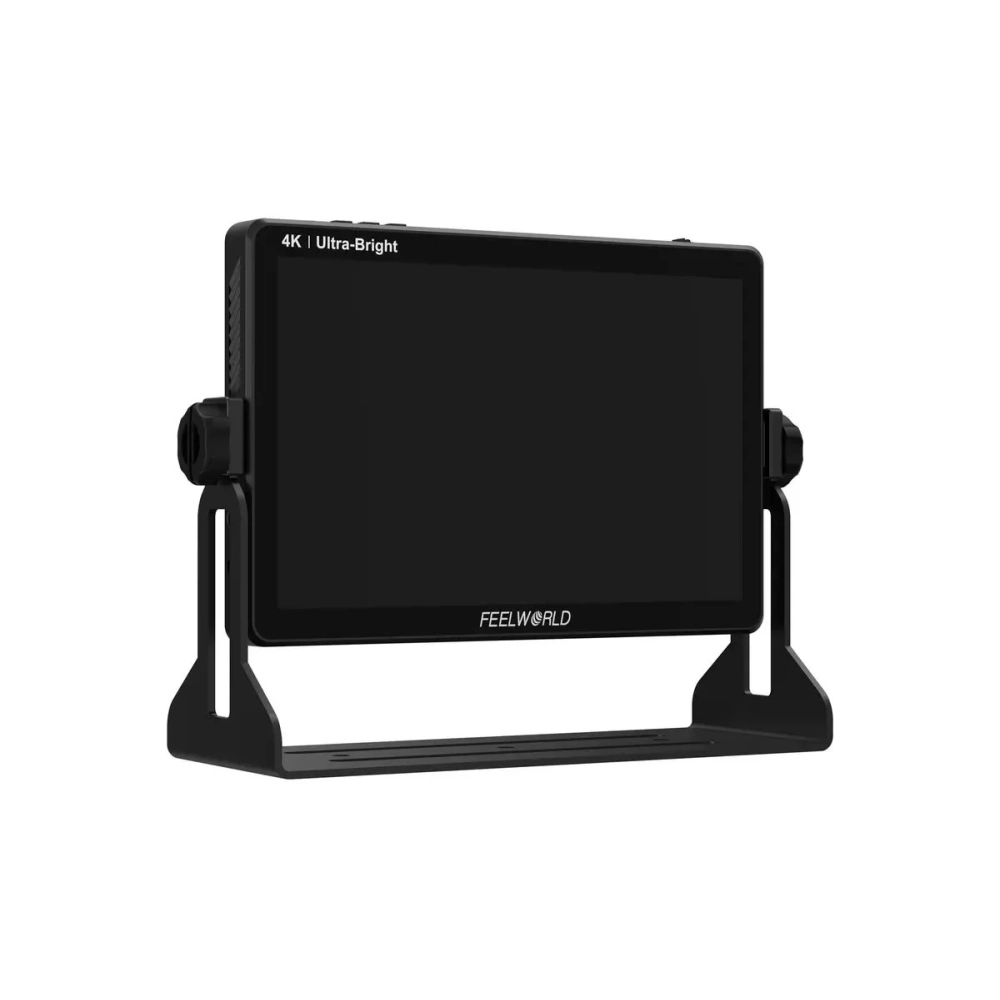
- Installation method: ¼20 threaded points (bottom, left, right)
- Unit size: 242Lx156Hx23D(mm)
- Unit weight: 810g
- Compatible batteries: Sony F970, F960, F950, F930, F770, F750, F730, F570, F550, F530, QM91D, QM91, QM90D, QM90, QM71D, QM71, QM70D, QM70, QM51D, QM51, FM71, FM70 series. Canon LP-E6
- 3D LUT support Log to Rec.709, user 3D LUT custom upload support
- Touch activated menu system
- Parade (RGB, YUV, Y)
- All waves
- Vector
- Brightness Histogram
- Peaking Focus Assistant (red, green, blue, white, yellow support five different and selectable colors; adjustable strength between 1~10
- False Colors
- Zebra Exposure (adjustable between 1%~100%)
- Check Field (red, green, blue, gray)
- Scan Mode (Under Scan, Over Scan)
- Anamorphic composition aid modes (1.25x, 1.33x, 1.5x, 1.6x, 1.8x, 2.0x, 2.0x zoom)
- Picture shooting (M, V, M/V)
- Image Freeze
- Composition guidelines
- Center Marker
- Safety Marker (70%, 80%, 90%, 16:9, 16:10, 4:3, 5:4, 1:1, 1.91:1.1, 4:5, 9:16, 1.85:1, 2.35 :1)
- Marker colors (red, green, blue, white, black, yellow)
- Ratio Marker (16:9, 16:10, 4:3, 1.85:1, 2.35:1)
- Color Temperature Adjustment (5600K, 6500K, 9300K, individual user setting)
- Zoom (100%~500%)
- Nine Grid
- Pixel to Pixel
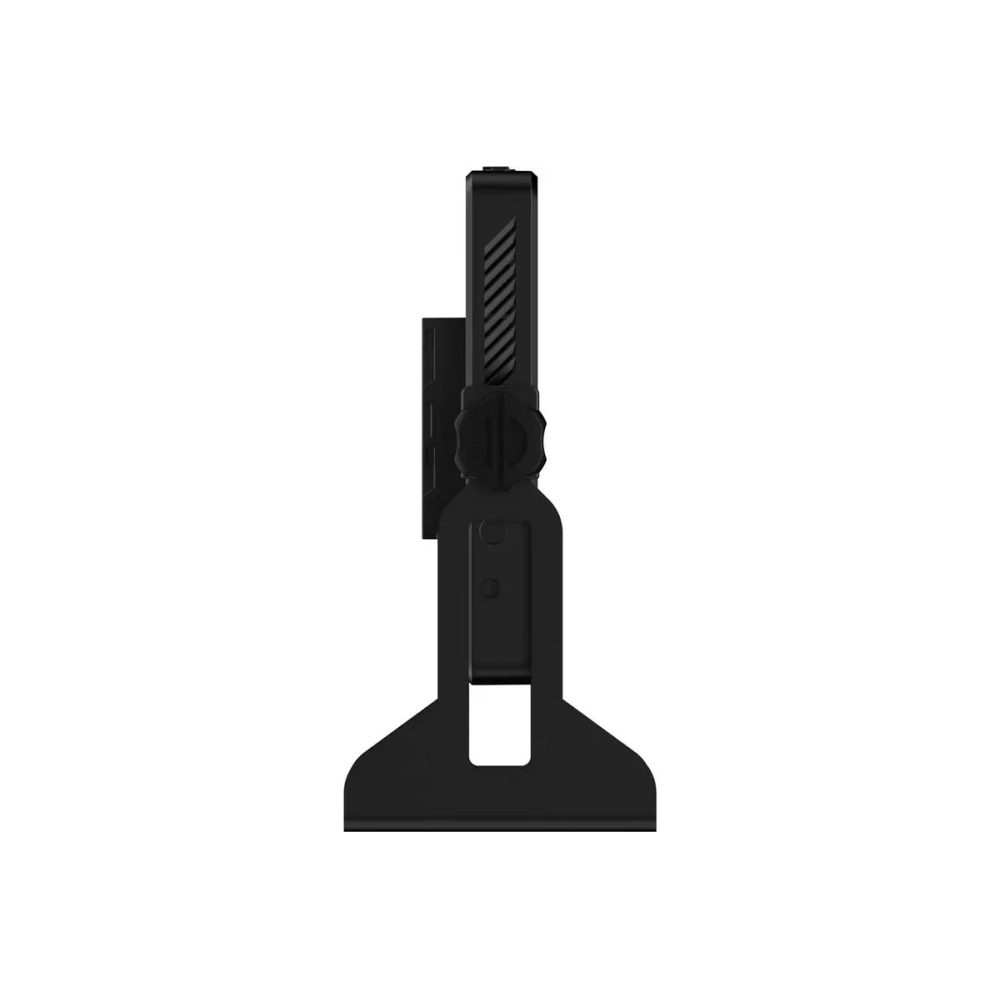
The package does not include the battery required for operation!
Always turn off the monitor with the power button before disconnecting the power supply!
PRICE NOTIFICATION
NOTEBOOK SEARCH

OPINIONS
0.0
