
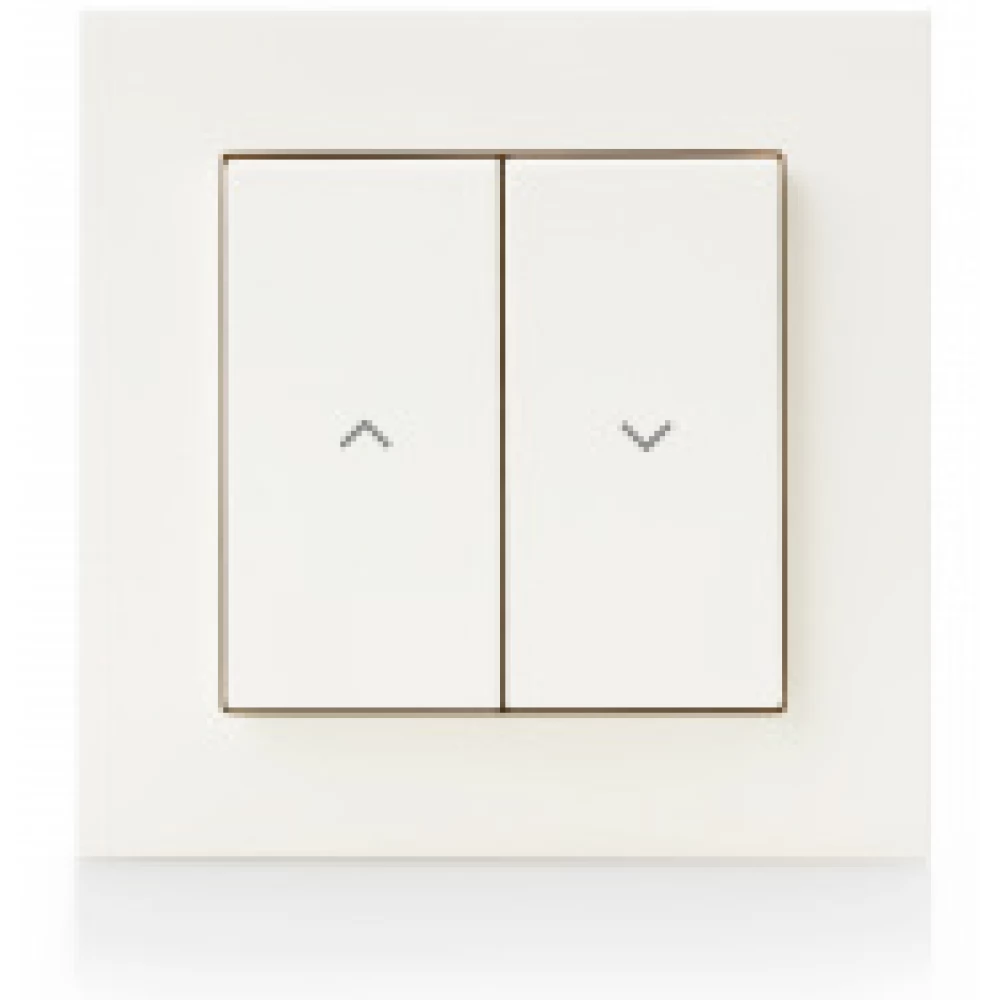
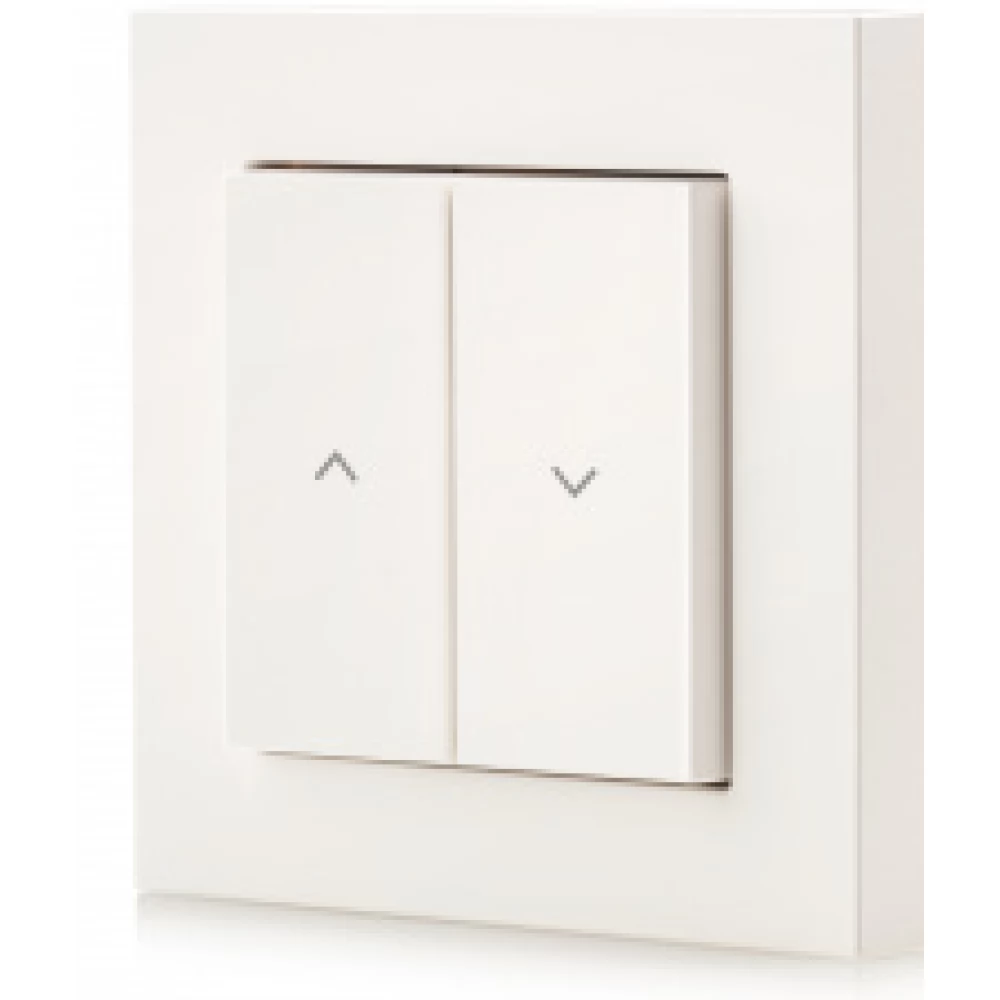
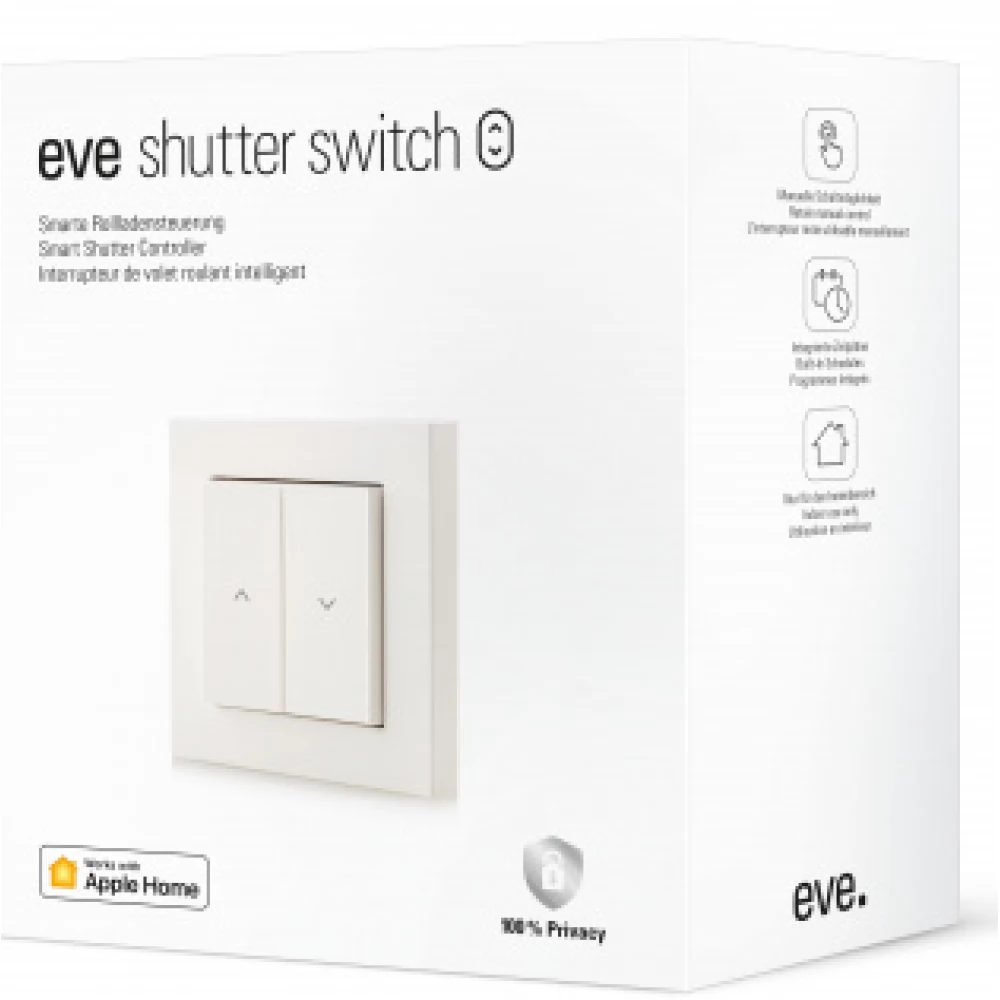
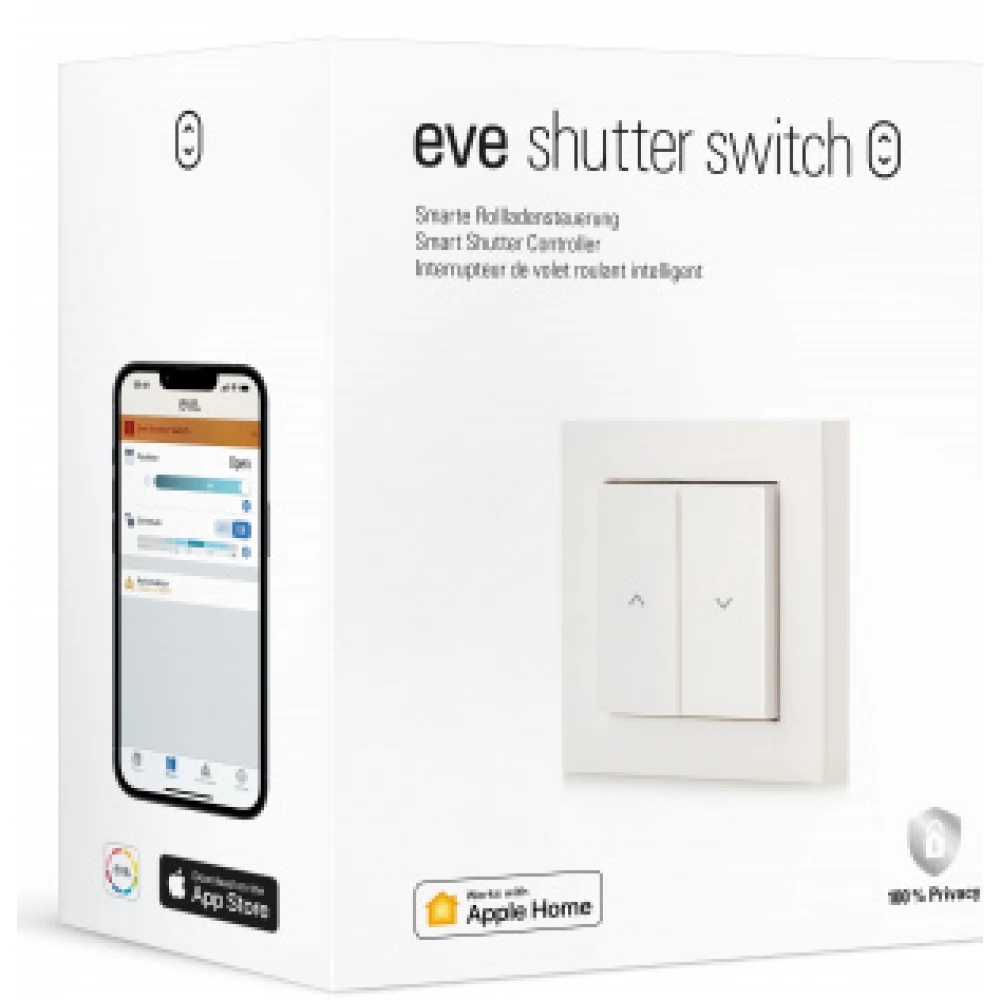
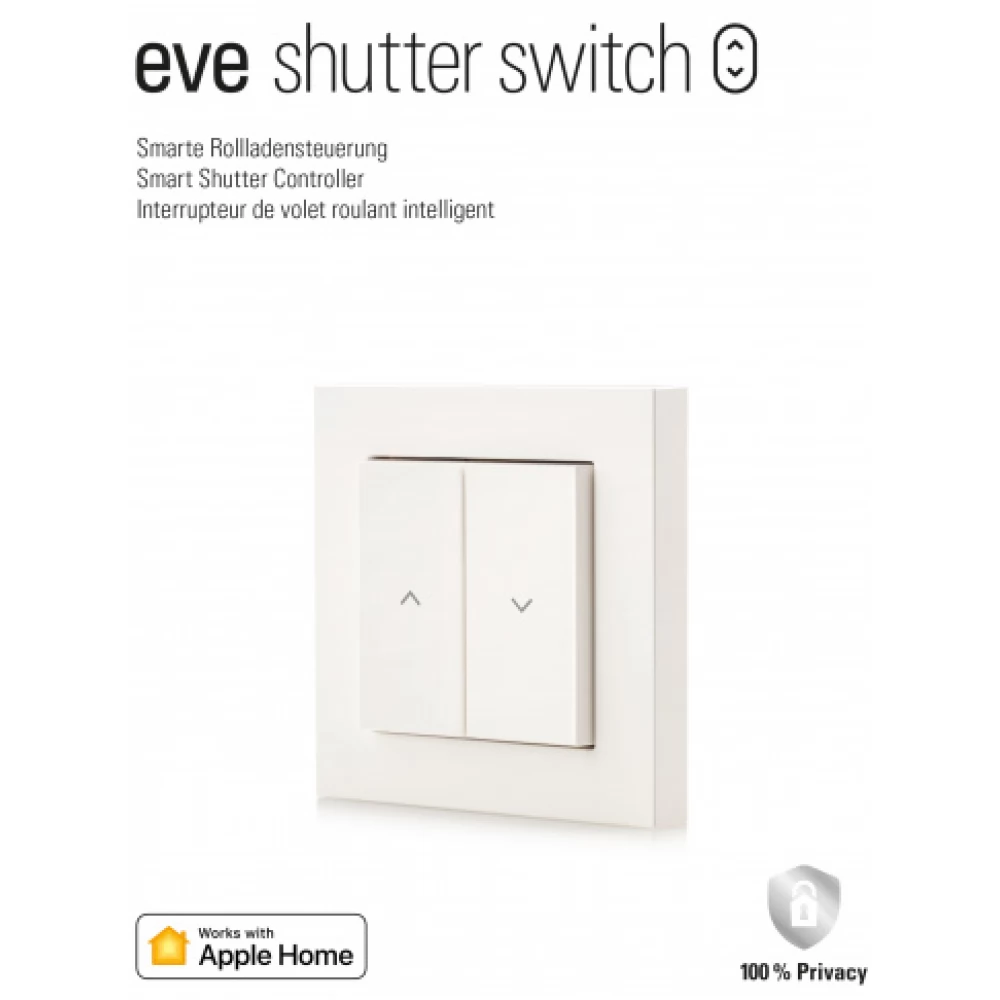
EVE Intelligent redőnykapcsoló
Substitute products
Product description
Enjoy the comfort of intelligent shading. Control the blinds via the app or Siri, or set them to automatically raise and lower according to your daily routine and the position of the sun.
...use schedules automatically.
Use schedules to automate your blinds and adjust them to your daily routine. For example, raise the blinds at sunrise and let the sun wake you up - but only on weekdays. Close it again every night at the set time, even if you are not at home. This is not only convenient, but also reassuring.
And since all schedules are stored in the Eve Shutter Switch, the accessory can continue to work independently of any home hub, iPhone or internet connection.
...according to the position of the sun.
Ensure an optimal indoor climate with the Adaptive Shading function by automatically darkening the rooms during the day according to the position of the sun. The Eve app provides hyperlocal programming of the Eve Shutter Switch based on your location and window orientation. In this way, you can dynamically operate the blinds according to the position of the sun.
...using the app and Siri.
Are you comfortable yet? In the app, you can control the blind – and of course the switch itself – by touching your finger or using the "Hey Siri..." button.
...on the way.
Control your shutters from anywhere - whether you're walking around the block or exploring the world. Your home hub (HomePod, HomePod mini or Apple TV) is constantly connected to your home.
Give a command to set the scene perfectly.
Combine all the blinds into a single "Good evening" scene and move the blinds around the house to a specific position at the same time with a single command. If you add HomeKit-compatible lights and light switches to the scene, they will turn on at the same time. This saves you from rushing back and forth.
Automation for maximum comfort.
If there is a hub in the house (HomePod or Apple TV 4K), HomeKit devices can work hand in hand.
Open the window, raise the blind.
Combine the Eve shutter switch with the Eve door and window and the shutter will move to an intermediate position when you tilt the window.
Reduce heat loss.
Place the Eve Weather outside your front door to have the Eve Shutter Switch automatically close the shutter when the temperature drops below a certain level. This helps protect against cooling and save on energy costs.
Pretend you're at home.
Take it easy on holiday and, combined with the lighting, set your blinds to open and close differently every day. This makes your place look like someone else's home and a less obvious target for burglars while you're on vacation.
Future proof.
In addition to Bluetooth, the Eve Shutter Switch supports Thread. This technology makes your smart home network more responsive, robust and accessible – the only other thing you need is a HomePod (2nd generation), HomePod mini or Apple TV 4K (2nd generation, 3rd generation). generation, 128 GB). As a routing node, the Eve Shutter Switch forwards data packets from other Thread accessories and increases the stability and availability of your smart home.
Requirements
- iPhone or iPad with the latest version of iOS/iPadOS
- Automatic and remote control of this HomeKit-compatible accessory requires a HomePod or Apple TV (4th generation or later) as a home hub
Specifications
- Power: Input: 230 V~ 50 / 60 Hz
- Max. connected load: 750 VA
- Max. load current: 6 A (max. 5 A per channel)
- Wireless connection: Bluetooth, fiber
- Dimensions: 85 x 85 x 41 mm
- Compatibility: Eve Shutter Switch requires zero wire. It can only be used with copper or copper-coated wire in dry, indoor locations. Existing switch plates are not compatible with the Eve Shutter Switch
- In the box: Power supply unit, mounting frame, switch unit, frame, switch plates, Quick Start Guide
Similar products
NOTEBOOK SEARCH
OPINIONS
OPINIONS
