
DELL P2425HE stand without
not available
Product description
The monitor does not come with a stand!
The DELL P2425HE is a high-quality monitor that provides a reliable and extraordinary visual experience, so it can meet the needs of all users. It can be used in both home and office environments, as it enables versatile use. With its modern, clean appearance, it stands out in any environment.
Display
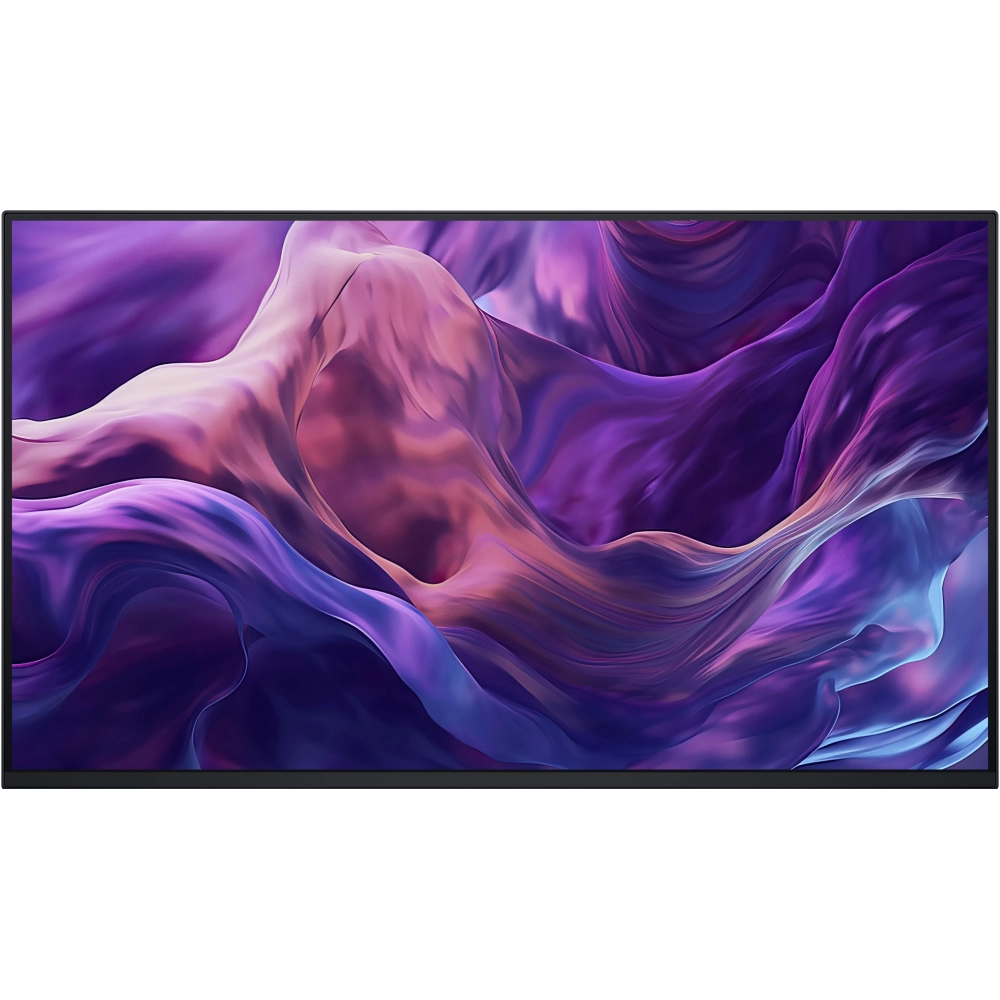
- The monitor is non-reflective, 23.8 inches, 1920x1080 resolution and can display 16.7 million color shades, so the user gets the sharpest possible image, whether it's work or entertainment.
- Thanks to the wide viewing angle (178°/ 178°), images are clearly visible from almost any angle.
- It has LED backlighting, so it offers an energy-saving and environmentally friendly solution.
- IPS (In-Plane Switching) technology ensures the realistic representation of accurate and vivid colors.
- It has a refresh rate of 100 Hz and a response time of 5 ms, which guarantees smooth and smooth image display.
- It has a contrast ratio of 1500:1, which provides impressive depth and sharp details, while thanks to the brightness of 250 cd/m², the screen is clearly visible even in bright environments.
Dell ComfortView
The technology minimizes eye fatigue during long-term use, protecting the eyes from overload, as the blue light filter and flicker-free technology help prevent eye strain. A particularly useful function for those who spend long hours in front of the monitor.
Connection
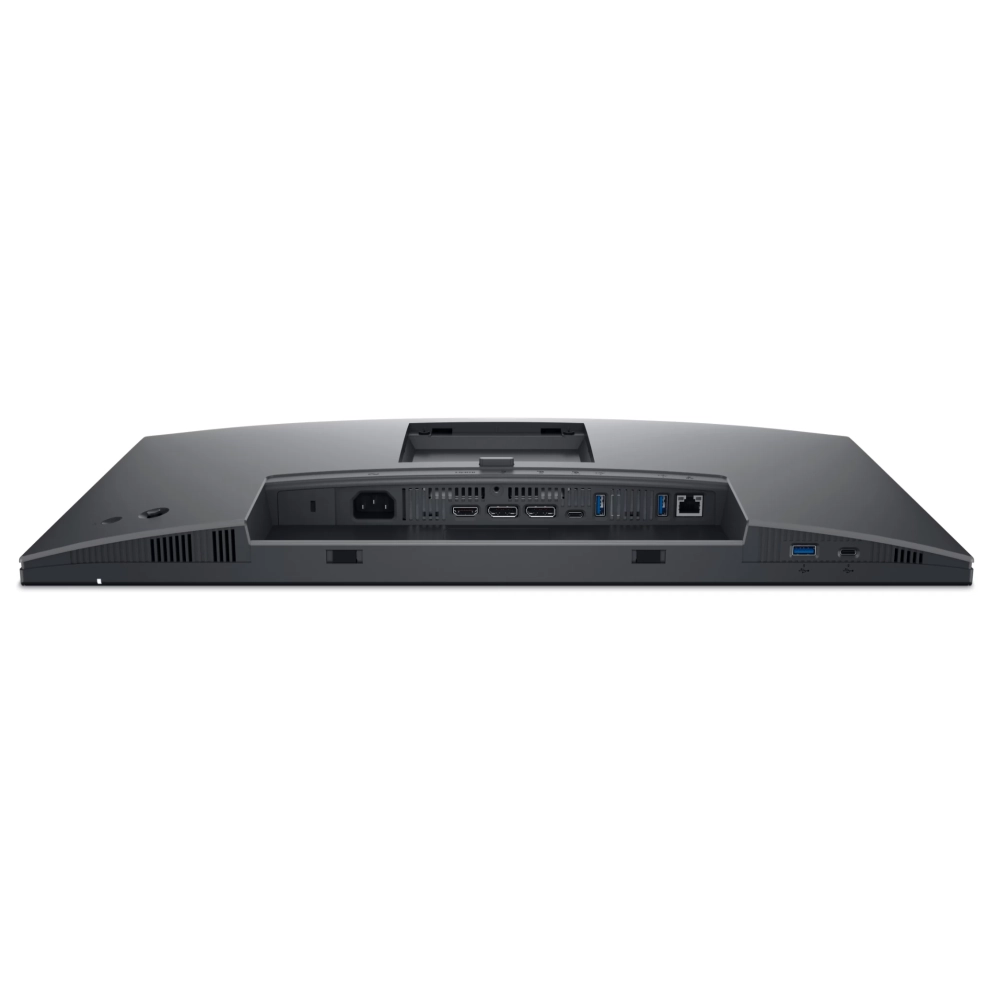
Connecting the monitor is versatile, which provides flexibility in pairing different devices.
- HDMI
- DisplayPort
- 1x USB 3.2 Gen1 Type-C upstream (Alt. mode with DP1.4) with up to 90W PD
- 1x USB 3.2 Gen1 Type-C downstream with up to 15W PD (data only)
- Built-in USB HUB: 3x USB 3.2 Gen1 Type-A downstream
- RJ45 connector
Ergonomics
Thanks to its non-slip stand, the monitor can be adjusted at different angles, so everyone can find the most comfortable position for them.
- Can be tilted (+21°/-5°)
- Rotatable (-45°/+45°)
- Rotatable (-90°/+90°)
- Adjustable in height (0-150 mm)
VESA
The VESA wall mount allows you to mount the monitor on the wall, saving space on your desk.
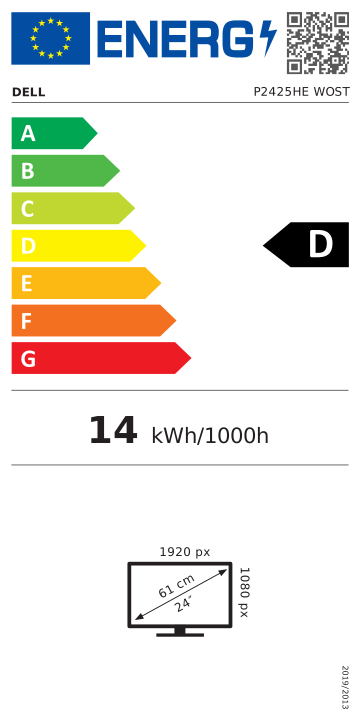
Energy Star certificate, EPEAT Gold and TCO certification
The monitor is low-power, thus helping users to reduce their daily energy consumption. And thanks to its low emissions, we do good for the environment.
In conclusion, the Dell P2425HE is a perfect choice for both home and office use. It offers elegance, functionality and excellent image quality at the same time. Its innovative technology and design quality are guaranteed to fully satisfy the needs of all users.
PRICE NOTIFICATION
Recommended for you
Similar products
NOTEBOOK SEARCH
OPINIONS
OPINIONS
