
CELLECT Glass foil Samsung Galaxy S26 Plus Brush 2pcs
not available
Product description
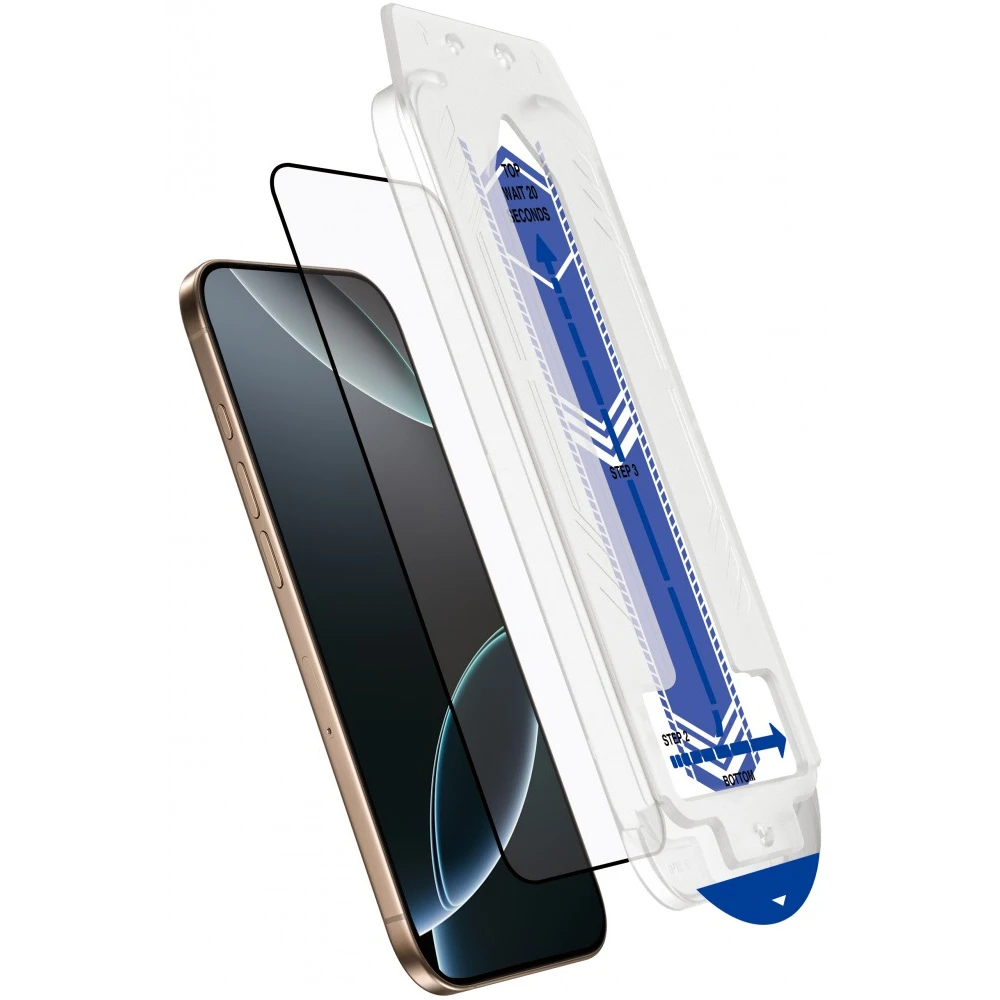
Make it easier to apply your film!
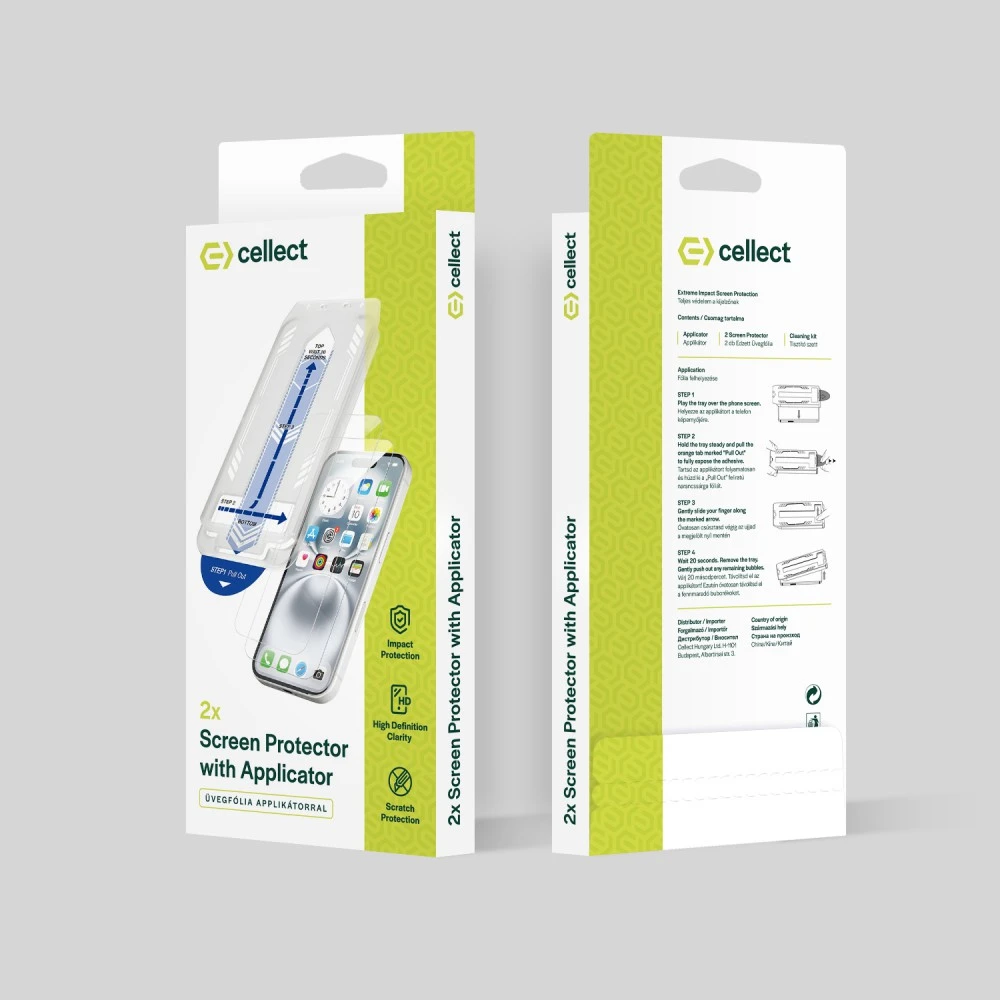
With our applicator, you can now simply and quickly apply your foil to your device, to which we also contribute with 2 foils.
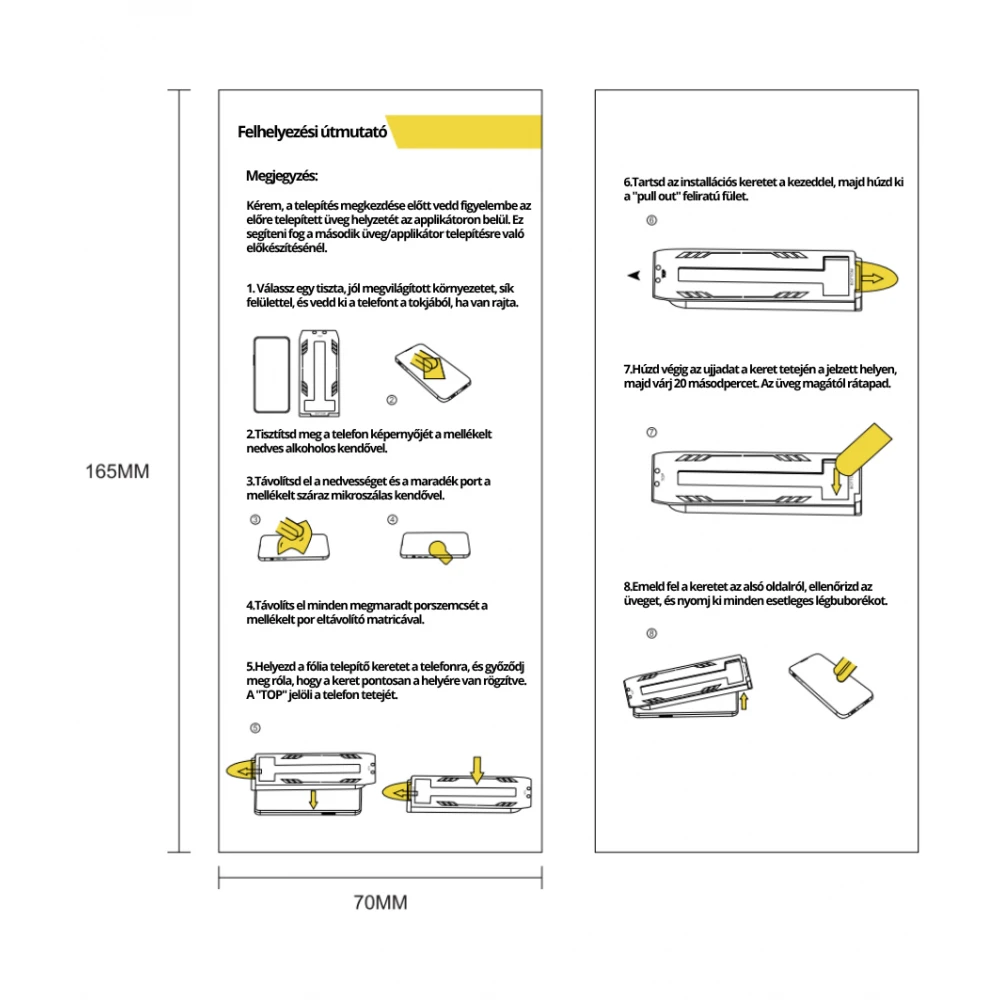
1. Choose a clean, well-lit environment with a flat surface and remove the phone from its case, if it has one.
2. Clean the phone screen with the included wet alcohol wipe.
3. Remove moisture and remaining dust with the included dry microfiber cloth.
4. Remove any remaining dust with the included dust removal sticker.
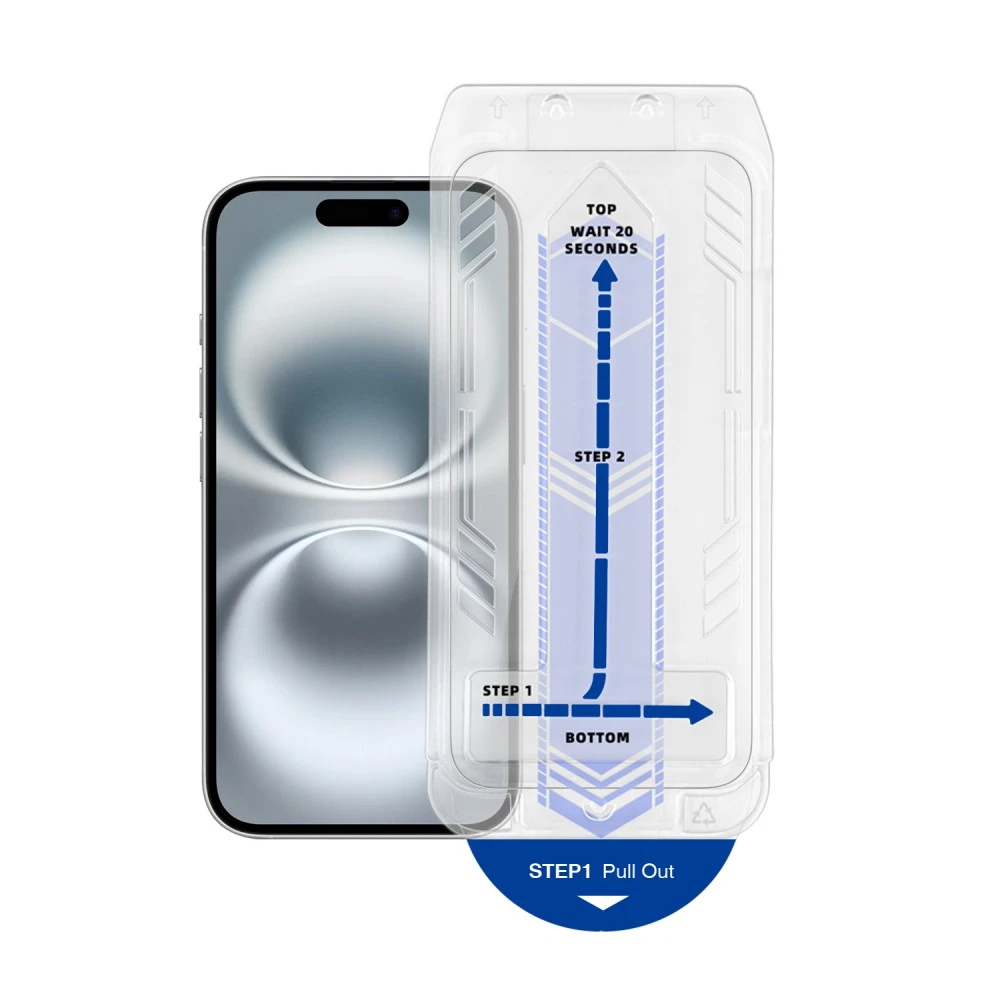
5. Place the film installation frame on the phone and make sure that the frame is fixed in place. "TOP" indicates the top of the phone.
6. Hold the installation frame with your hand, then pull out the tab labeled "pull out".
7. Drag your finger along the top of the frame in the indicated place, then wait 20 seconds. The glass sticks to it by itself.
8. Lift the frame from the bottom side, check the glass and squeeze out any air bubbles.
PRICE NOTIFICATION
Recommended for you
Similar products
NOTEBOOK SEARCH
OPINIONS
OPINIONS
