
Dear Visitor! We are carrying out maintenance this weekend, so our website may be slow or briefly unavailable at times. Thank you for your patience!
BEBIRD M9 S Clever fültisztító camera otoszkóp blue
11 890 Ft
10 890 Ft
Product description
Take complete care of your ears with the Bebird M9 S otoscope, whose high-quality camera can record 10 MP images and allows you to record the inside of the ear canal in high-quality 1080P. The dedicated application allows for real-time monitoring of recordings. The device offers up to 90 minutes of operation on a single charge, and the included tips make removing earwax hygienic and convenient. In addition, the product is distinguished by its IP67 waterproof rating and magnetic construction, and has won a Red Dot award for its design.
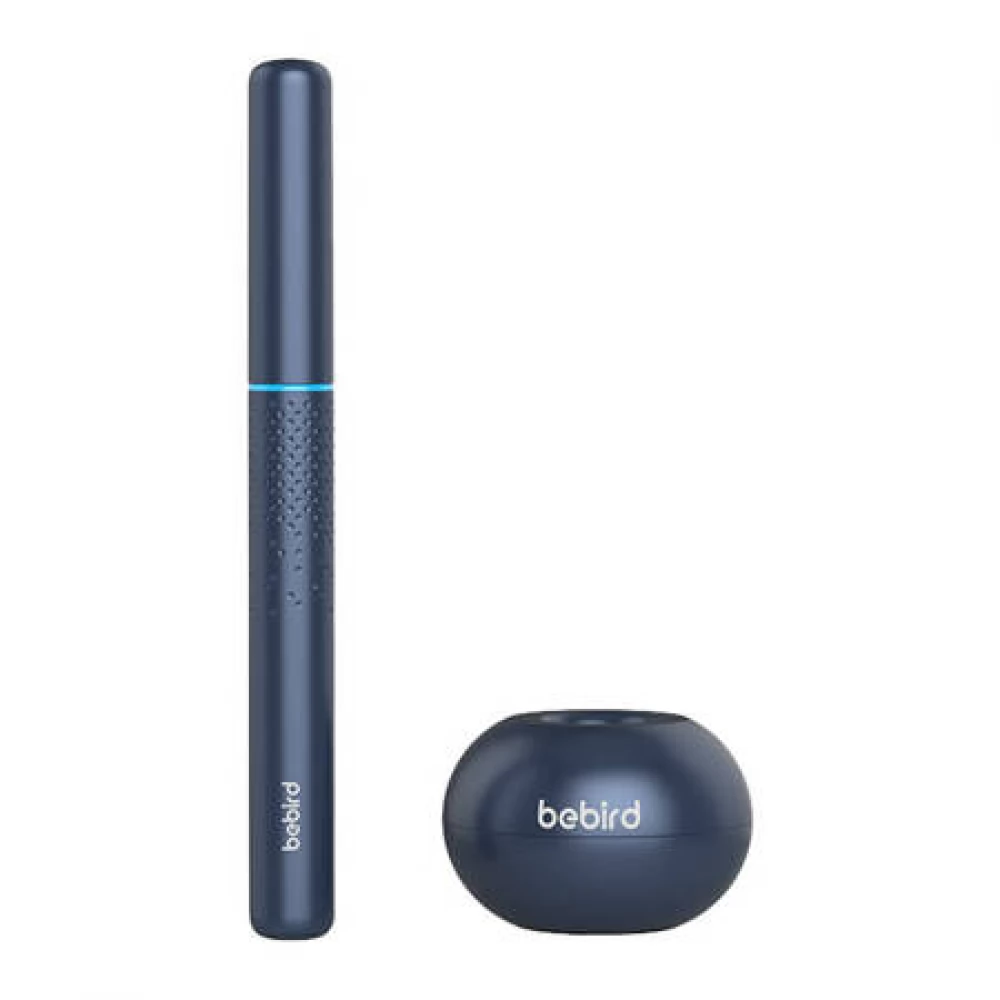
High quality camera
The Bebird M9 S Otoscope uses a camera that captures images in 1080P quality and 10 MP resolution at 20 fps. With an endoscope diameter of only 3.5 mm, this device is suitable for individuals with narrow ear canals. The dedicated Bebird application, which can be downloaded free of charge for Android and iOS devices, enables real-time monitoring of camera images, facilitating precise ear cleaning and reducing the risk of damage to the delicate ear structure.
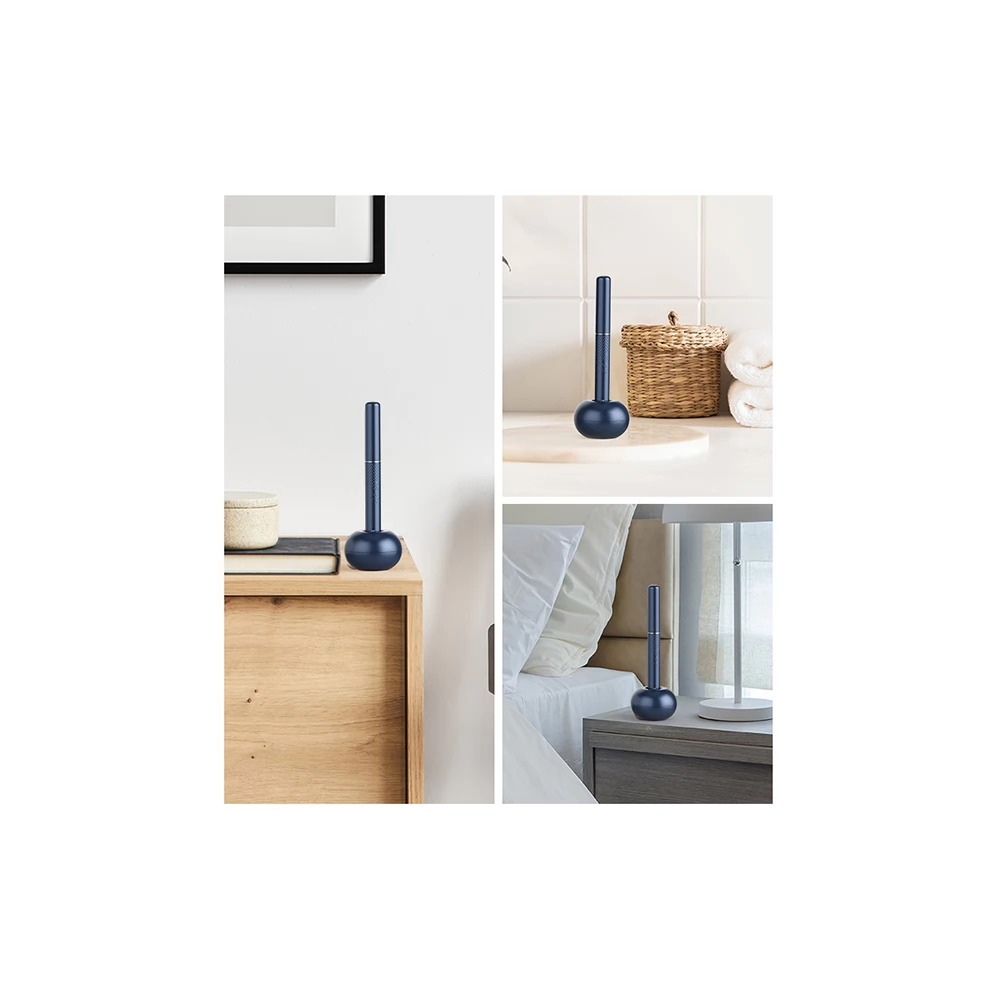
Attention to detail
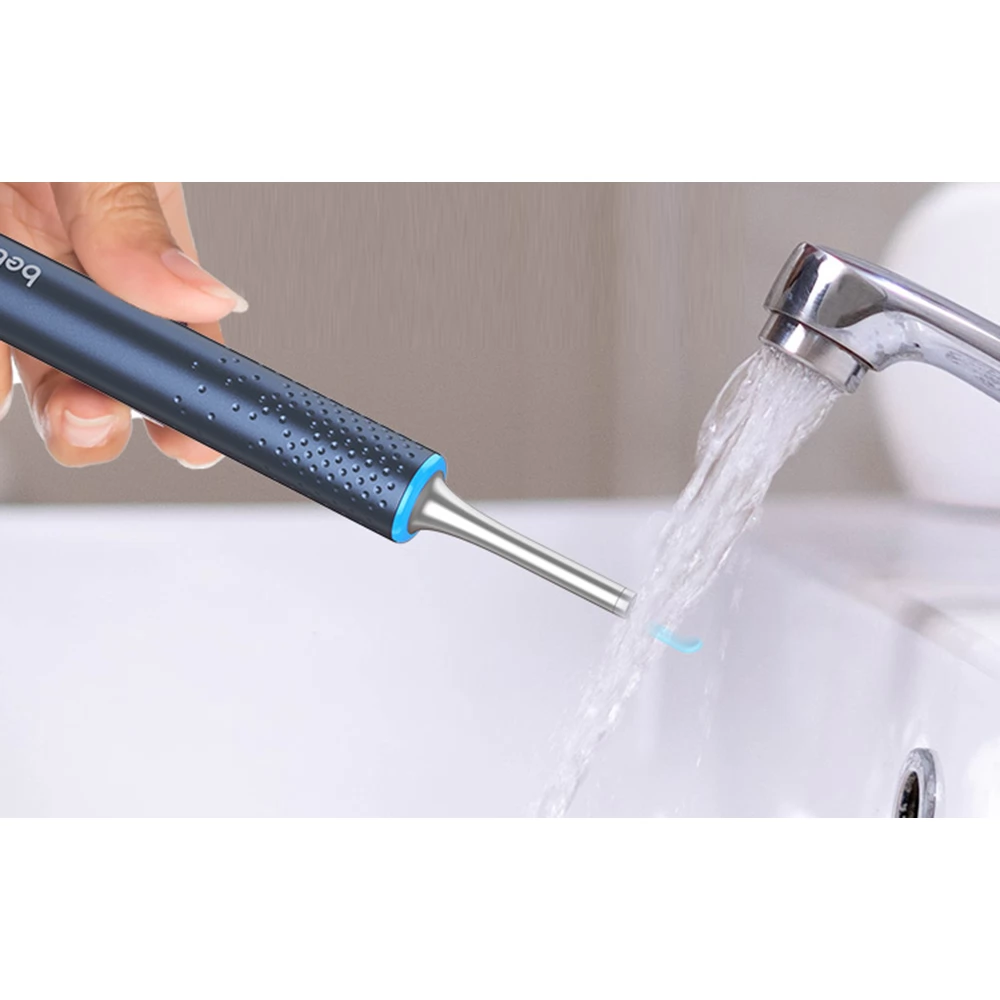
The Bebird M9 S Otoscope was designed with attention to every detail. The device is resistant to dust, moisture and water at the IP67 level, so you can rinse it under running water. It also received a Red Dot award for design and innovation. The otoscope automatically turns on and off when the cover is removed or applied. Turning it on activates the backlight. Thanks to the intelligent temperature control, there is no need to worry about burns. Numerous certificates confirm the excellent quality of the product.
Up to 90 minutes of continuous operation
Forget frequent recharging. The Bebird M9 S Otoscope uses an efficient 230 mAh battery that provides up to 90 minutes of operation on a single charge. Using the included USB-C cable, the device can be recharged in just one hour.
- Photoscope with protective cover
- Replaceable ear tips x9
- Stationary base
- Swab soaked in alcohol (for lens cleaning) x3
- Charging cable
- Instructions
PRICE NOTIFICATION
NOTEBOOK SEARCH

OPINIONS
0.0
