
ACT CONNECTIVITY USB-C docking Station 4K 2 HDMI or DisplayPort monitor DisplayLink
Substitute products
Product description
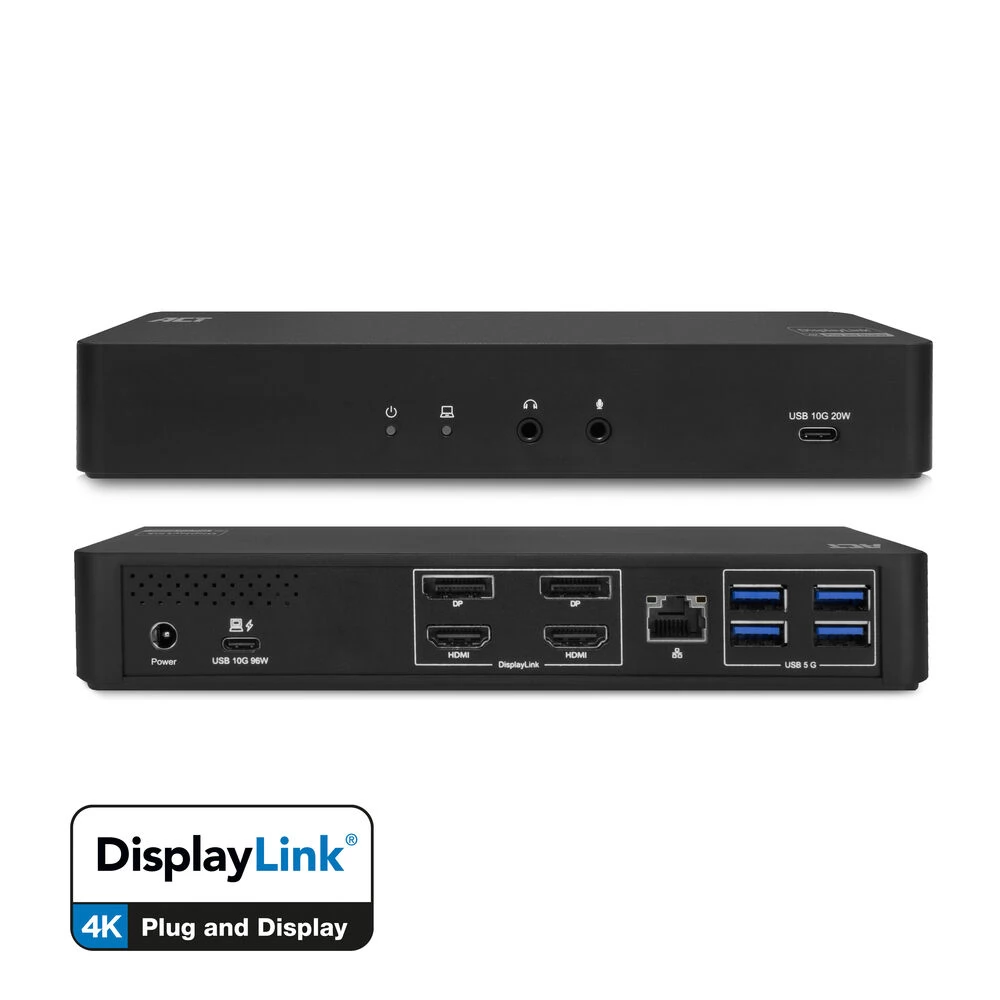
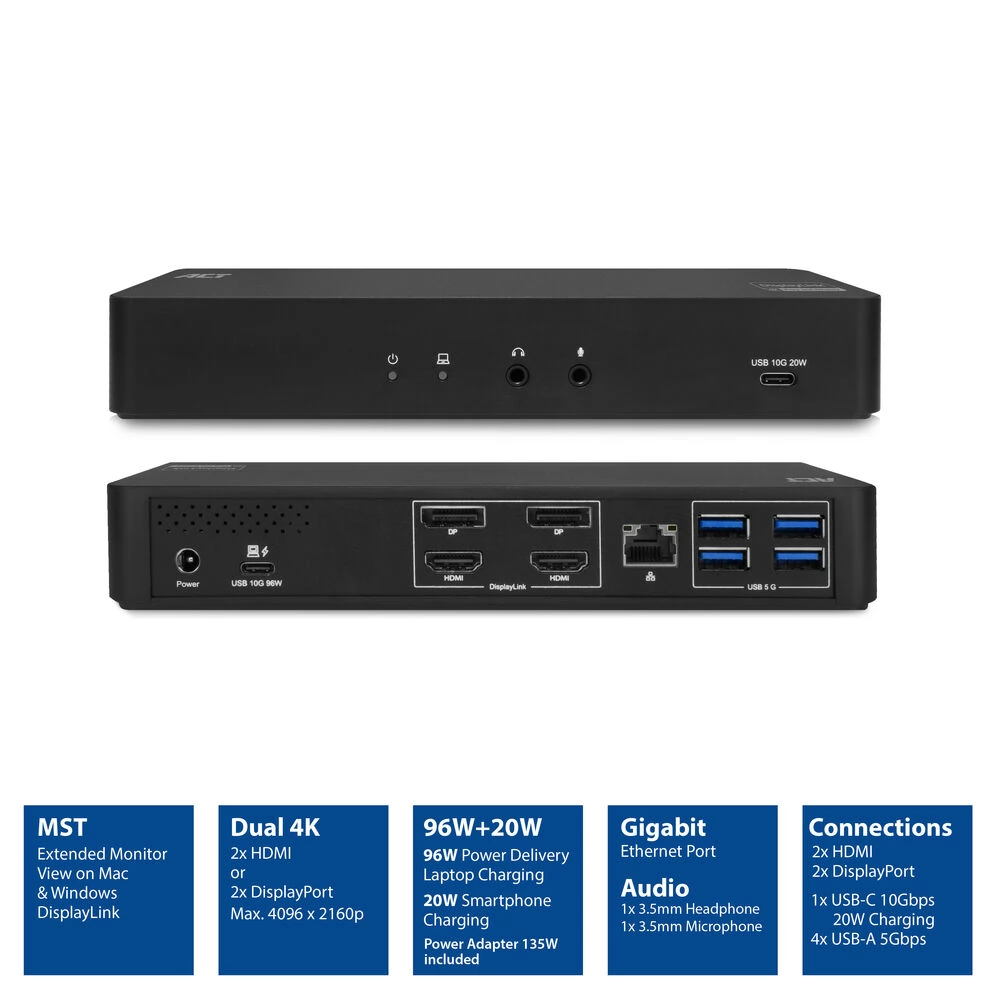
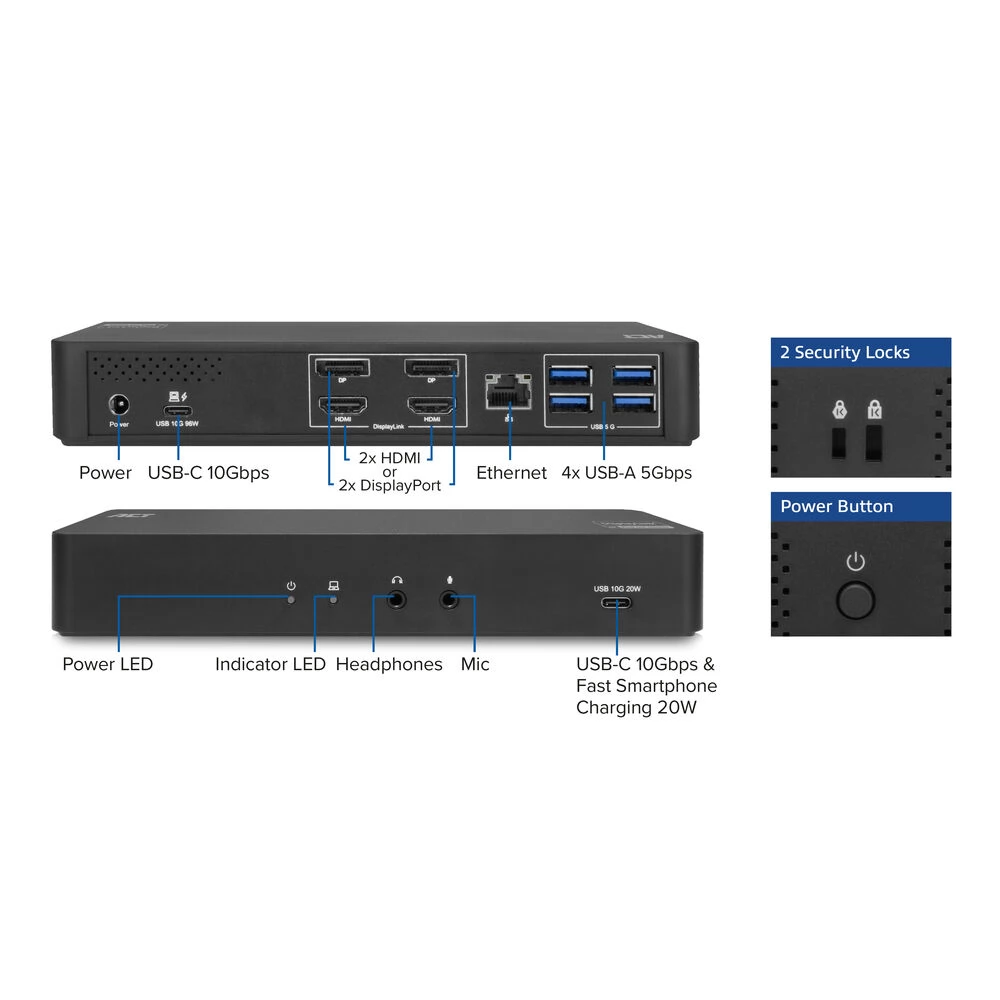
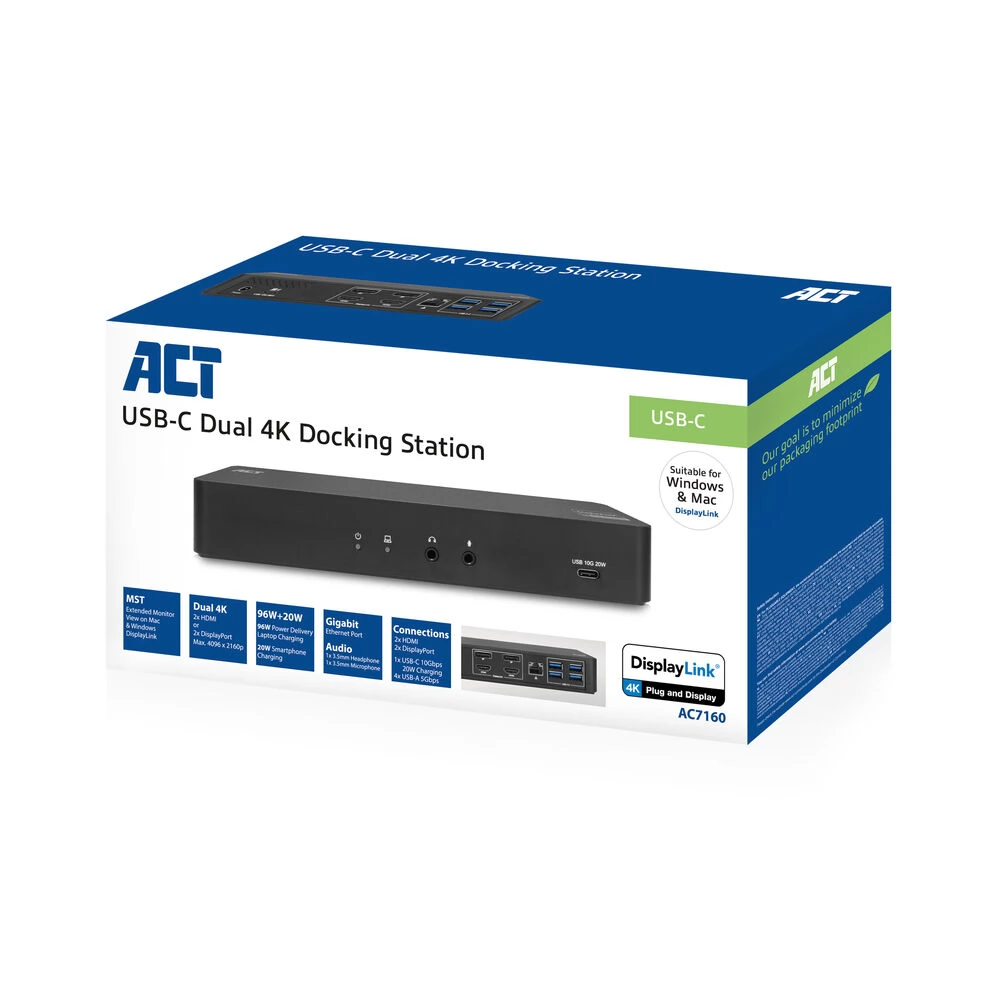
The AC7160 4K docking station turns your Windows laptop or MacBook into a full workstation by connecting a single USB-C cable. Using the built-in DisplayLink® technology, you can connect up to two additional 4K displays for extended monitor display on both Windows and Apple laptops. The docking station has a Gigabit LAN port, 1 USB-C port (10 Gbps / 20 W fast charging), 4 USB-A ports (5 Gbps), microphone and headphone ports. The dock comes with a 135 W power adapter. This adapter powers the docking station and provides up to 96W to charge the connected laptop. The ACT USB-C 4K docking station has met all the requirements of the DisplayLink Certified Logo program. The two additional 4K monitors and the laptop display expand the workspace to a total of three displays.
Turn your Windows laptop or MacBook into a full workstation with a single USB-C cable.
This docking station gives you everything you need to turn your laptop into a full workstation by connecting a single USB-C cable. Up to two 4K monitors (max. resolution 4096x2160p @ 60Hz) can be connected via the HDMI or DisplayPort ports. The docking station also has a Gigabit LAN network port and a microphone and headphone jack. AC7160 expands your laptop with 5 more USB ports: four USB-A ports (5 Gbps) and one USB-C port (10 Gbps).
DisplayLink® technology: extended monitor view for MacOS and Windows computers
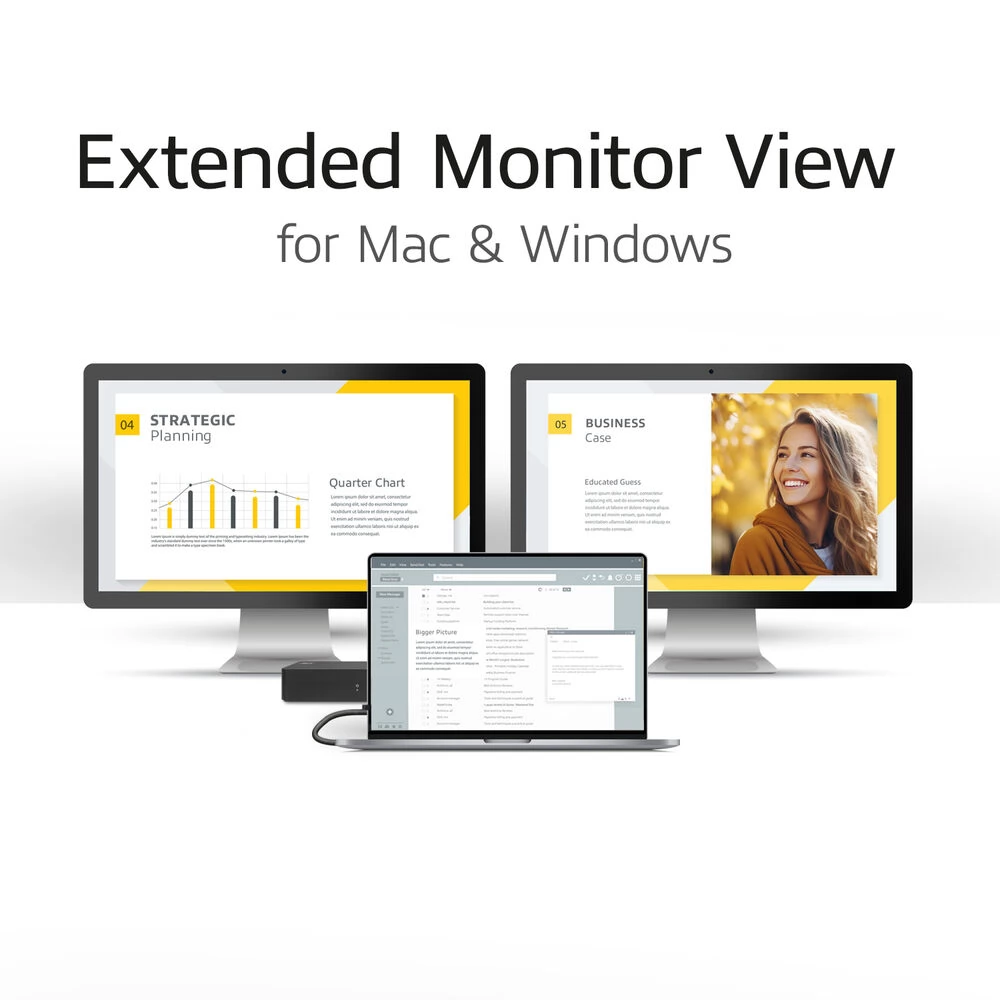
The AC7160 docking station features DisplayLink® technology. The device's desktop screen can be expanded to two additional screens. This provides a total of 3 monitor views (1x laptop, 2x monitors). This technology works with any Windows or MacOS computer that supports USB-C.
DisplayLink® technology provides a stable docking station solution for expanding your laptop using a dedicated chipset.
Charge your laptop with max. 96 W power from the docking station
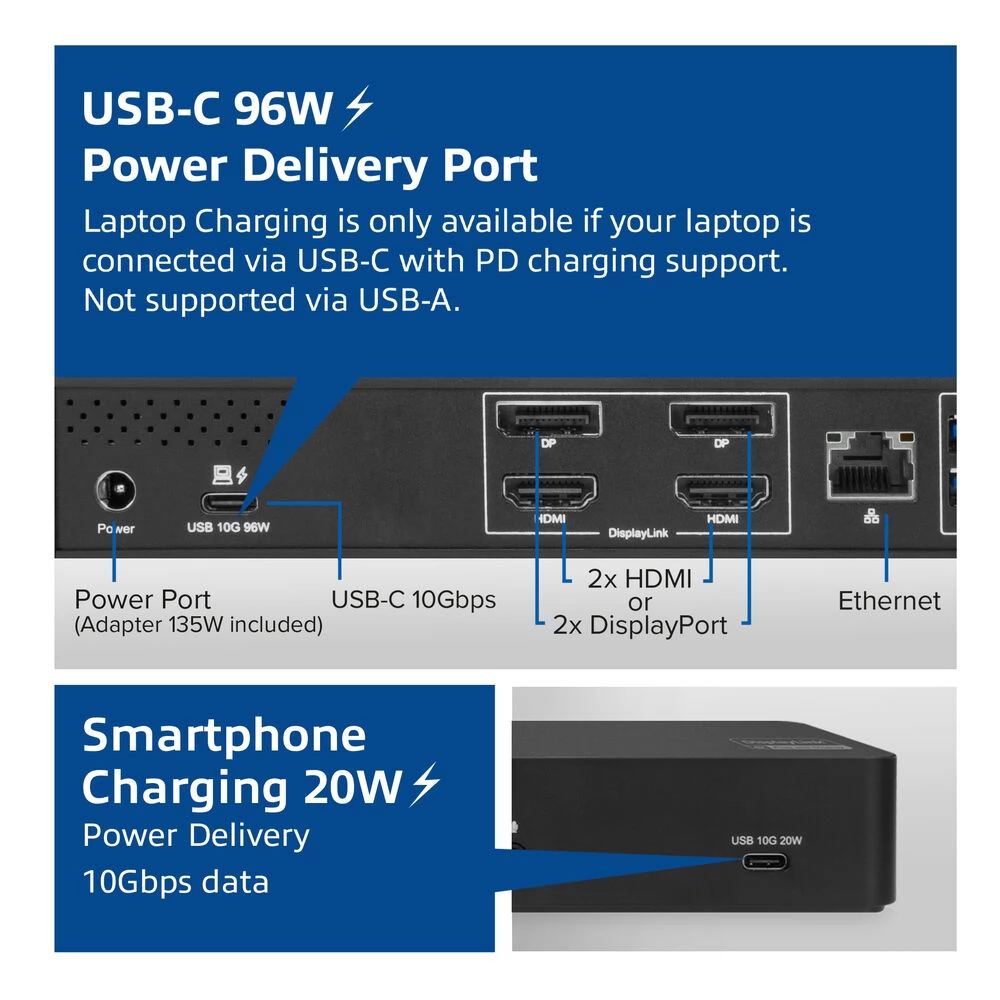
The docking station is equipped with a 135 W power supply. This power supply supplies the docking station itself with energy, and the connected laptop with max. 96W. You don't need to connect an additional charger to your laptop. The laptop is charged via the USB-C connection cable. Your laptop must have a USB-C port that supports USB-C charging.
If it is connected to a USB-A port instead of a USB-C port
The AC7160 can also be used with USB-A laptops via the included USB-C-USB-A adapter. You can still expand the displays and use most of the other features. If you connect the docking station to older laptops via the USB-A port, drivers may need to be installed. The USB-C port's 20W power supply still works. However, the data transfer speed of the USB-C port is limited to the speed of the laptop's USB port.
Please note that if you use the docking station with USB-A laptops, the Power Delivery passthrough function is disabled. In this case, the laptop will need an additional power supply.
More features
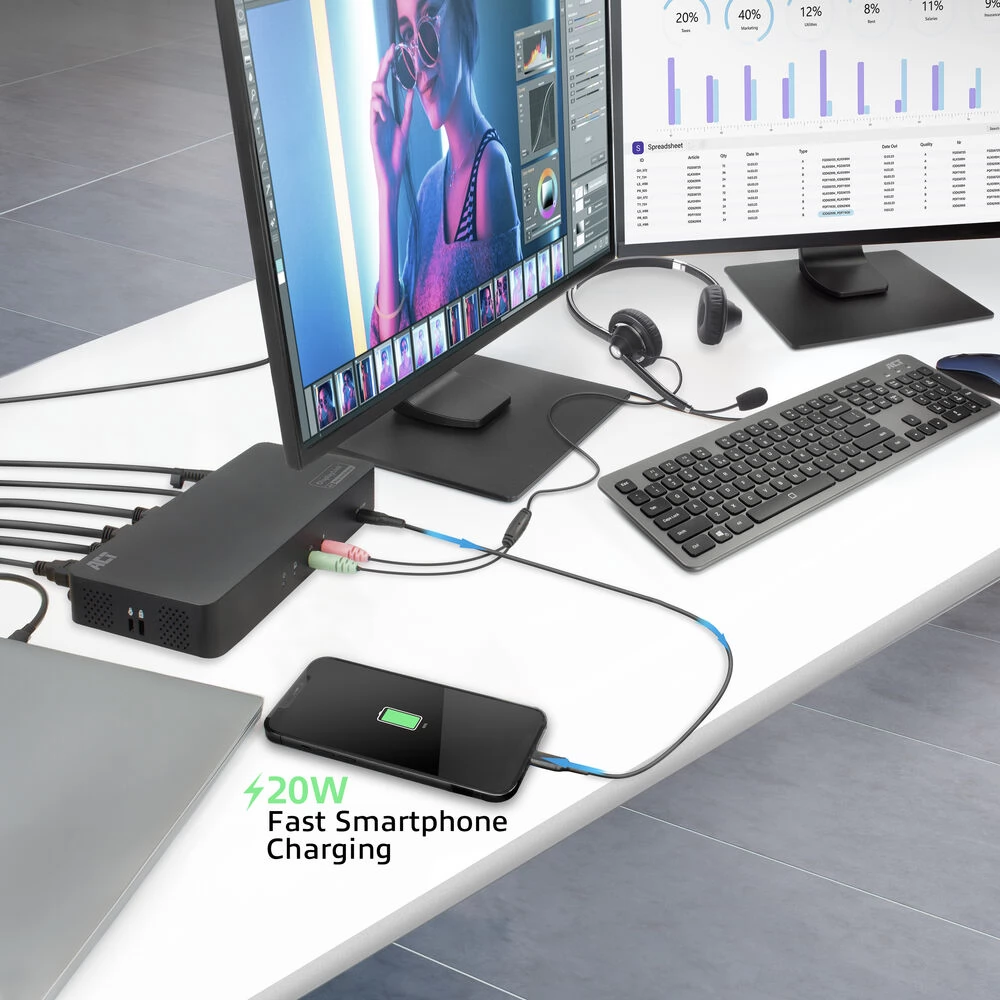
The power button turns the docking station and all peripherals on or off at the same time. The USB-A ports are all USB 3.2 Gen1 data ports with a maximum transfer rate of 5Gbps for connecting peripherals. The USB-C port is a USB 3.2 Gen2 port with a transfer rate of 10Gbps and provides 20W fast charging power for your smartphone or tablet. You can also connect a microphone and headphones to the dedicated 3.5 mm audio ports. The AC7160 can also be used with USB-A laptops by converting from USB-A to USB-C using the included USB-A to USB-C adapter. Please note that when using the docking station with USB-A laptops, Power Delivery passthrough is disabled. In this case, the laptop will need an additional power supply.
User scenarios
Avoid cable clutter and cable connection problems. For many users, it is not easy to connect all the cables properly. And why should it?
With the AC7160 docking station, you can create an organized desk and work environment where you can get to work immediately with a single cable connection. Either at the office or at home. You can connect multiple monitors, keyboards and mice.
Flexible workspaces are becoming more and more common in offices these days. With a universal docking station, you can work comfortably at different desks. Just plug in a cable and you're good to go.
Using a docking station like the AC7160 that uses DisplayLink technology solves compatibility issues with DP alt mode MST docking stations. The independent drivers used by DisplayLink technologies ensure a stable connection regardless of the laptops and monitors used.
- Expand the workspace of your Windows or MacOS computer with two additional 4K screens or one 5K screen using DisplayLink technology
- The enclosed
Similar products
NOTEBOOK SEARCH
OPINIONS
OPINIONS
