
ACT CONNECTIVITY USB-C docking Station 4K 2 HDMI monitor DisplayLink compact model
48 290 Ft
46 090 Ft
Product description
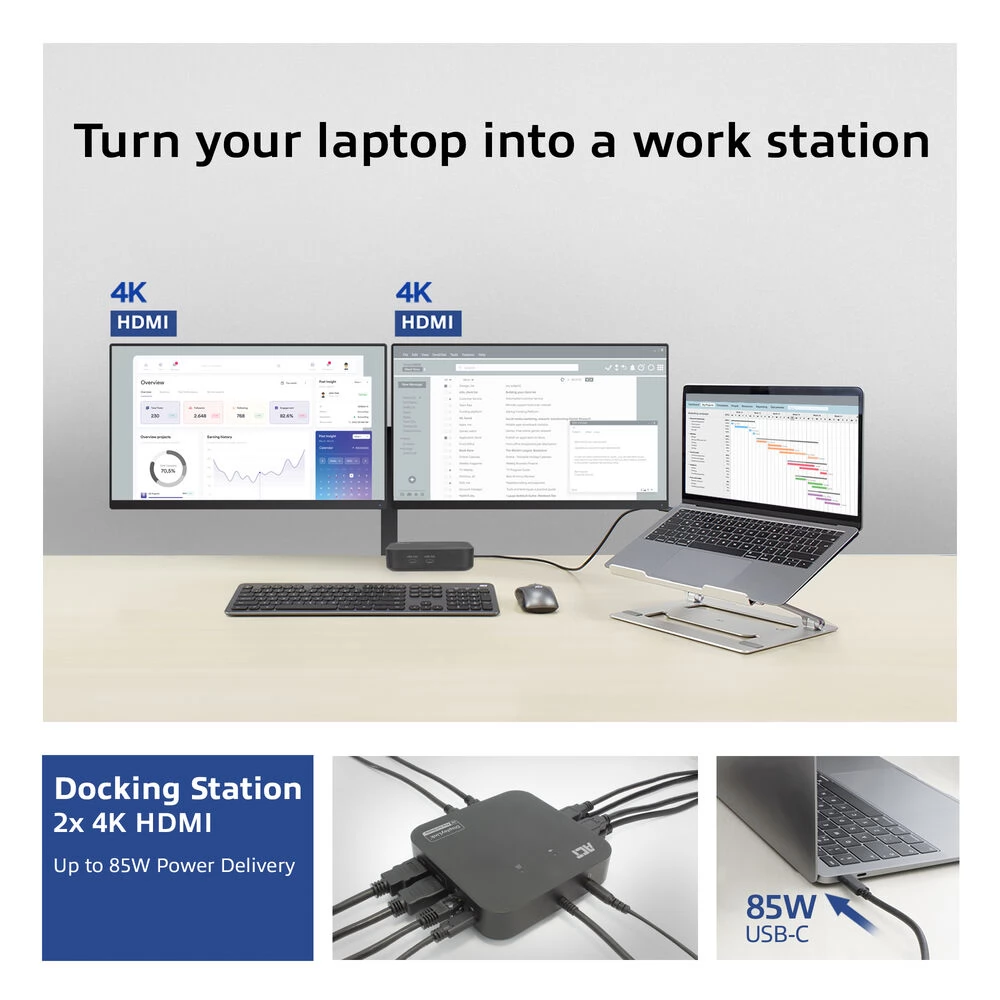
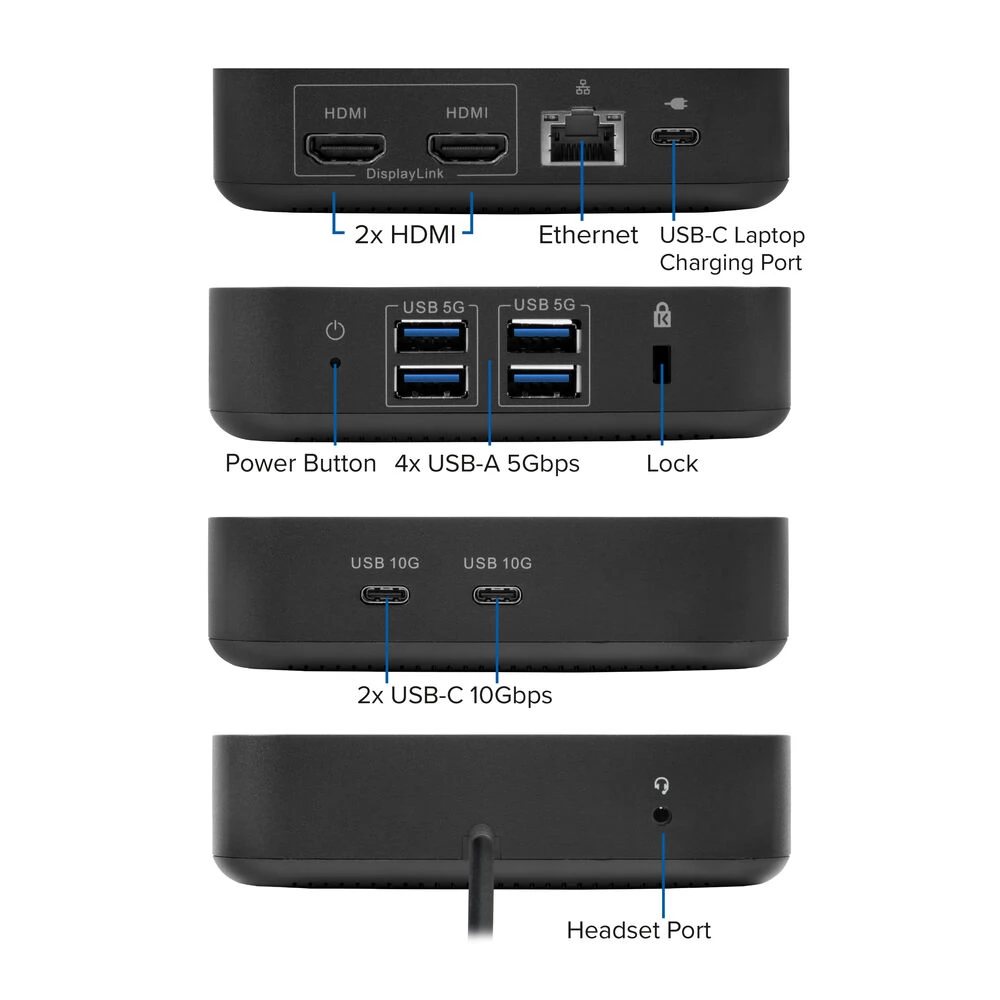
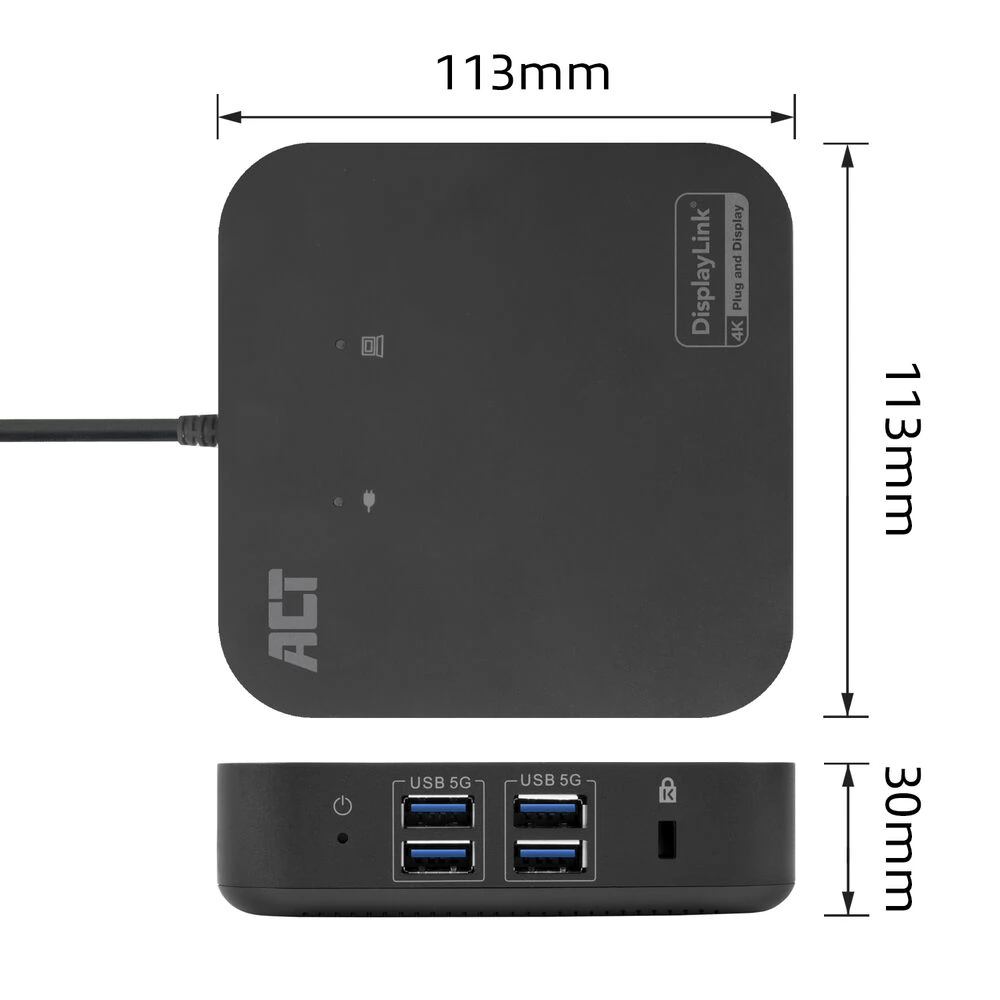
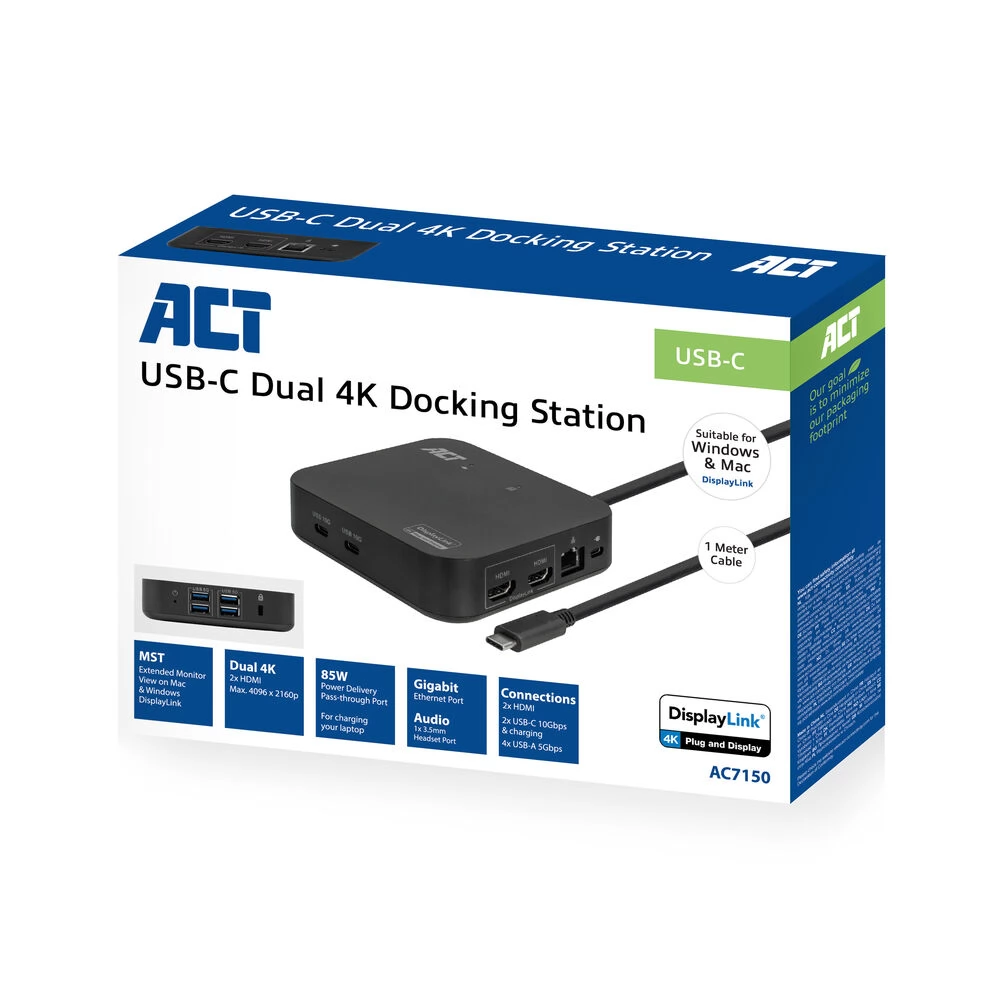
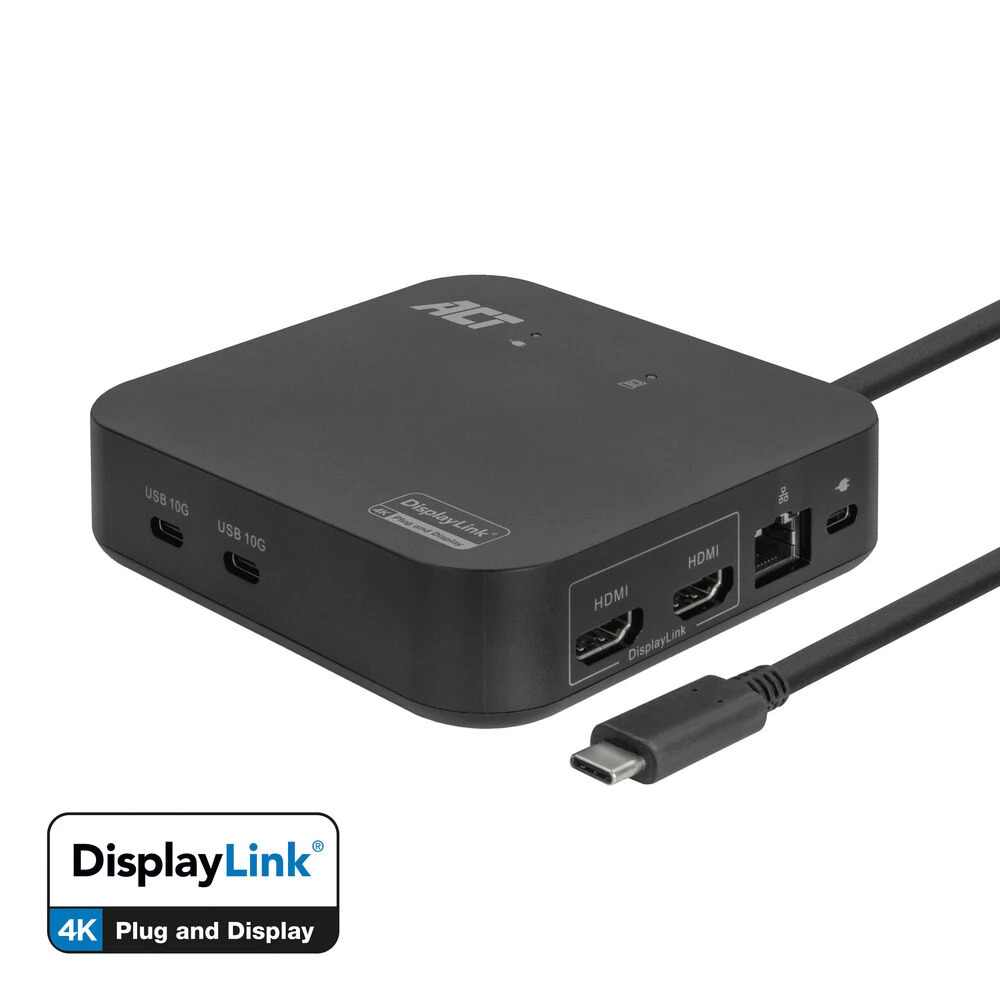
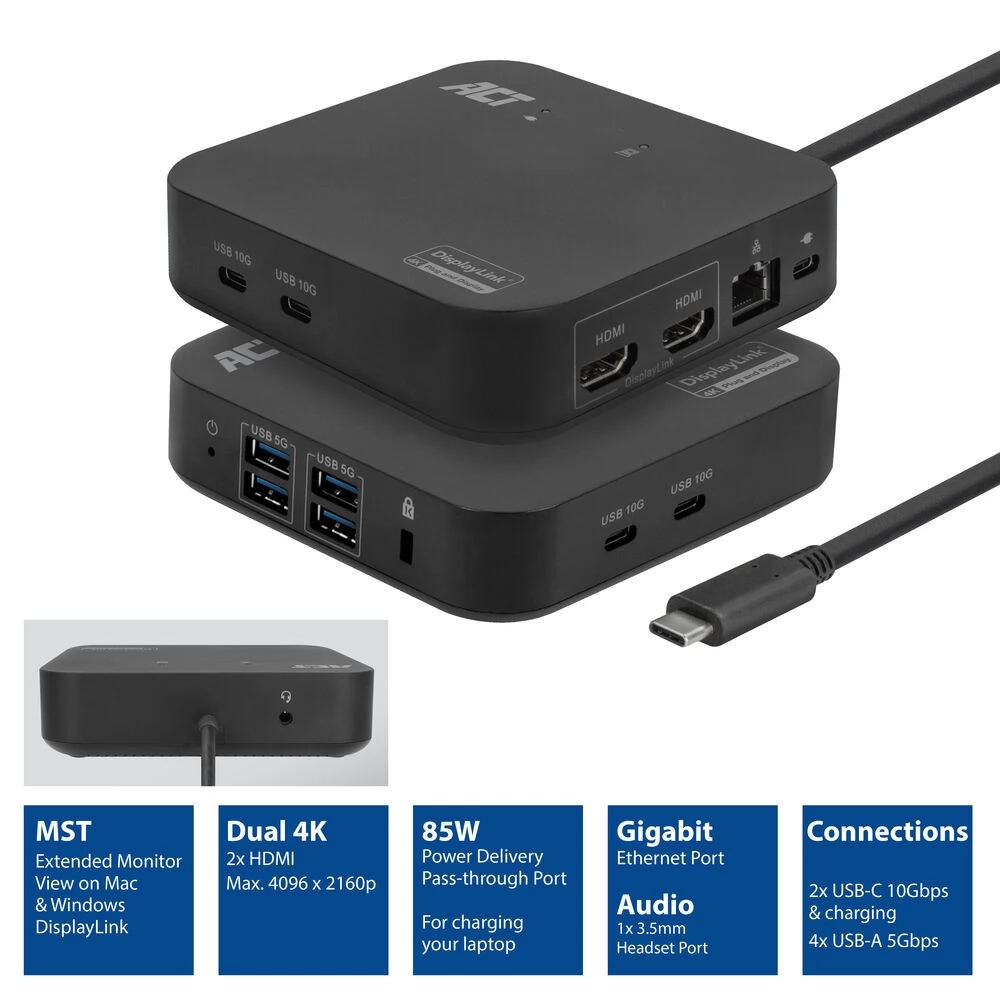
The AC7150 USB-C docking station turns your Windows laptop or MacBook into a full workstation by connecting a single USB-C cable. Thanks to the built-in DisplayLink® technology, you can connect up to two additional 4K displays, so an expanded monitor view is available on both Windows and Apple computers. The docking station has a Gigabit LAN port, 2 USB-C ports, 4 USB-A ports, a headset port and a security socket. The AC7150 receives power from USB via the connected USB-C cable. Connect your laptop's USB-C charger to the Power Delivery pass-through port to charge your laptop. The ACT USB-C 4K docking station has met all the requirements of the DisplayLink Certified Logo program. The AC7150 is a compact docking station for work and travel with a fixed 1 meter USB-C cable. Two additional 4K displays and the laptop screen expand the workspace to a total of three displays.
Turn your Windows laptop or MacBook into a full workstation with a single USB-C cable
This docking station offers a complete package to turn your laptop into a full workstation by connecting a single USB-C cable. The HDMI ports can be used to connect up to two 4K monitors (max. 4096x2160p @ 60Hz resolution). The docking station is equipped with a Gigabit LAN network port, a headphone port and a security socket. The AC7150 adds 6 more USB ports to the laptop: two USB-C ports (10 Gbps) and four USB-A ports (5 Gbps).
DisplayLink® technology: extended monitor view for MacOS and Windows computers
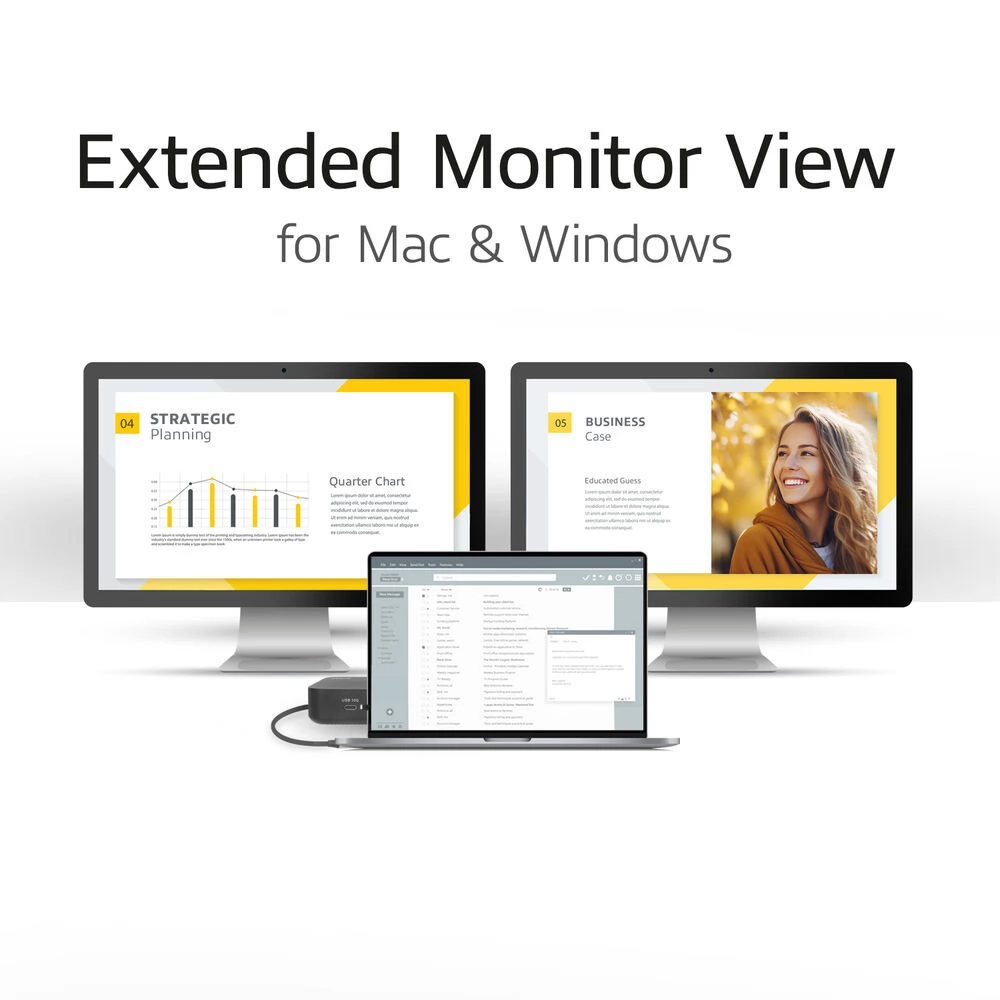
The AC7150 docking station features DisplayLink® technology. The desktop of the device can be expanded to two additional screens. This provides a total of three monitor views (1x laptop, 2x monitors). This technology works with any Windows or MacOS computer that supports USB-C.
DisplayLink® technology offers a stable docking station solution for expanding your laptop using a dedicated chipset.
Charge your laptop with max. 85 W power from the docking station
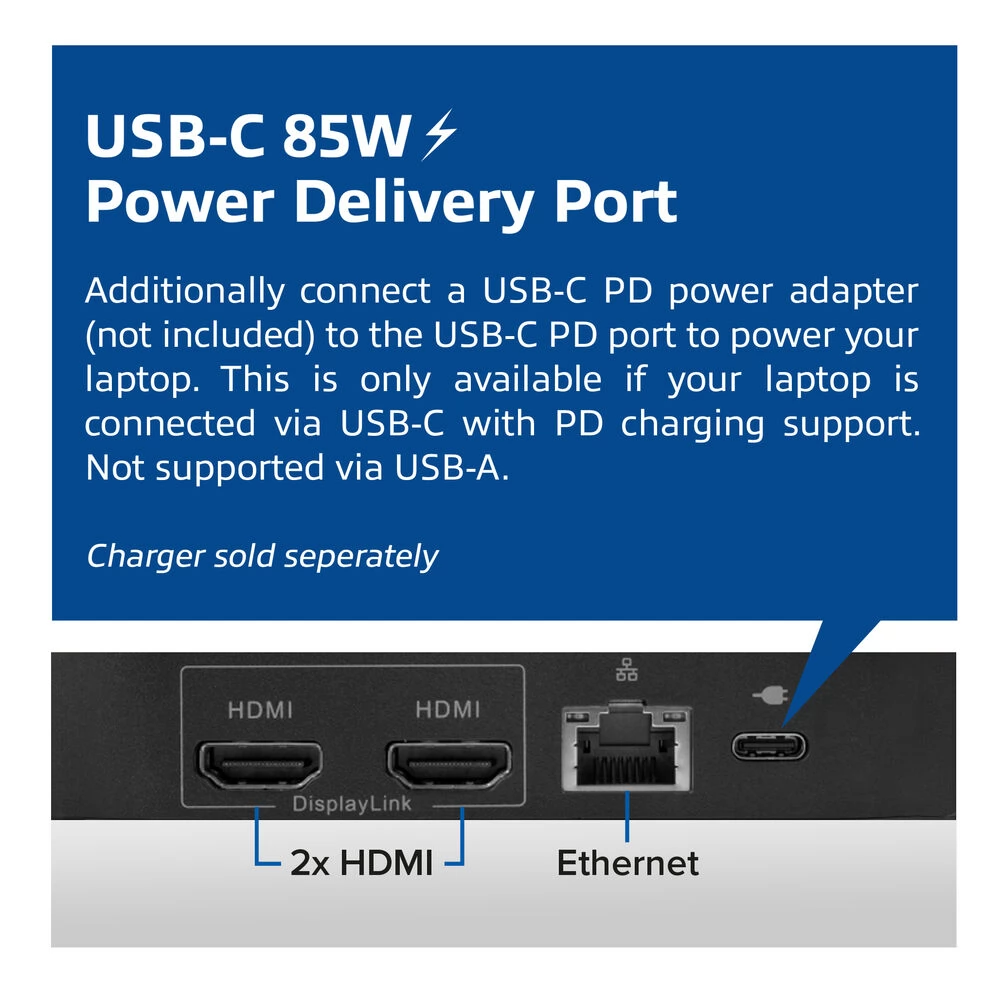
The dock has a Power Delivery pass-through port that supports max. 85W. Connect your laptop's USB-C charger to the dock's PD pass-through port and your laptop will charge through the docking station. Please note that the power adapter is not included and is only required if you charge your laptop via the USB-C port.
If it is connected to a USB-A port instead of a USB-C port
The AC7150 can also be used with USB-A laptops using the supplied USB-C-USB-A adapter. You can still expand the displays and use most of the other features. If you connect the docking station to older laptops via the USB-A port, drivers may need to be installed.
Please note that if you use the docking station with USB-A laptops, the Power Delivery passthrough function is disabled. In this case, the laptop needs an additional power supply.
Do you work in several places or travel for work?
The AC7150 is ideal for working in multiple locations. Its compact size and out-of-the-box monitor compatibility make it easy to connect displays and wired LAN.
More features
The USB-C ports are both USB 3.2 Gen2 data ports with a maximum transfer rate of 10 Gbps. The USB-A ports are all USB 3.2 Gen1 data ports with a maximum transfer rate of 5 Gbps. Connect USB peripherals such as keyboard, mouse and external memory such as SSD.
Also, connect headphones to the dedicated 3.5mm audio port. The AC7150 can also be used with USB-A laptops using the supplied USB-A to USB-C adapter.
User scenarios
Avoid cable clutter and cable connection problems. For many users, it is not easy to connect all the cables properly. And why should it?
With the AC7150 docking station, you can create an organized desk and work environment where you can get to work immediately with a single cable connection. Either at the office or at home. You can connect multiple monitors, keyboards and mice. The AC7150 can be mounted behind the display using the VESA mounting bracket. The VESA mount can be purchased separately (AC7151).
Flexible workspaces are becoming more and more common in offices these days. With a universal docking station, you can work comfortably at different desks. Just plug in a cable and you're good to go.
Using a docking station such as the AC7150 that uses DisplayLink technology solves compatibility issues with DP alt mode MST docking stations. The independent drivers used by DisplayLink technologies ensure a stable connection regardless of the laptops and monitors used.
- Expand the workspace of your Windows or MacOS computer with two 4K screens or one 5K screen with DisplayLink technology
- The docking station works with USB power, supplied with a 1-meter USB-C cable
- 85 W Power Delivery Pass-through
PRICE NOTIFICATION
NOTEBOOK SEARCH

OPINIONS
0.0
